Sideleaf
Sideleaf keeps quick reference notes at the edge of your Mac’s screen. Hover to preview a note, click to edit it in a floating window, and tuck it away when you’re done. Notes stay encrypted locally and work offline.
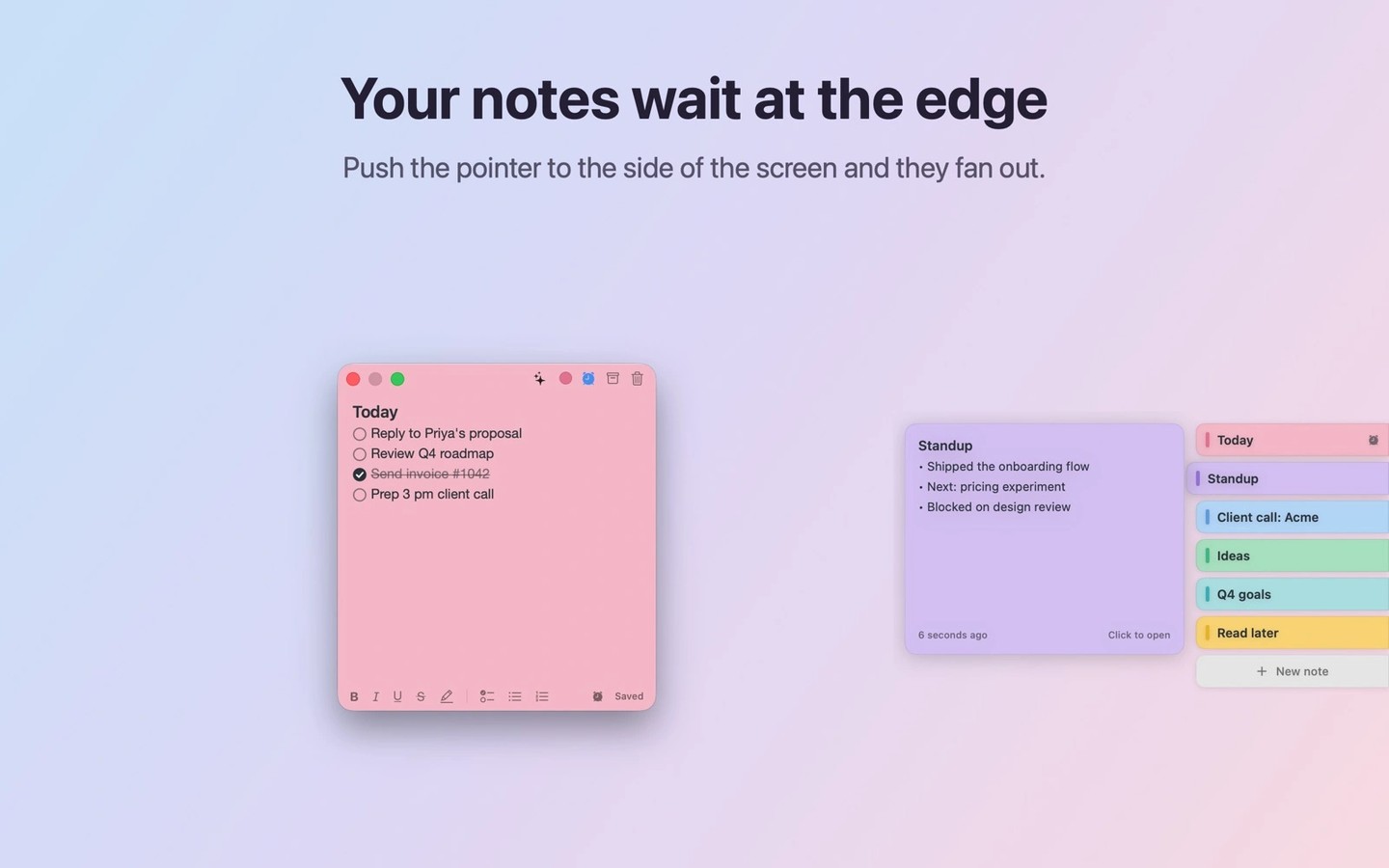
Sideleaf keeps sticky notes at the edge of your screen for quick reference while working in other apps. Hover over a tab to preview a note, then click to open it in its own floating window. You can choose the left or right edge and which display to use. The notes remain accessible over full-screen apps and across Spaces.
Notes support formatting, checklists, nested lists and pasted or dropped pictures. You can rearrange checklist items along with their sub-items. Set a reminder to receive a notification and make the note’s tab slide out from the edge until you open it.
The All Notes window puts search and editing side by side, including archived notes. Global keyboard shortcuts let you create or reopen notes without switching apps. Sideleaf also supports creating notes through Siri and Shortcuts, finding them in Spotlight, and sending selected text from other apps through the Services menu. Apple Intelligence actions can tidy text, fix spelling or make a checklist, but appear only on Macs that support Apple Intelligence.
Notes stay on the Mac where you write them, with no sync servers or account required. Changes are encrypted with AES-256 before saving, and the key stays in your keychain. The app works offline, and notes can be exported as Markdown, plain text or rich text that preserves pictures and formatting.
Tags
More in Productivity

HazeOver
Productivity
CopyLess
Productivity