
Diskfern
Diskfern maps disk usage to help you find large files, caches, and storage used by developer tools. Treemap, sunburst, and list views let you explore folders, inspect files, and collect items for review before moving them to Trash.
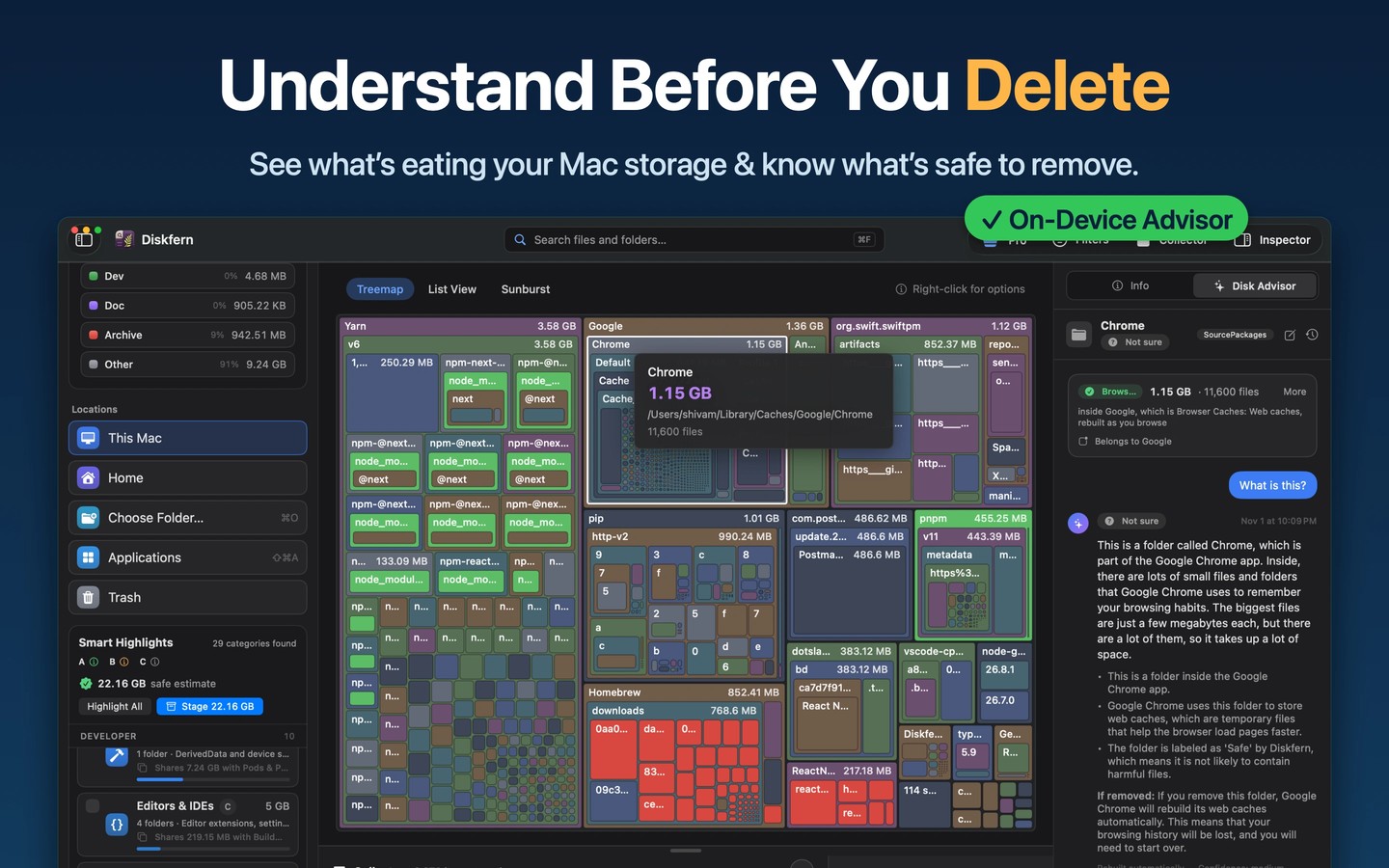
Diskfern analyzes storage on your Mac and helps you decide what to keep or remove. Scan the whole Mac or a selected folder, then explore the results in treemap, sunburst, or list views. You can browse while a scan runs and reopen the saved scan later.
Smart Highlights group cleanup candidates such as caches, Xcode build data, Docker storage, local AI models, downloads, and large media files. Labels distinguish rebuildable items from files that need review. Search supports file names and plain-English queries such as “videos from last week,” while filters narrow results by size, age, and cleanup category.
Quick Look and an inspector show details such as paths, sizes, dates, and permissions. The Collector gathers items from multiple folders so you can review them together before moving approved files to Trash. An applications view shows installed apps by their on-disk size and lets you move unwanted apps to Trash. A separate Trash manager can restore or permanently delete items already there.
Scanning only reads your disk, and system-protected items are never offered for removal. Full Disk Access allows more folders to be read, but permissions and filesystem accounting can still limit results. Scan totals can differ from Apple’s storage categories.
File and storage analysis stays on your Mac. Disk Advisor uses Apple’s on-device model to explain selected items and suggest cleanup candidates, with removal still requiring confirmation. Its answers require macOS 26 with Apple Intelligence.
Tags
More in Utilities

Permute
Utilities
QuickShot
Utilities