
Peki
Peki puts customizable AI agents in your menu bar to work with notes, run scheduled jobs and use selected Mac apps with permission. It uses Apple’s on-device model by default, with optional local models and cloud services.
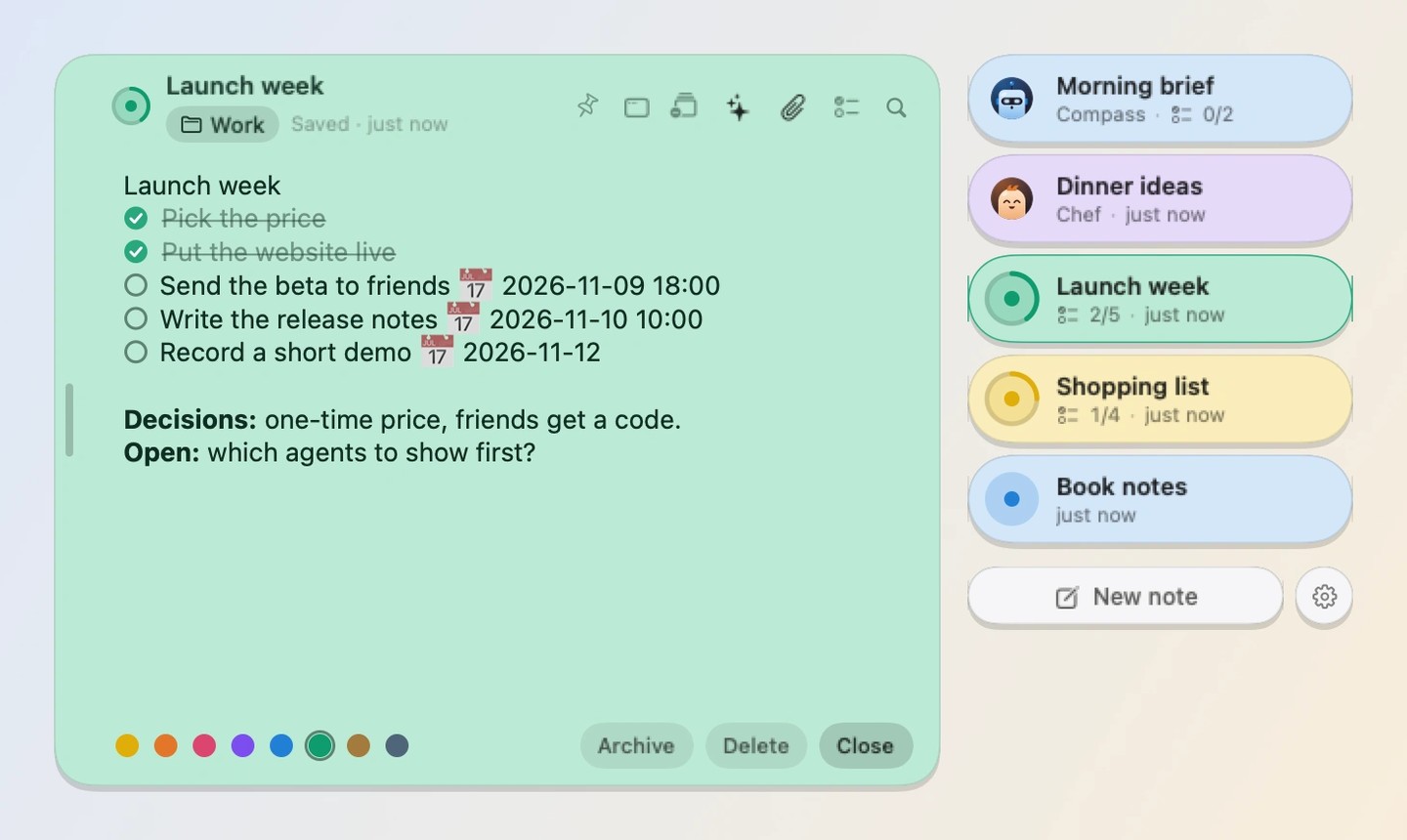
Peki puts personal AI agents in your Mac’s menu bar. Give each agent a name, appearance and role, then chat with it, assign a note or schedule recurring work. Results can appear in chat, in your notes or as sticky notes on the Shelf at the edge of the screen.
Each agent has its own permissions for notes, connections and tools. Note access can be disabled, read-only or read-and-change, and changes appear in chat with an Undo option. Agents can create documents, spreadsheets and presentations, process PDFs, and turn meeting recordings into decisions and action items. Scheduled jobs run only while Peki is running; missed jobs run once when you reopen it within 24 hours.
Optional computer control lets an agent open apps, click, type and use menus. It is off by default, requires Accessibility permission and can be limited to selected apps. Deleting, sending or buying requires approval. Password fields, password managers, System Settings and terminals are off-limits.
The default Apple on-device model works offline and requires Apple Intelligence to be enabled. Peki requires an Apple silicon Mac. Each agent can instead use a local model through Ollama or LM Studio, a cloud API, or integrations such as Claude Code and Codex. Internet access, connections and cloud models are enabled separately for each agent.
The Shelf provides quick access to notes without switching apps, and individual notes can stay open on screen. A separate notes window offers folders, tags and search. Notes can include tasks, dated reminders, files and audio recordings, with transcription performed on the Mac.
Tags
More in Productivity

Theine
Productivity
Mail Archiver X
Productivity