
Didon
Didon analyzes periodic screenshots on your Mac to track time and create a work journal automatically. It matches visible activity to your project names and categories, with reports showing how your time is spent.
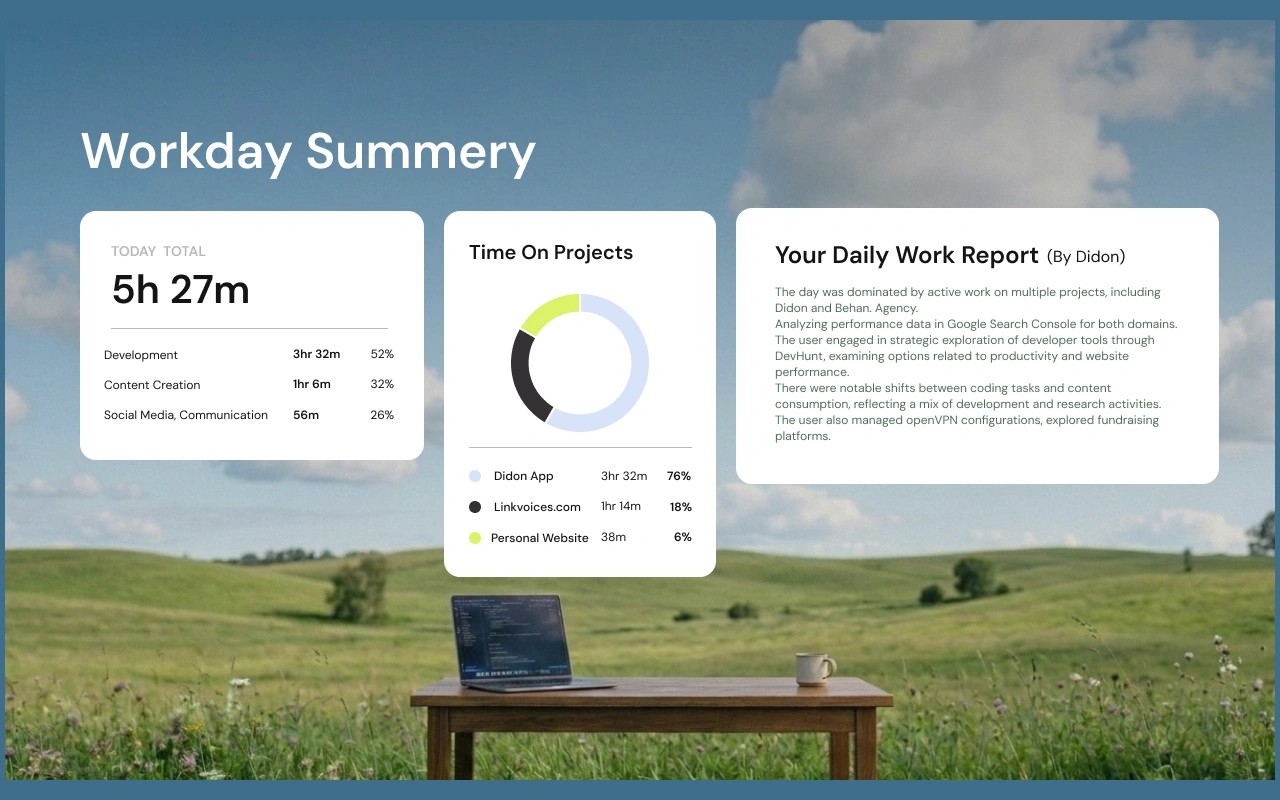
Didon automatically tracks time and creates a journal of your work by analyzing screenshots every 30 seconds while monitoring is active. A local AI model reads visible text, window titles, and other on-screen context to identify tasks rather than simply recording which app is open.
You configure project names and activity categories to guide the analysis. Didon matches visible file names, project names, and browser tab titles against your project list, labeling unmatched work as “Other.” Descriptive file and project names help it categorize activity more accurately.
Daily work logs and reports help you review time spent on projects and activities. The Report tab shows category breakdowns and trends, and you can ask natural-language questions about your work journal. Tracking can start with your Mac and pauses automatically when the Mac sleeps.
Screenshot analysis runs locally on your Mac. The AI model uses around 2 GB of RAM during each analysis cycle and unloads afterward. Didon requires an Apple silicon Mac with an M1 chip or later.
Tags
More in Productivity

Chitroll
Productivity
LaunchBar
Productivity