CleanShot X
CleanShot X captures screenshots, scrolling content, and screen recordings, with tools to annotate images and edit videos. A quick-access pop-up lets you save, copy, or drag captures into other apps.
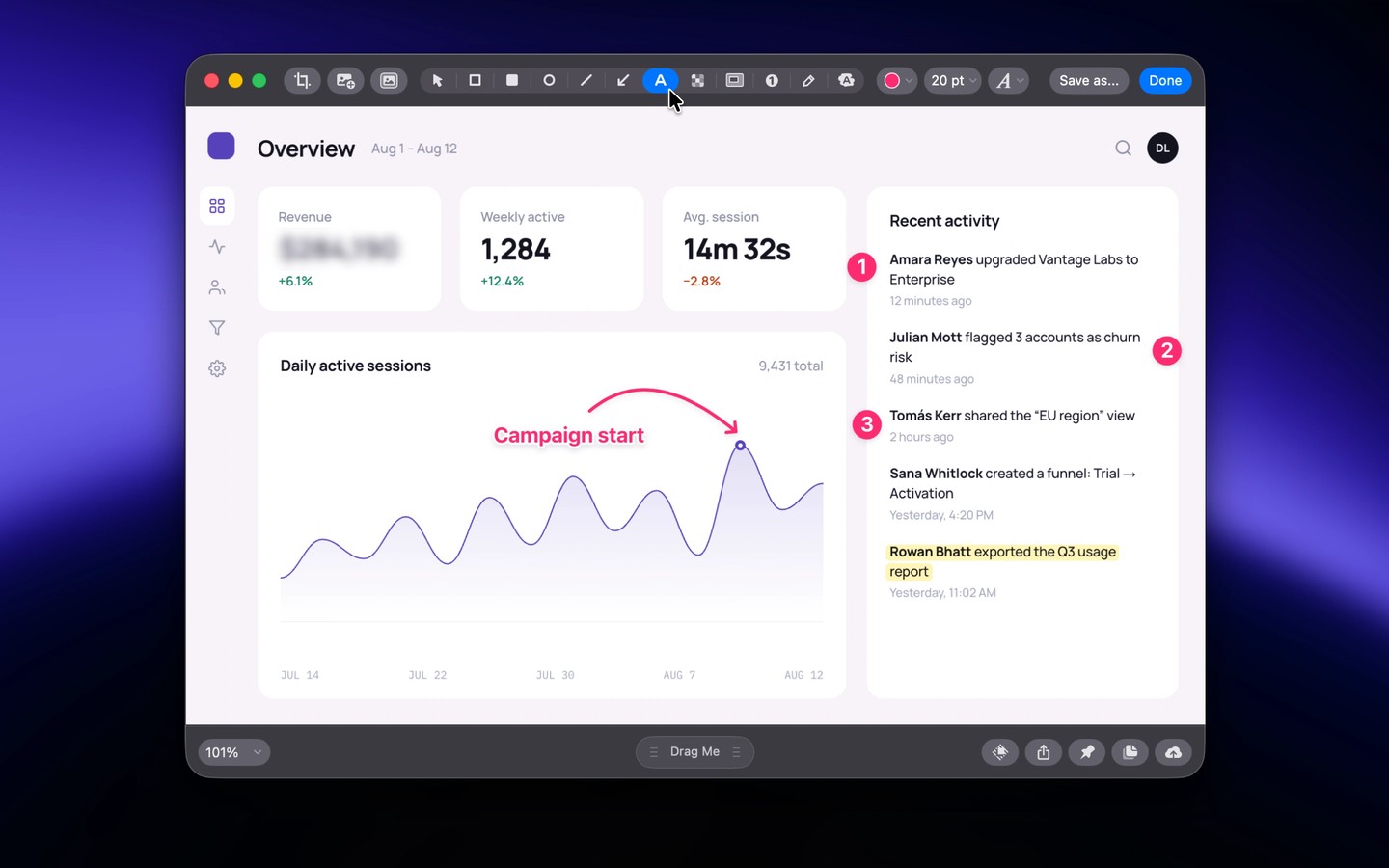
CleanShot X captures screen areas, windows, full screens, and scrolling content for visual explanations, tutorials, and feedback. After each capture, a small pop-up lets you preview, annotate, save, copy, or drag the file into another app.
The screenshot editor includes arrows, text, highlights, numbered steps, and tools to hide sensitive details. You can combine screenshots, crop and resize images, and add backgrounds with reusable styles. Annotated screenshots can be saved as editable CleanShot project files.
Screen recordings can include microphone and system audio, a webcam view, click highlights, and visible keystrokes. The built-in video editor lets you trim recordings, add zooms, smooth cursor movement, and adjust backgrounds before exporting as MP4 or GIF.
Text recognition copies otherwise non-selectable text from images, videos, and scanned documents to the clipboard. Recognition runs entirely on your Mac, and QR code reading is also supported. You can pin screenshots above other windows for reference and restore recent captures from a history that stores up to one month.
CleanShot Cloud provides integrated uploads and shareable links for screenshots and recordings. It also supports comments, video transcripts, and link controls such as passwords and expiration dates.
Tags
More in Productivity

Taim
Productivity
Mail Archiver X
Productivity