
Perch
Perch monitors Claude Code, Codex, OpenCode and pi sessions from your Mac’s notch. See what happened while you were away, answer requests, reply, or return to the exact session using keyboard shortcuts.
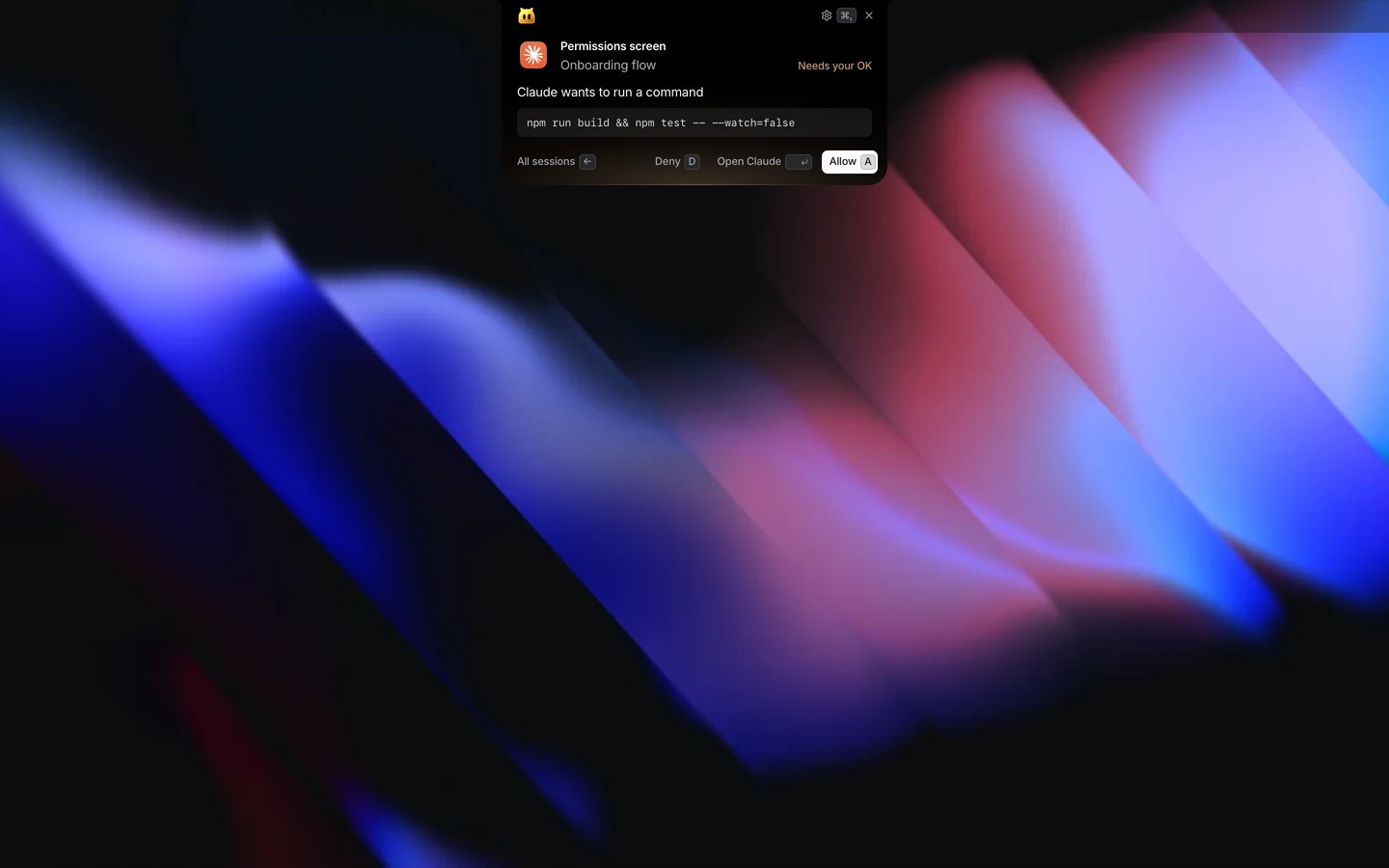
Perch helps you keep track of coding agents while you work elsewhere. It monitors Claude Code, Codex, OpenCode and pi, showing cards from the notch when a session finishes or needs attention. A catch-up card shows what the agent did and the next step, if the agent named one.
You can allow or deny commands, answer questions, and read and reply to the agent’s last message without switching apps. Keyboard shortcuts take you back to the relevant session. Perch can select the exact tab in Terminal, iTerm2, Ghostty and Warp, a pane in cmux or herdr, or a Conductor workspace. Dragging a file from Finder onto a reply inserts its path.
Perch suppresses pop-ups during calls and presentations and for the session you are already using. You can also snooze notifications. Optional live status uses hooks for Claude Code and Codex and plugins for OpenCode and pi to detect when sessions finish or need approval. Configuration files are backed up before these additions, and disabling live status removes them.
Perch reads session files stored on your Mac and does not send your sessions, prompts or code elsewhere. It connects online only to check for updates and to send feedback when you choose to do so. It is open source and requires no account.
Perch requires an Apple silicon Mac running macOS 15 or later and a supported coding agent; a physical notch is optional. Accessibility permission enables shortcuts and typing replies into the Claude or Codex app, Automation enables switching to exact terminal tabs, and file access lets Perch read project folders. It can still work if you skip a permission; without Accessibility, replies are copied for you to paste.
Similar Apps

Proxyman
Developer Tools
Hex Fiend
Developer Tools