
Smultron
Smultron is a text editor for writing, coding, and editing structured text. It combines syntax coloring, reusable snippets, and regular-expression search with tools for comparing documents and editing tabular data.
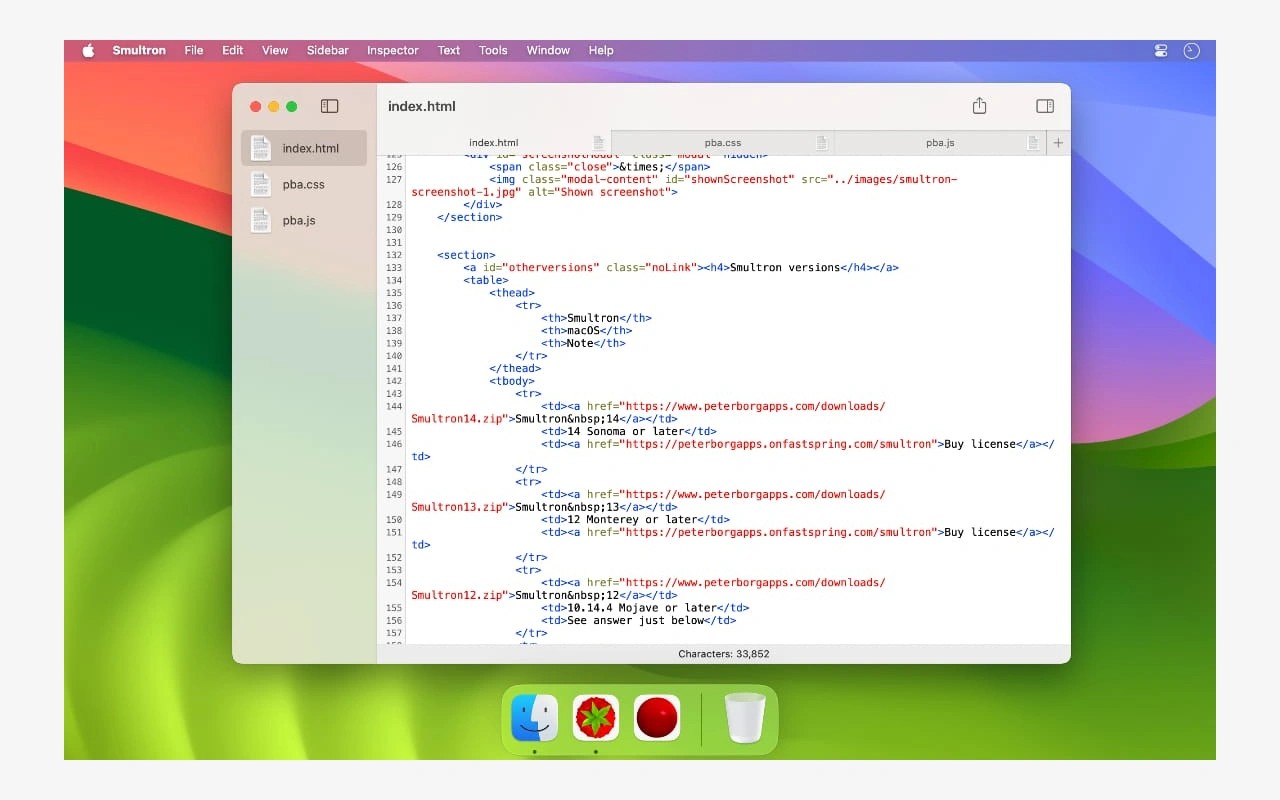
Smultron is a text editor for everyday writing and code. It supports syntax coloring for many programming and markup languages, including Swift, Python, HTML, and Markdown. You can browse folders and subfolders, filter their contents, and open files directly in the editor.
For longer documents, you can split the window to view two parts of the same file, jump to functions, and bookmark individual lines. Focus mode shows a smaller portion of the text. Reusable snippets can incorporate the current selection and set the cursor position after insertion, while Advanced Find supports regular-expression search and replacement.
Tools for structured text include an editor for XML and binary property lists and a columns view for separated data. The columns view lets you sort rows, rearrange columns, edit values, and change the separator before reinserting the data. You can also compare two open documents that have each been saved at least once, with added, removed, and changed lines marked by colors and symbols.
Commands can run within the editor to perform tasks such as compiling code or validating HTML, with results displayed separately or inserted into the text. In the Mac App Store edition, file-access restrictions can affect commands and document previews. Opening the required files or their enclosing folder in Smultron can grant access.
Tags
More in Developer Tools

AUTOMATER.ai
Developer Tools
Hopper
Developer Tools