
Menuwhere
Menuwhere displays app menus at the mouse pointer, triggered by a modifier-key right-click or a keyboard shortcut. You can navigate with the mouse or keyboard, hide inactive items, and adjust menu text size.
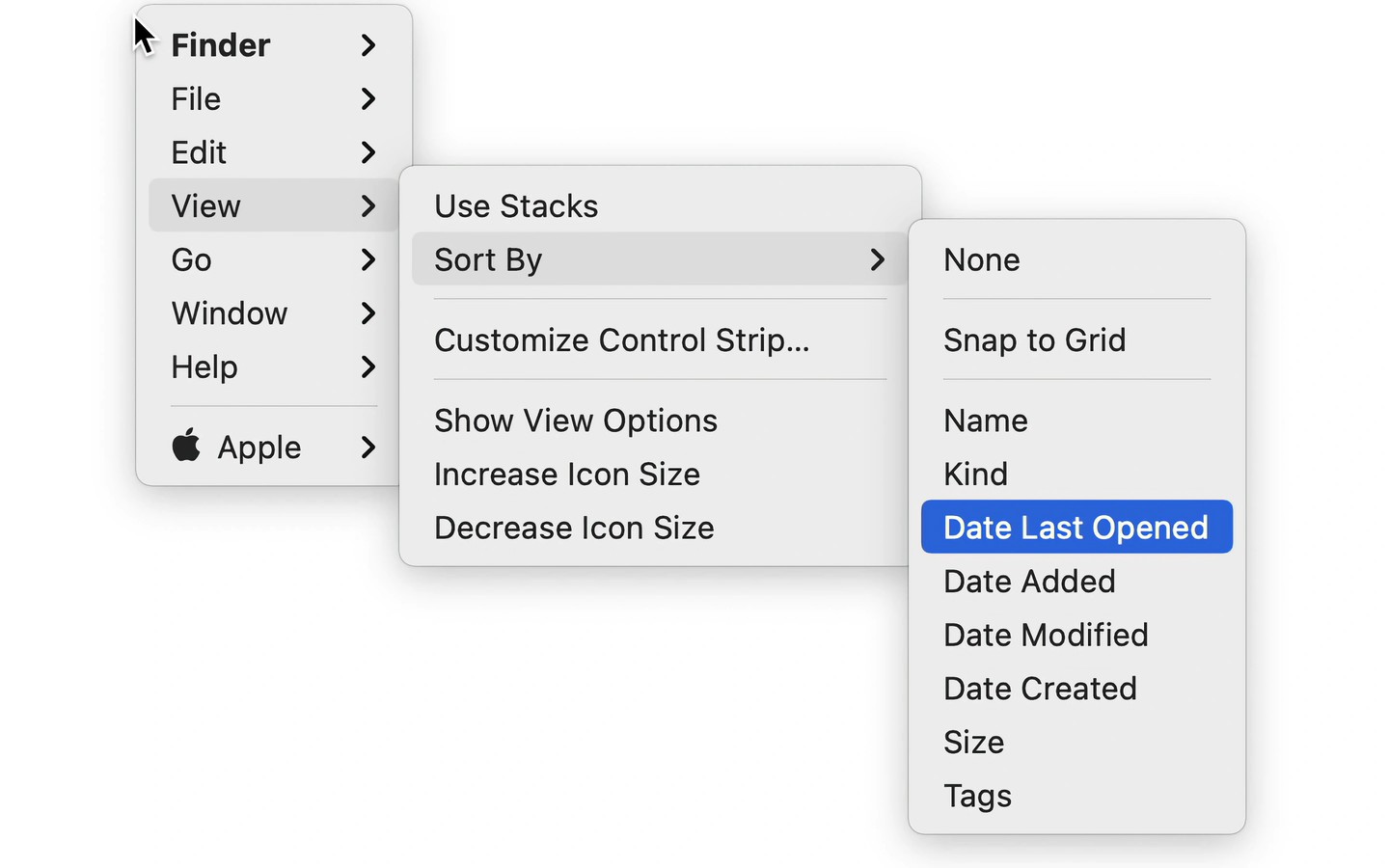
Menuwhere brings the frontmost app’s menus to the current mouse location. By default, you open them by holding Command and right-clicking, or you can set a keyboard shortcut. Navigate through submenus with the mouse, arrow keys, or first-letter typing.
You can hide menus you do not need, remove inactive items, and choose whether keyboard shortcuts appear beside commands. Menuwhere can also keep alternate menu items visible without holding their usual modifier keys. Menu text size is adjustable from 10 to 30.
A second keyboard shortcut can show menus from all open apps. Choosing a command from a background app runs it in that app, which then comes to the foreground unless the command quits or hides it. Selecting an app’s name instead brings that app forward.
Some menu items may be missing or disabled even when they should be available. The app’s built-in Help includes an Advanced section for addressing these cases.
Tags
More in Utilities

Auto Ducking
Utilities
Keka
Utilities