
MacOSCleaner
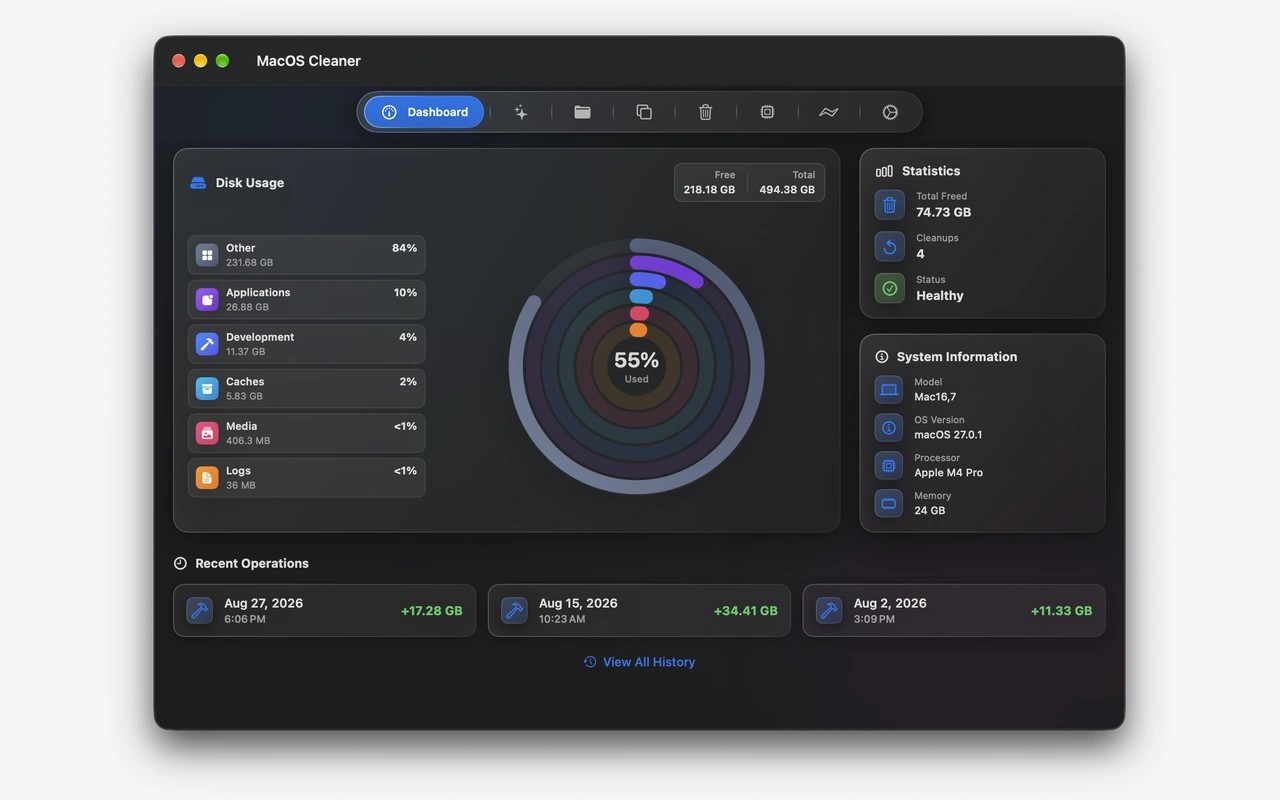
MacOSCleaner helps reclaim disk space by finding caches, app leftovers, duplicate files, and other cleanup candidates. It scans system and browser data as well as developer tools such as Xcode, Docker, package managers, and local AI model caches. Results include risk labels so you can review and choose what to remove before confirming cleanup.
To uninstall an app, drag its app bundle into MacOSCleaner. It searches for related files and groups candidates by confidence, with a further review of leftovers after uninstallation. The uninstaller and disk analyzer move items to Trash, while Smart Cleanup removes selected items after confirmation. Critical system and credential paths are blocked from cleanup.
The duplicate finder compares file sizes and hashes to identify exact duplicates. A separate storage analyzer lets you explore nested folders, filter by file type, preview files with Quick Look, and reveal items in Finder. It measures allocated disk space and skips iCloud files that are not stored locally.
Additional tools let you inspect running processes and manage startup agents and services, with administrator approval when needed. Siri and Shortcuts can trigger cleanup, storage scans, and app uninstallation. Optional on-device AI explanations help explain files, caches, processes, and startup agents.
MacOSCleaner requires macOS 26.0 or later and an Apple Silicon Mac with an M1 chip or newer. Scanning runs locally, with no telemetry; an optional launch-time update check connects to GitHub Releases. The interface supports 14 languages.
Similar Apps

Proton VPN
Utilities
Simple Mouse Locator
Utilities