
Menu Bar Calendar
Menu Bar Calendar provides a monthly calendar in your Mac’s menu bar, with shortcuts to open dates in Apple Calendar or Google Calendar. It is for checking dates rather than viewing your events.
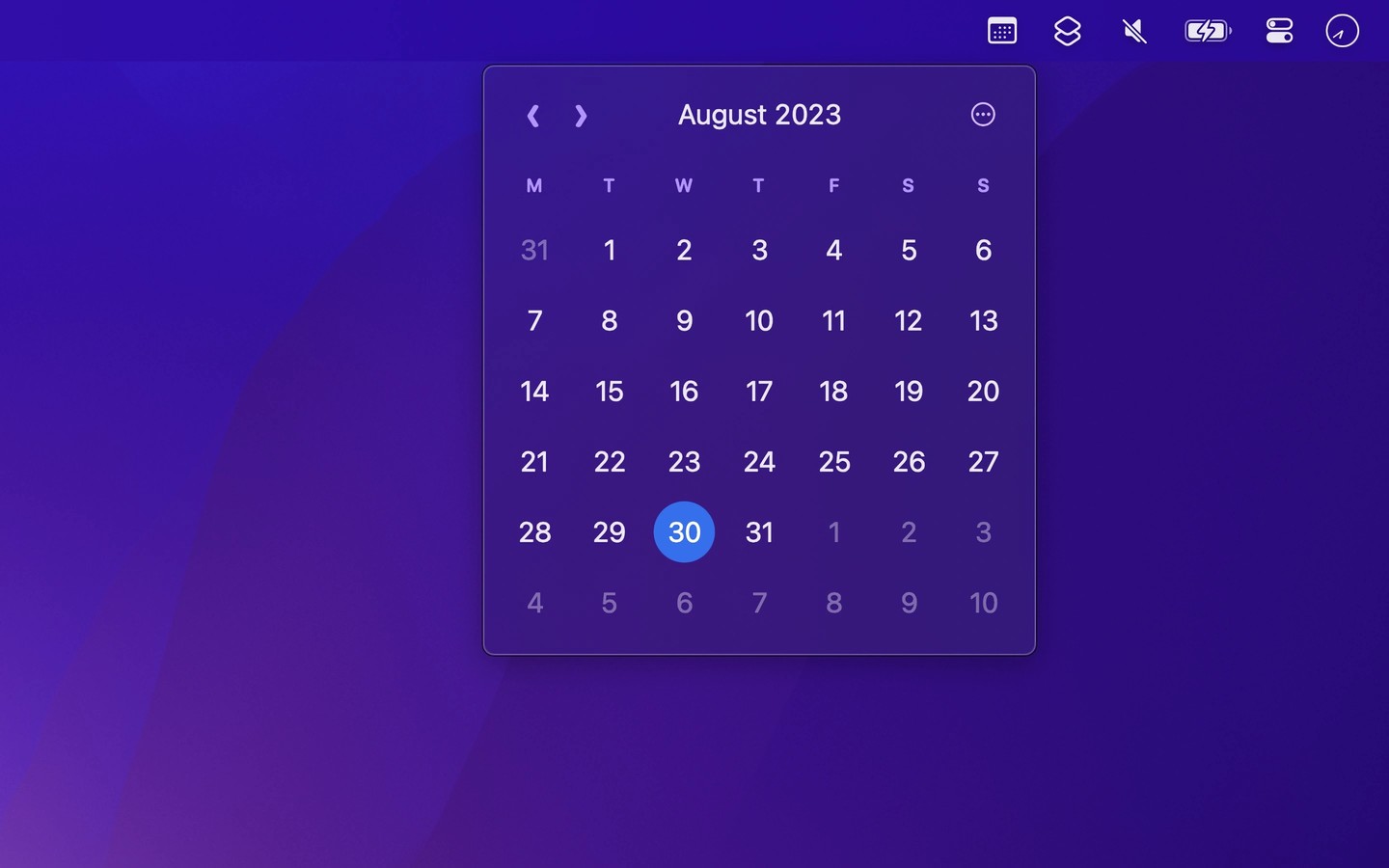
Menu Bar Calendar opens a monthly calendar when you click its menu bar icon. You can browse any month or year, jump to a specific date, and return to the current month by clicking the month name or pressing Space. The calendar remembers the month you last viewed.
Clicking a date opens it in Apple Calendar or Google Calendar. Right-clicking a day lets you create an event or copy the date, and you can change the click action to create a new event instead. Optional week numbers also let you open a whole week in your chosen calendar.
You can navigate with arrow keys or horizontal swipes and assign a keyboard shortcut to open or close the calendar from any app. Settings include showing the date in the menu bar and dimming weekends.
The app does not display or read your calendar events, so it does not need calendar access. It has no network access. Dates and days appear in your language, while the rest of the interface is in English.
Tags
More in Utilities

FingerBridge
Utilities
Chorus
Utilities