
HazeOver
HazeOver dims background windows to make the active window stand out. You can adjust the shading and choose how it behaves across multiple monitors.
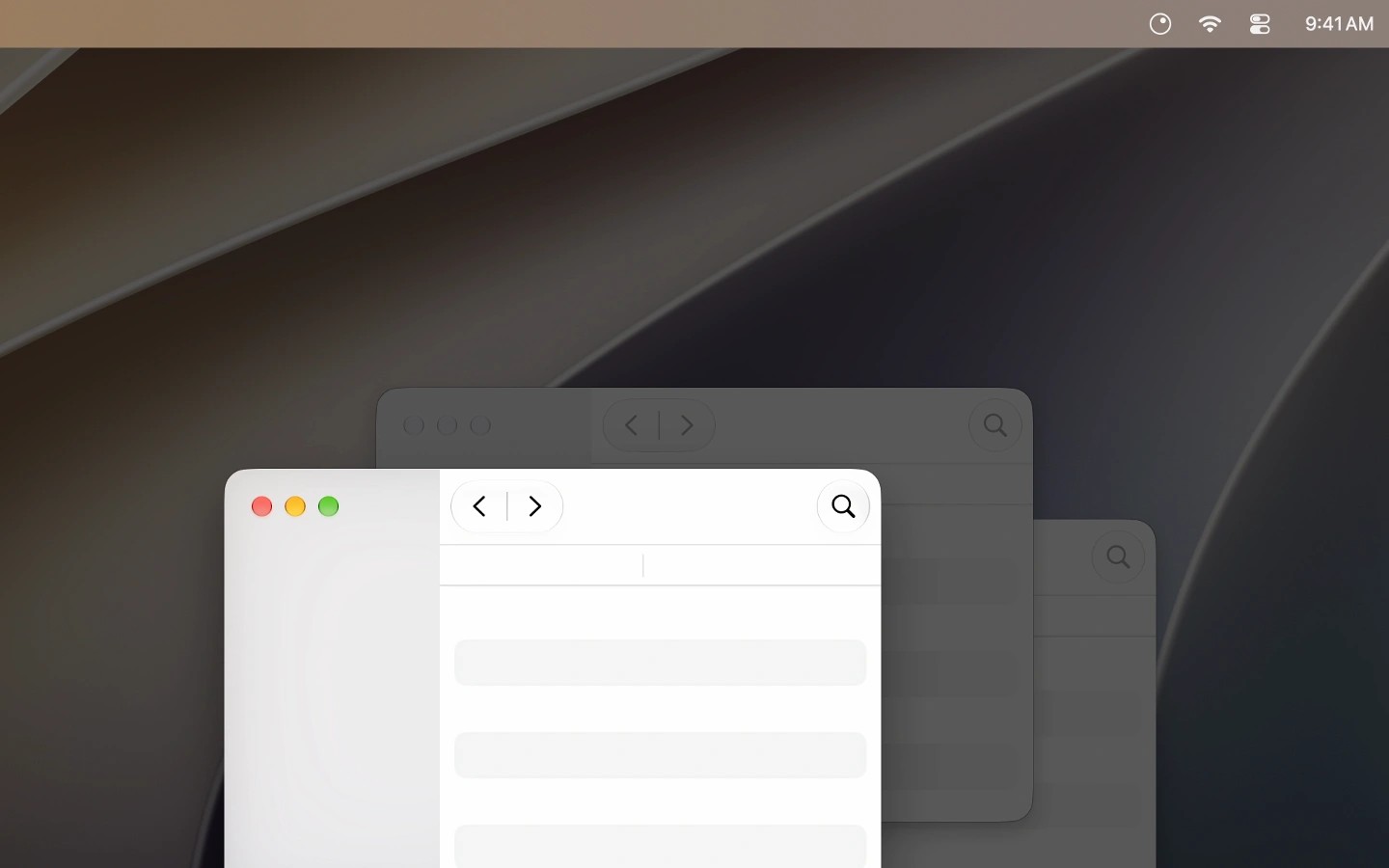
HazeOver automatically dims background windows as you switch between windows or apps, making your current task easier to distinguish without minimizing or hiding other windows. It can also highlight windows on each monitor or help identify the active screen in a multi-monitor setup.
You can customize the dimming intensity and animation speed, with separate settings for Light and Dark appearance. The desktop is automatically revealed when you use it. A keyboard shortcut toggles shading, and pressing Fn quickly turns off dimming while dragging between apps.
HazeOver supports automation through Shortcuts, Focus filters, and AppleScript. Focus filters can change the dimming state, intensity, and color according to the Focus mode you enable.
HazeOver requires macOS Ventura 13 or later.
Tags
More in Productivity

Badgeify
Productivity
QuickGPT
Productivity