
ForkLift
ForkLift is a dual-pane file manager and file transfer client for Mac. It brings local folders, remote servers, and cloud storage into one interface, with folder synchronization and remote file editing.
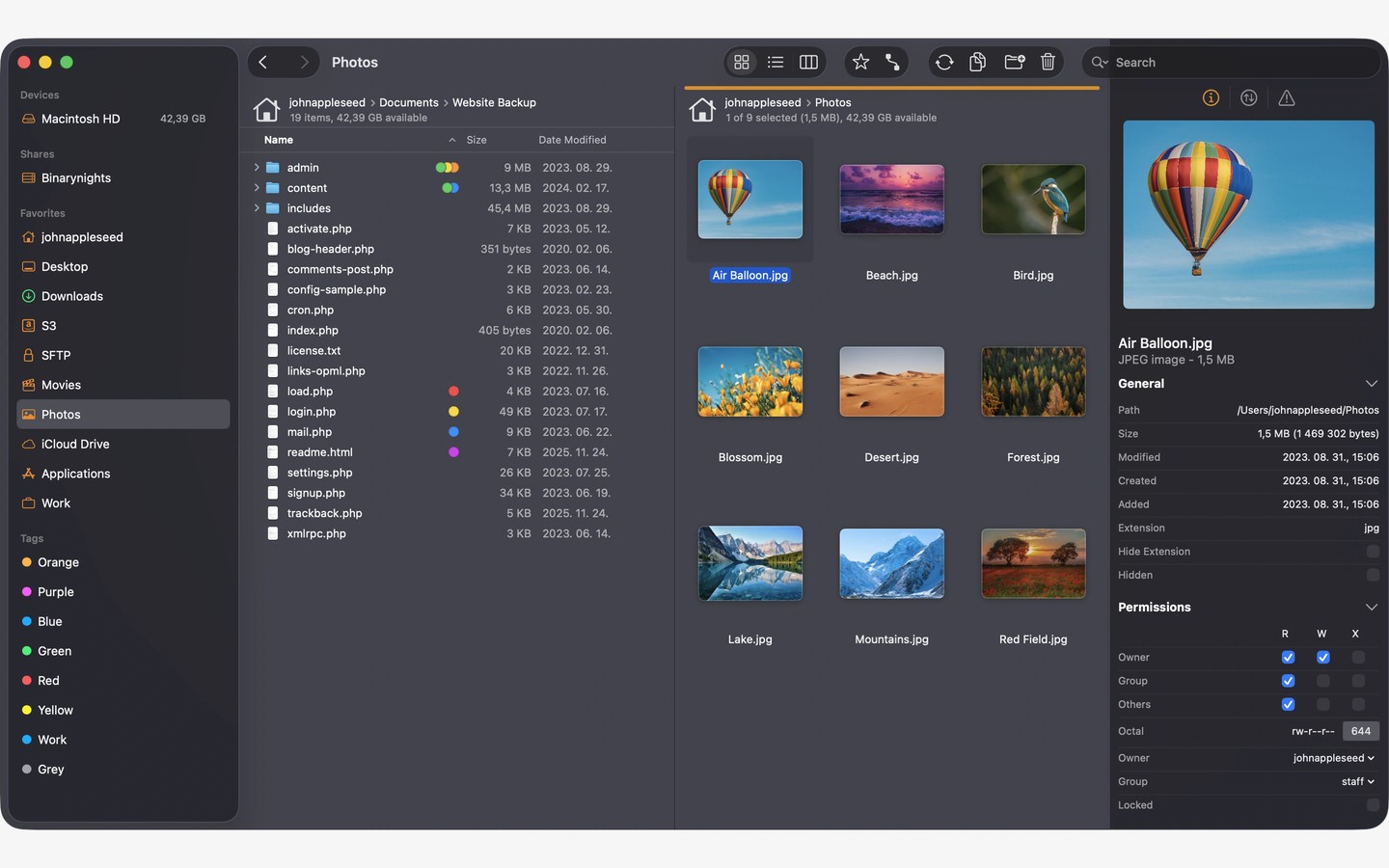
ForkLift is a dual-pane file manager for organizing local files and transferring files between remote locations. You can connect to multiple servers at once and copy files between them with drag and drop. Supported connections include SFTP, FTP, WebDAV, SMB, and cloud services such as Amazon S3, Backblaze B2, Google Drive, OneDrive, and Dropbox.
Tabs let you keep several folders open in each pane, while saved workspaces restore layouts, tabs, and locations. When two locations have identical folder structures, synchronized browsing follows your navigation in the other pane. Favorites provide quick access to frequently used paths and can sync across computers through iCloud.
Folder synchronization compares local or remote source and target folders, identifying matching, changed, new, and deleted files. You can synchronize in one or both directions and save the setup as a favorite. Transfer controls let you reorder transfers, set conflict and error-handling rules, and limit upload and download bandwidth.
The preview panel displays images and documents, plays audio and video, and lets you make quick edits to local or remote text files. You can also open remote files in your preferred editor; ForkLift uploads changes as you save. Search and filtering work with names, extensions, file types, tags, and content, including on remote servers.
For keyboard-based workflows, ForkLift offers customizable controls and Quick Open access to favorites, devices, commands, and saved batch-renaming presets. It can also browse local and remote archives like folders and show Git file status, with actions to add, commit, push, and pull.
Tags
More in Productivity

Oh My Notes
Productivity
Superlayer
Productivity