
RapidClick
RapidClick automatically repeats left or right mouse clicks at a chosen rate, from one click per hour to 50 clicks per second. A keyboard shortcut lets you start and stop clicking.
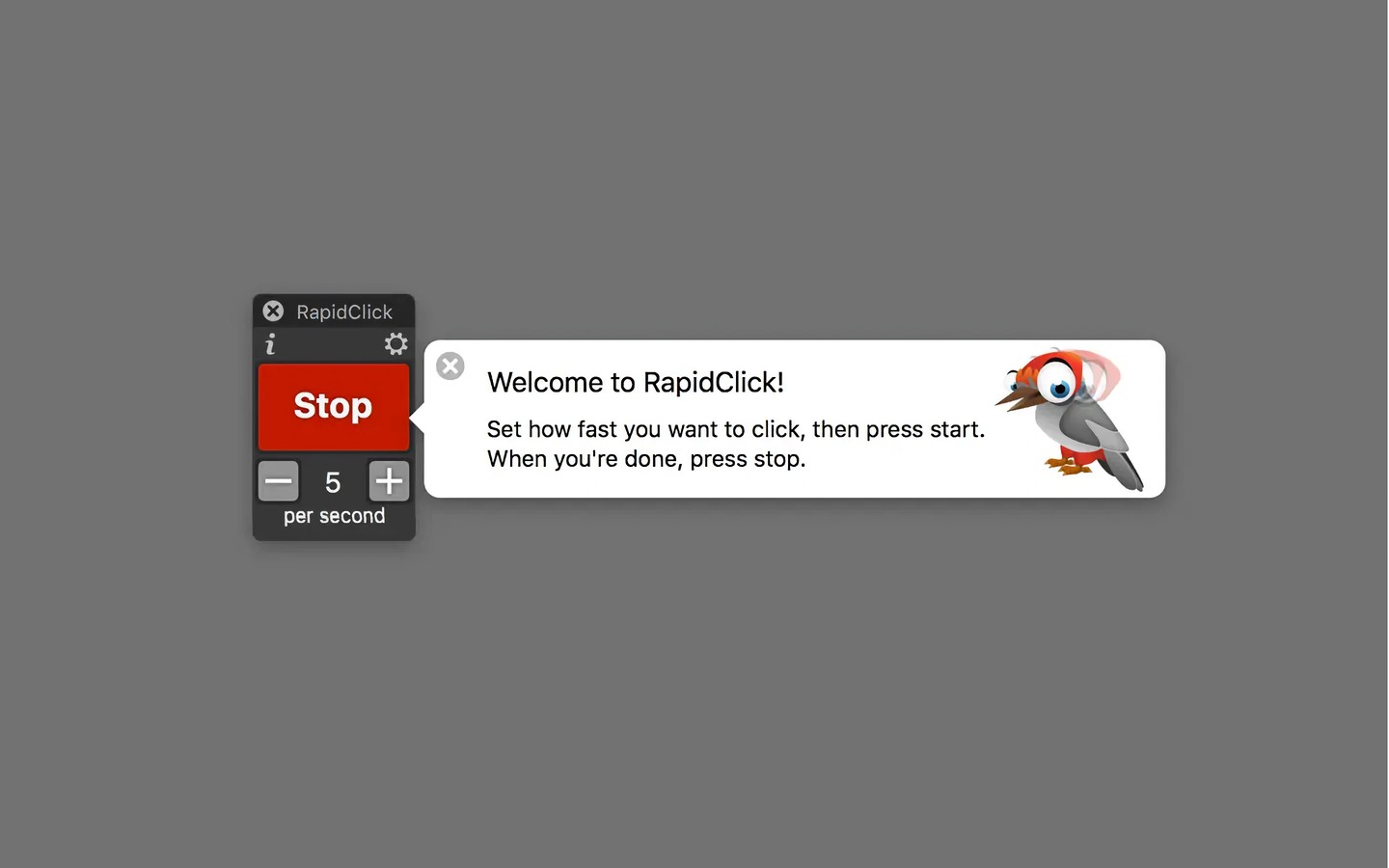
RapidClick automatically clicks the mouse button at regular intervals, helping with tasks that require repeated clicks. It supports left and right clicks, with rates ranging from one click per hour to 50 clicks per second.
Set the rate with the plus and minus buttons, then use Start and Stop to control clicking. Holding Shift while adjusting the rate gives finer control. You can also assign a keyboard shortcut to start and stop clicking. The shortcut must include a modifier key unless you use an F key.
The control panel floats above other apps, including full-screen games. Audio and visual feedback indicate when clicks are happening.
Tags
More in Utilities

SpaceFix
Utilities
AppCleaner
Utilities