
SoundSource
SoundSource controls your Mac’s audio from the menu bar, with separate volume levels and output choices for individual apps. It also applies audio effects to specific apps or system-wide and streams app audio to AirPlay devices.
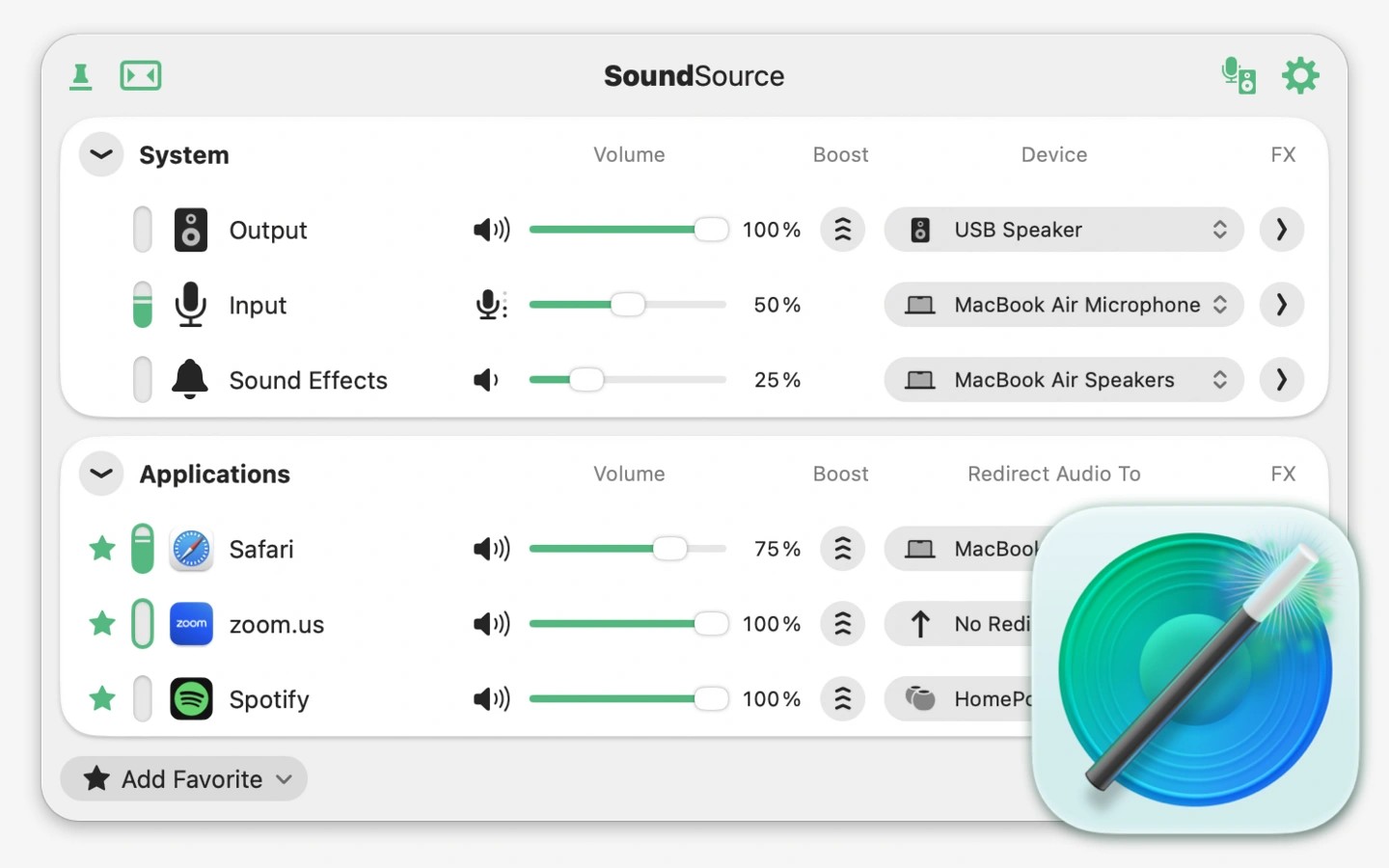
SoundSource lets you adjust individual app volumes and choose where each app’s sound plays from the menu bar. You can mute one app, lower another, or send music to external speakers while other audio stays on your Mac’s built-in output.
Its device controls provide access to output, input, and sound effects settings, including volume, input levels, balance, and sample rate. It also lets Mac keyboard volume keys control outputs such as HDMI and DisplayPort audio devices.
A built-in 10-band equalizer and Audio Unit plugin support let you apply effects to individual apps or to audio system-wide. Built-in effects also include Volume Overdrive, Magic Boost, and Headphone EQ.
You can send individual apps’ audio to AirPlay devices on your network, rather than sending all Mac audio together. Output groups let you play through multiple devices at once, including synchronized playback across multiple AirPlay devices.
Shortcuts support lets you automate audio adjustments. You can also add apps and audio devices to the menu bar to see activity and mute them with a click.
Tags
More in Utilities

TouchNow Host
Utilities
UTC Time
Utilities