
Black Out
Photo & Video
Black Out covers sensitive parts of screenshots and photos with black boxes before sharing. It also removes image metadata and can run directly from Finder as a Quick Action.
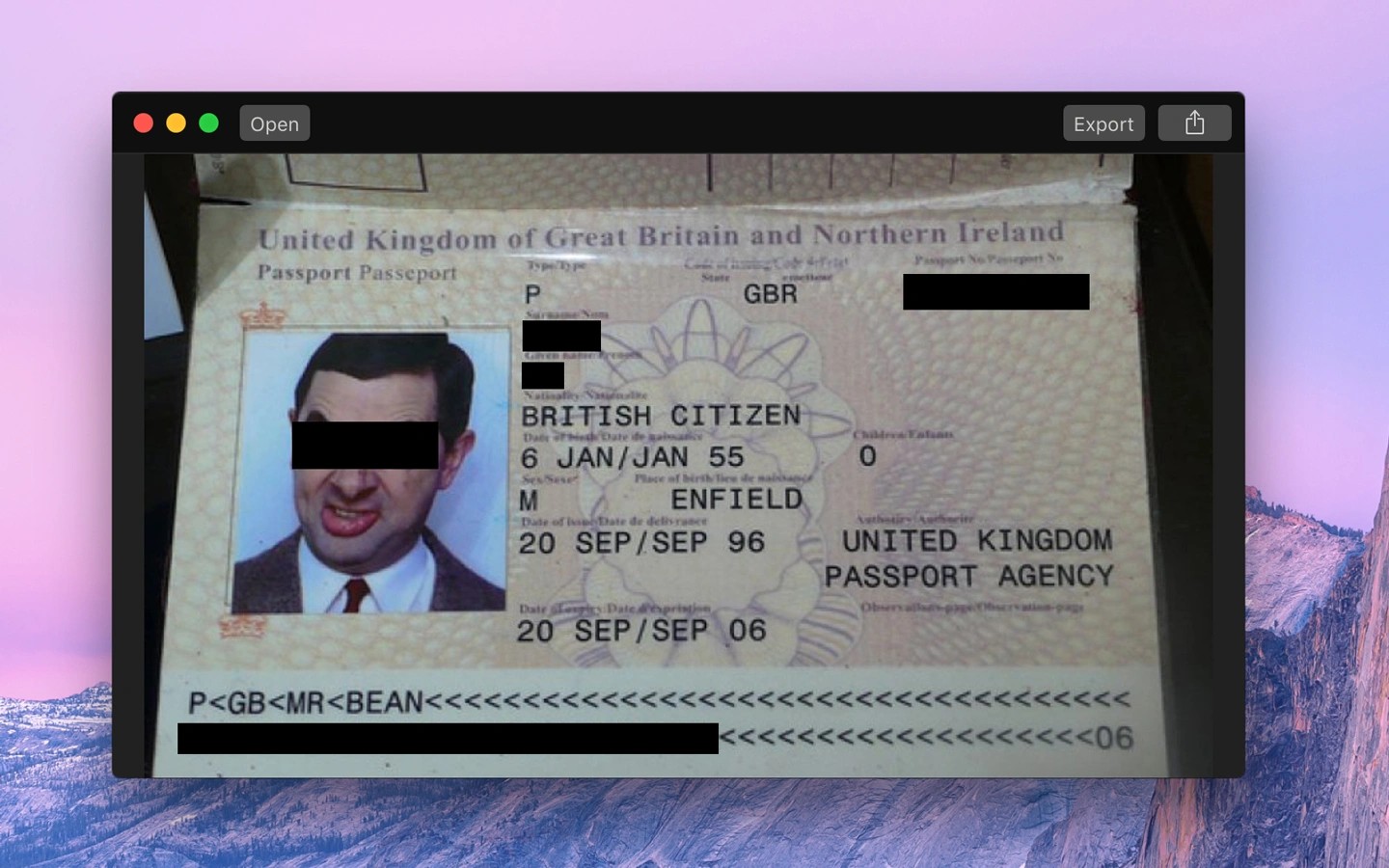
Black Out hides sensitive information in screenshots and photos by covering it with black boxes. You can use it to conceal names in a conversation or other private details before sharing an image.
The app removes all image metadata, including information about when and where an image was captured. It can also run directly from Finder as a Quick Action. Blurring and pixelation are intentionally not supported.
You can open PDF documents, but the result must be exported as a PNG image rather than a redacted PDF.
Tags
More in Photo & Video

PanoVolo
Photo & Video
Panorama stitching software for drone and camera photos, including full 360° spheres.
Image editing
Panorama stitching

LiveFaceSwap Desktop
Photo & Video
Real-time AI face swapping through a virtual camera for livestreams and video calls.
Face swapping

HEIC Converter
Photo & Video
Image conversion utility that converts HEIC photos to JPEG or PNG for broader compatibility.