
LiveFaceSwap Desktop
LiveFaceSwap Desktop swaps faces in live video and sends the result to OBS, Zoom, Teams, Meet, and other apps through a virtual camera. Processing runs in the cloud and requires a stable internet connection.
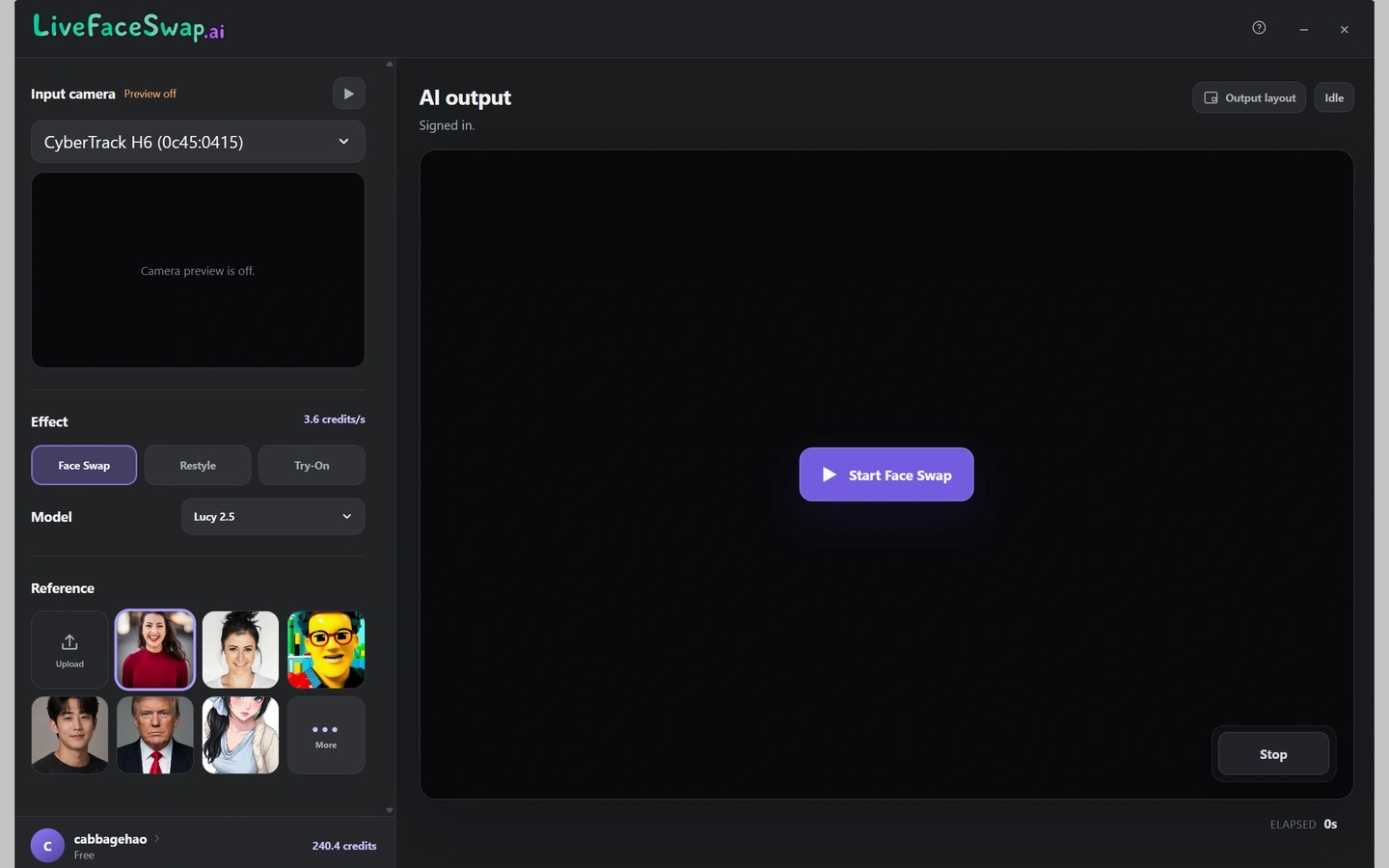
LiveFaceSwap Desktop applies AI face swaps to live video for livestreams, meetings, and video calls. It sends the processed video to other software through a virtual camera called LiveFaceSwap Camera, with support for apps including OBS, Zoom, Microsoft Teams, and Google Meet.
In the desktop app, you choose a video input, effect, model, and reference, then start a real-time session. In your streaming or calling app, select LiveFaceSwap Camera as the video source. Other apps that allow you to choose a video source may also work.
The live video is processed in the cloud rather than by a local AI setup, so a stable internet connection is required. The Mac app requires an Apple silicon Mac and does not require a dedicated GPU.
Tags
More in Photo & Video

SimplyShot
Photo & Video
iWatermark Pro
Photo & Video