
Battery Indicator
Battery Indicator displays estimated battery time remaining or charge percentage directly in the menu bar. It also offers alerts at chosen charge levels and battery details through Shortcuts.
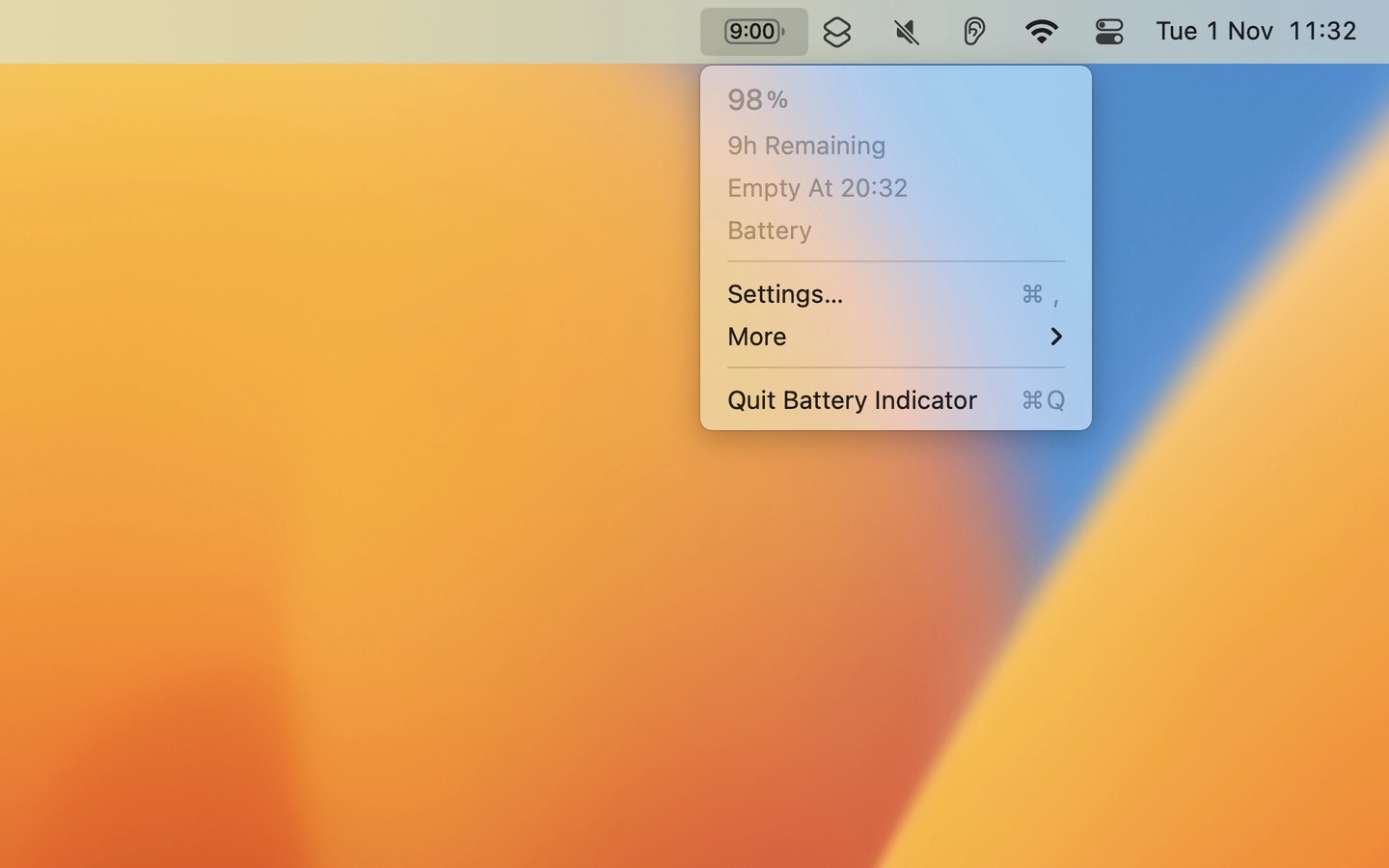
Battery Indicator shows estimated battery time remaining or charge percentage in your Mac’s menu bar, without needing to open a menu. You can choose an icon or text display and hover over it to see the other reading.
You can receive notifications when the battery is fully charged or reaches percentages you choose, both while charging and while running on battery. The menu bar item can hide while connected to power, or only when fully charged and connected to power.
Holding Option while the menu is open reveals battery condition, health, and cycle count. Shortcuts integration provides access to battery details such as health and power draw.
The remaining-time estimate comes from macOS, and the app cannot adjust it. After unplugging the power adapter, the system may need time to calculate an estimate. The app cannot list apps using significant energy or provide a “charge to full now” button.
Tags
More in Utilities

AppCleaner
Utilities
ZeroDuplicates
Utilities