
Klack
Utilities
Klack plays mechanical keyboard sounds as you type on your Mac. Choose from different switch sounds, with separate key-press and key-release feedback, randomized pitch, and spatial audio.
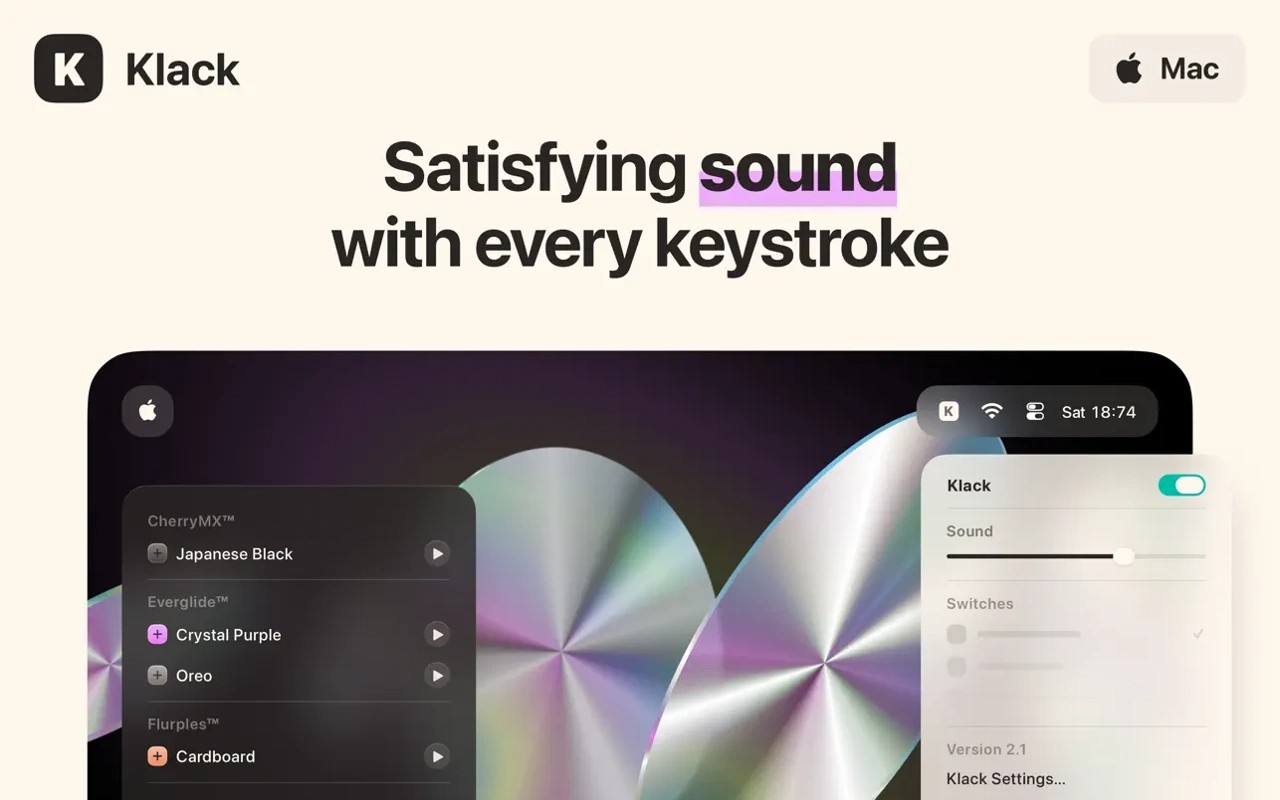
Klack adds mechanical keyboard sounds to your Mac’s typing experience. It plays audio feedback when you press and release keys, with randomized pitch to vary the sound.
You can choose from several switch sounds, including Cherry MX Japanese Black, Gateron Milky Yellow, and NovelKeys Cream. Spatial audio adds another dimension to the typing sounds.
Klack runs in the menu bar, where you can turn the sounds on or off, choose switches, and open its settings.
Tags
More in Utilities

Stay Green
Utilities
Menu-bar utility that keeps chat apps showing Available by resetting the idle timer without moving the cursor.
Idle prevention

KleenMic
Utilities
Microphone noise reduction for calls, with audio processed locally on Apple Silicon Macs.
Noise reduction

Haptiker
Utilities
Menu bar utility for adjusting volume, brightness, and keyboard backlight with trackpad edge gestures.
Trackpad gestures
Display control