
Witch
Witch switches between apps, windows, and tabs using customizable panels or menu bar menus. Search narrows the available targets as you type, and separate switchers can use different layouts and sorting options.
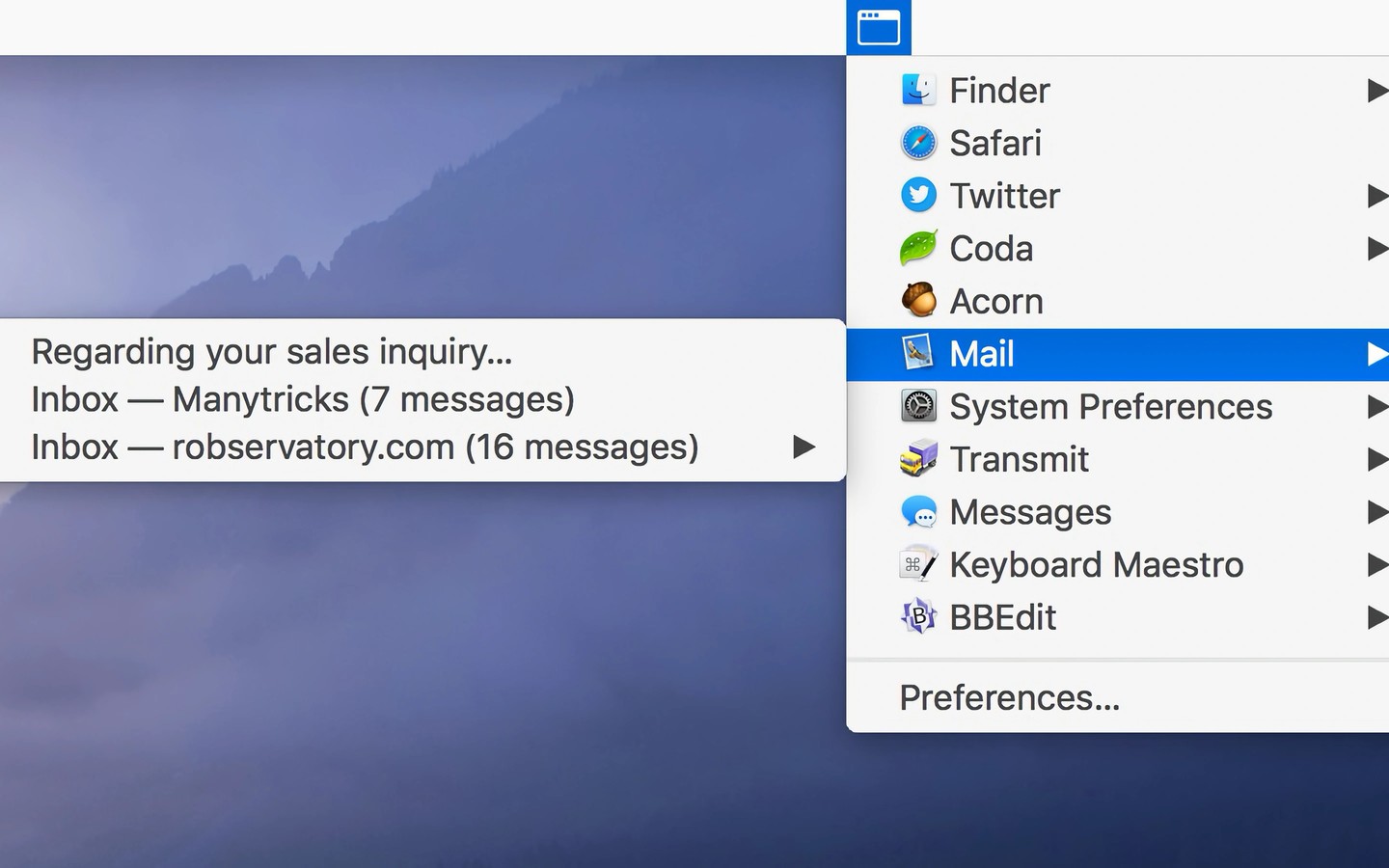
Witch helps you switch between apps, individual windows, and tabs rather than choosing only an app. You can browse the available targets or type into a search field to narrow the list in real time.
You can create multiple switchers with different sort orders, orientations, and tab handling. Panels can appear horizontally or vertically, and any switcher can also be accessed from the menu bar. An optional delay lets Witch automatically expand the selected app to show its windows or tabs.
Witch can include menu bar apps when they have standard windows open. You can exclude apps and unwanted windows from the switcher, or disable its hotkeys in particular apps. Appearance controls cover panel colors, fonts, and placement, while keyboard shortcuts let you hide or minimize windows.
Tags
More in Productivity

GoodLinks
Productivity
Kepo
Productivity