
Cuewake
Cuewake attaches notes, checklists, links, and files to Mac apps and webpages, bringing them back when you return to the related work. It works offline and stores your cues locally.
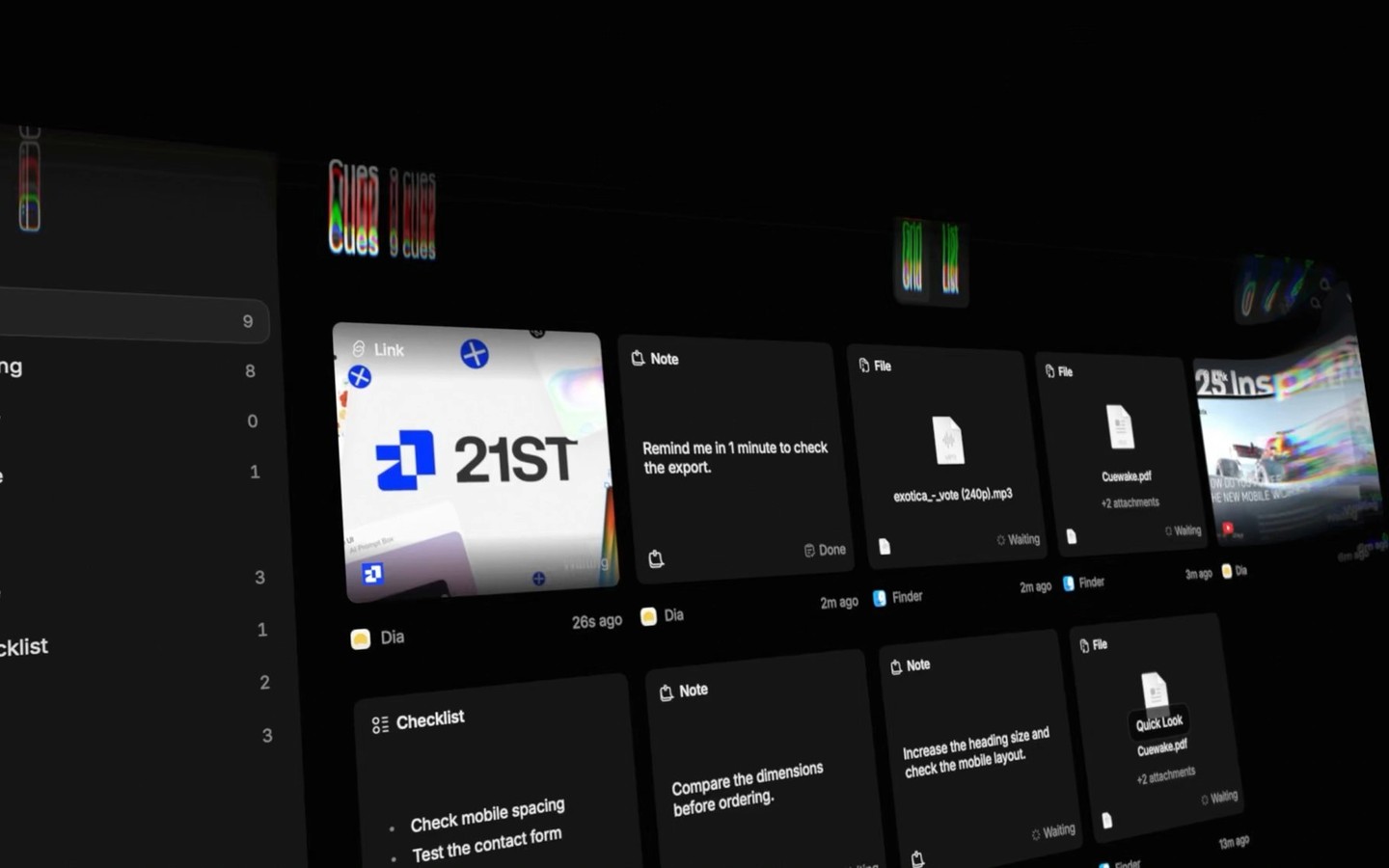
Cuewake keeps notes, checklists, links, and files with the Mac apps and webpages they relate to. These saved items, called cues, bring your next step back when you return, helping you pick up work after switching tasks.
Each cue saves context such as the app, window, page, website, or file you were using. Cuewake uses that information to help you return to the right place, though this depends on the original app, page, or file remaining available. It can also recognize individual Framer projects rather than attaching a cue only to the app.
You can search and filter your cues in the library, or use Command-K to search and open them from the keyboard. Reminders accept phrases such as “tomorrow at 9” or “in 2 hours.” The File Shelf holds files you drop in so you can later drag them into another app.
Cuewake works fully offline, stores cues locally, and lets you back them up on your Mac. It requires an Apple silicon Mac.
More in Productivity

Hogwasher
Productivity
XtraFinder
Productivity