
BackupList+
BackupList+ backs up files and folders as ordinary copies rather than proprietary archives. It supports scheduled backups, incremental snapshots, and two-way folder synchronization, with options for locally mounted network drives and disk images.
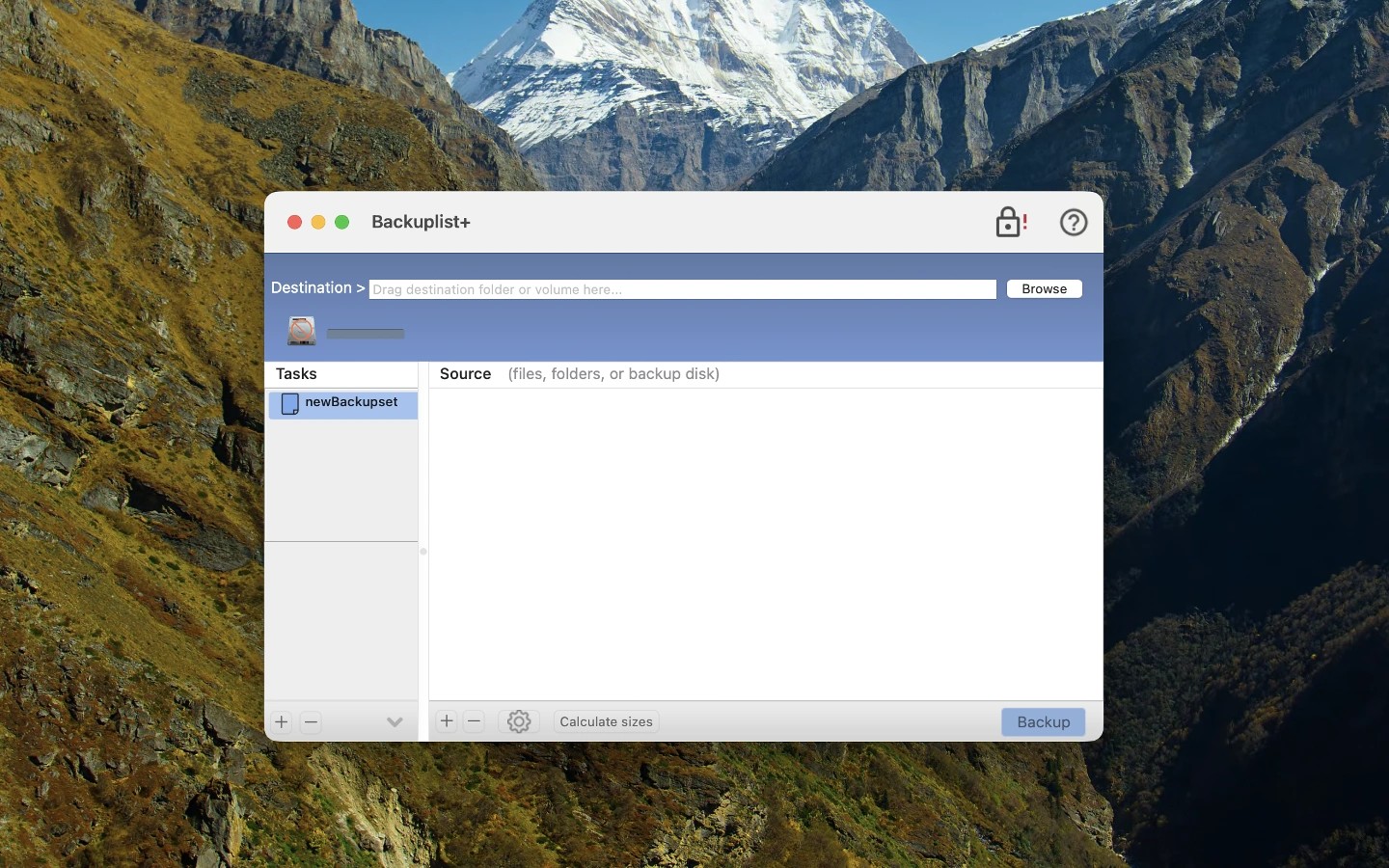
BackupList+ backs up files and folders as ordinary copies that you can restore by copying them back from the backup destination. It uses a modified build of rsync to preserve Mac file metadata, including extended attributes and flags.
You can create regular backups, archive older copies of changed files, or keep dated incremental snapshots. Incremental snapshots use hard links so each snapshot appears complete while storing only new or changed files. Two-way synchronization keeps two folders updated with the latest versions of their files.
Backups can run on a schedule and use exclusion lists to leave out selected files. Destinations can include locally mounted network volumes, such as a NAS, and sparse disk images. You can also create encrypted read-only disk images or supply custom rsync command-line options for more specialized backups.
On macOS Mojave and later, copying protected user and system files requires Full Disk Access and permission for BackupList+ to run as root. The app’s preferences provide instructions for granting these permissions.
Tags
More in Utilities

DaisyDisk
Utilities
Online Check
Utilities