
Lynx Download Manager
Lynx Download Manager handles resumable file downloads and saves video or audio from web pages. You can download just a selected clip, monitor progress in the MacBook notch, and add an iPhone’s connection with Turbo Mode.
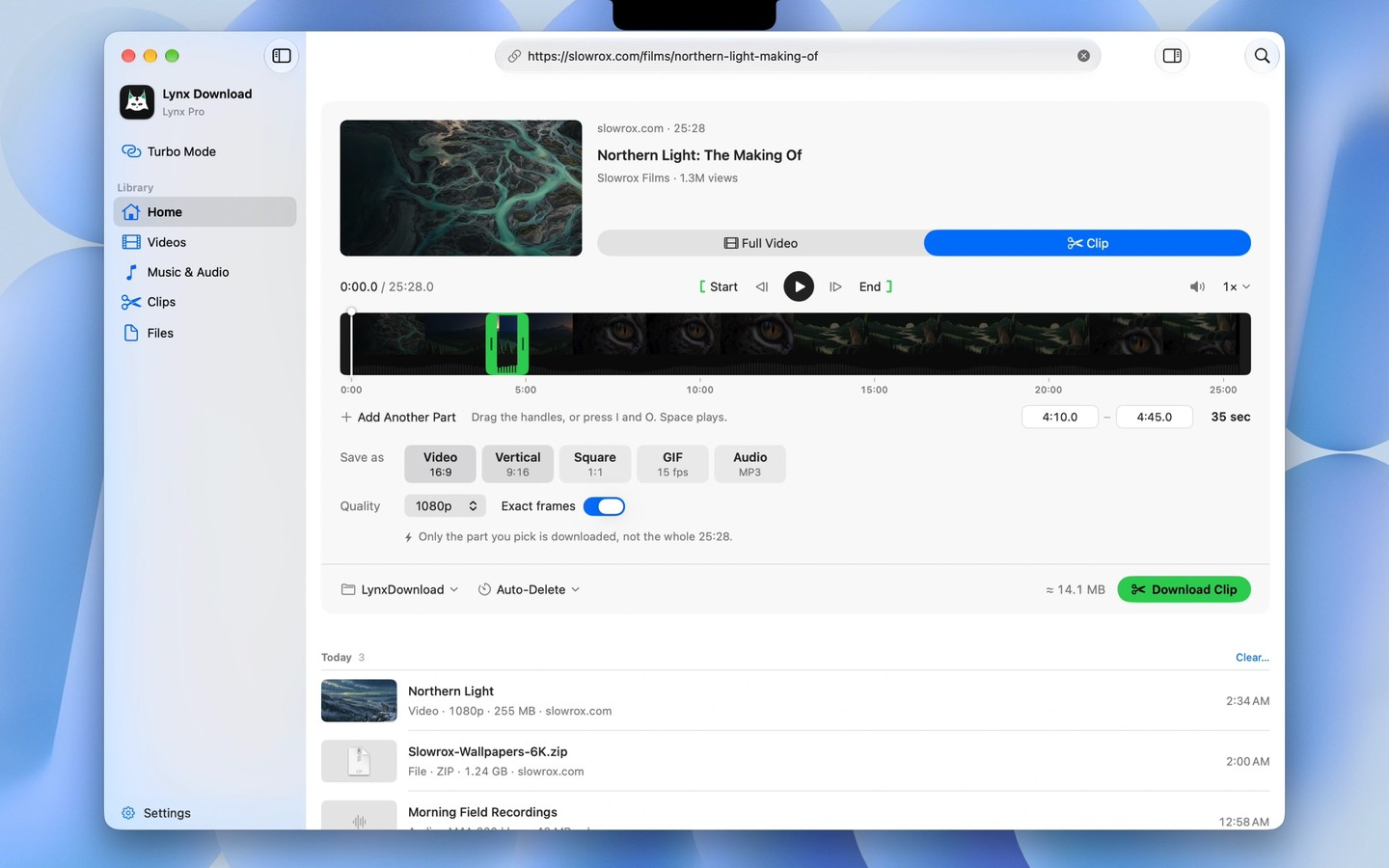
Lynx Download Manager downloads files from direct links and can automatically take over large downloads started in Chrome, Edge, Brave or Arc through its browser extension. It uses multiple connections per file and resumes interrupted downloads after sleep, a restart or dropped Wi-Fi. The app requires an Apple silicon Mac.
For web video, you can choose a quality with its estimated file size, save audio, or download playlists and subtitles. Clip lets you paste a link and drag handles along the video’s frames to select only the section you need. That section can be saved as a video, vertical or square clip, GIF or audio without downloading the whole video. Lynx does not bypass DRM and cannot save streams protected by it.
Turbo Mode combines your Mac’s Wi-Fi with an iPhone’s connection for large downloads. To use it, connect the iPhone by cable and turn on Personal Hotspot. Download speeds depend on your internet connection and the server.
Lynx Notch shows download progress and saved files in the MacBook notch, alongside music playback controls. It also includes a shelf for keeping files ready to drag into Finder or Mail, and access to copied text, screenshots and colours. Downloads run on your computer over your own connection rather than passing through Lynx’s servers.
More in Utilities

Menu Bar Calendar
Utilities
dupeGuru
Utilities