
Launchy
Launchy opens apps, files, and folders and switches between running apps through a customizable radial menu. Use the keyboard or mouse, with the menu at the center of the screen or beside the pointer.
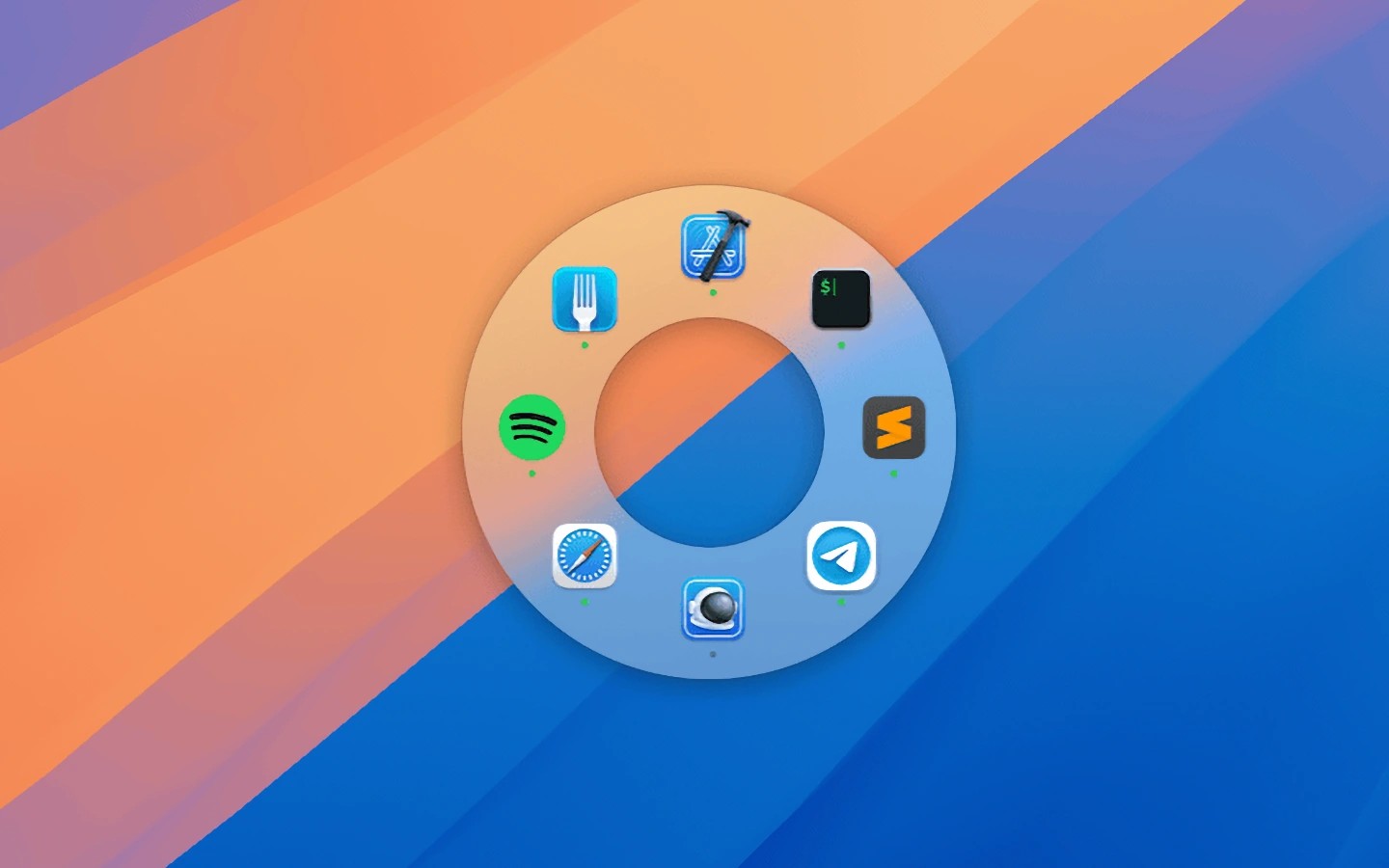
Launchy is an app launcher and app switcher built around a radial menu. It lets you open apps, files, and folders or switch to running apps without going through the Dock or Command-Tab. The menu can appear in the center of the screen or at the mouse pointer.
You can build a custom app palette by dragging apps into it and arranging them, then switch between that palette and a mode showing running apps. Navigate with the mouse or arrow keys, or press A–Z to select and activate apps. You can also configure launch behavior, including rules to hide Launchy or other apps when launching an app.
The menu size, icon size, and selection tolerance are adjustable. Settings can be exported and imported, and iCloud sync keeps them consistent across devices.
Tags
More in Productivity

Favorites Widget
Productivity
Desktop Curtain
Productivity