
Recordia
Recordia records your microphone, audio playing on your Mac, or both into a single file. Menu bar controls and global keyboard shortcuts let you start, pause, and stop recordings without switching apps.
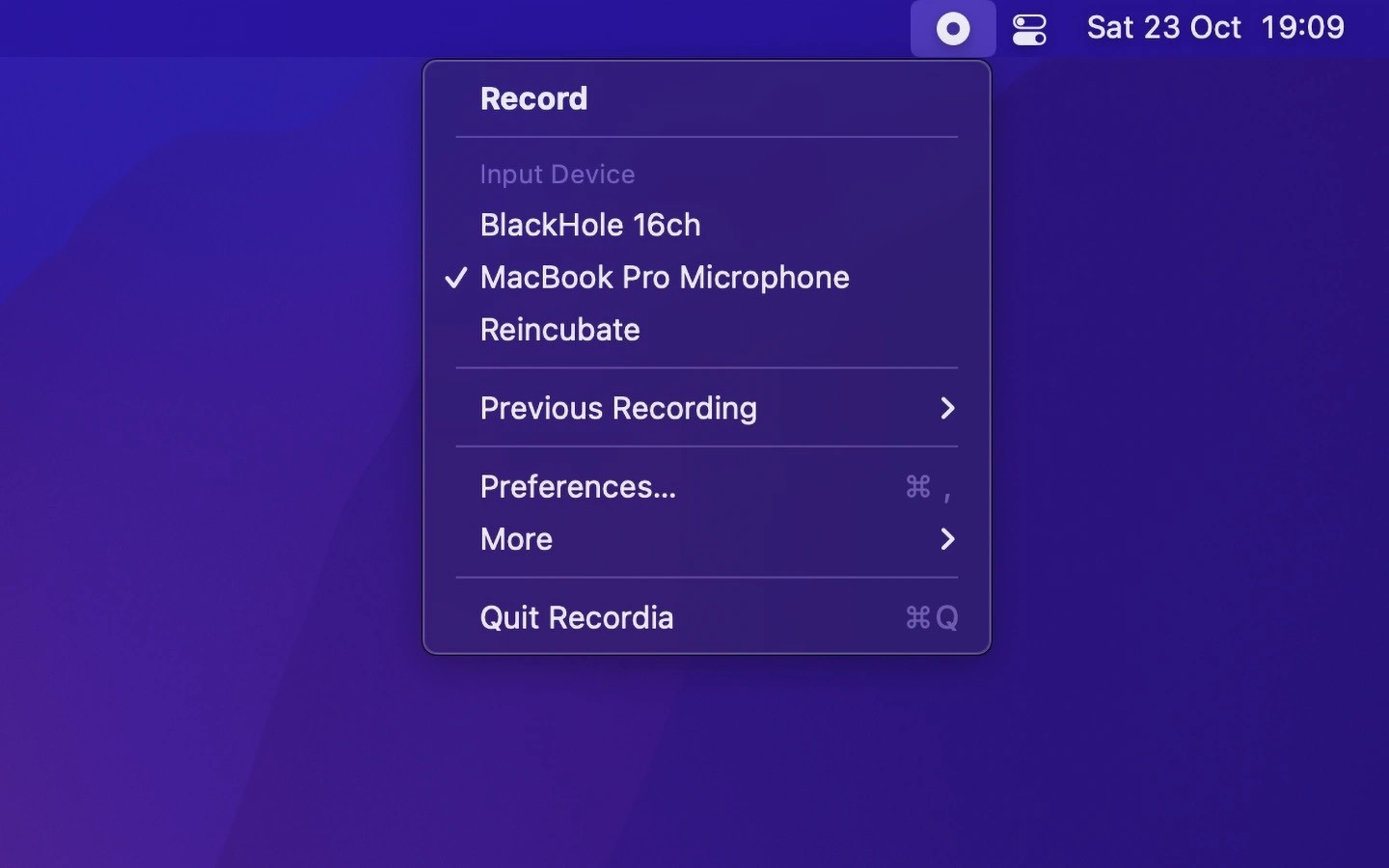
Recordia is a menu bar audio recorder for capturing microphone input, audio playing on your Mac, or both into a single file. You can control recordings from its menu or use global keyboard shortcuts to start, stop, pause, and resume from any app. It does not have a Dock window.
The menu bar can show the recording duration and audio level. You can listen to the microphone while recording and adjust the volume of system audio relative to your voice when capturing both sources. Stereo recording requires an input device that supports it; a Force Mono option handles devices that send sound on only one channel.
Recordings are saved as M4A files by default, with uncompressed WAV available as an option. You can choose the output folder and filename format, then copy the finished recording or reveal it in Finder. Shortcuts actions can also control recording and retrieve the previous recording.
Recordia does not transcribe audio itself. If Aiko is installed, you can send the previous recording to it for transcription from the Recordia menu.
Tags
More in Productivity

TinyCal
Productivity
Time Sink
Productivity