
Permute
Permute converts video, audio and images using a drag-and-drop queue and format presets. It also handles batch adjustments, track extraction, PDF page export and on-device audio transcription.
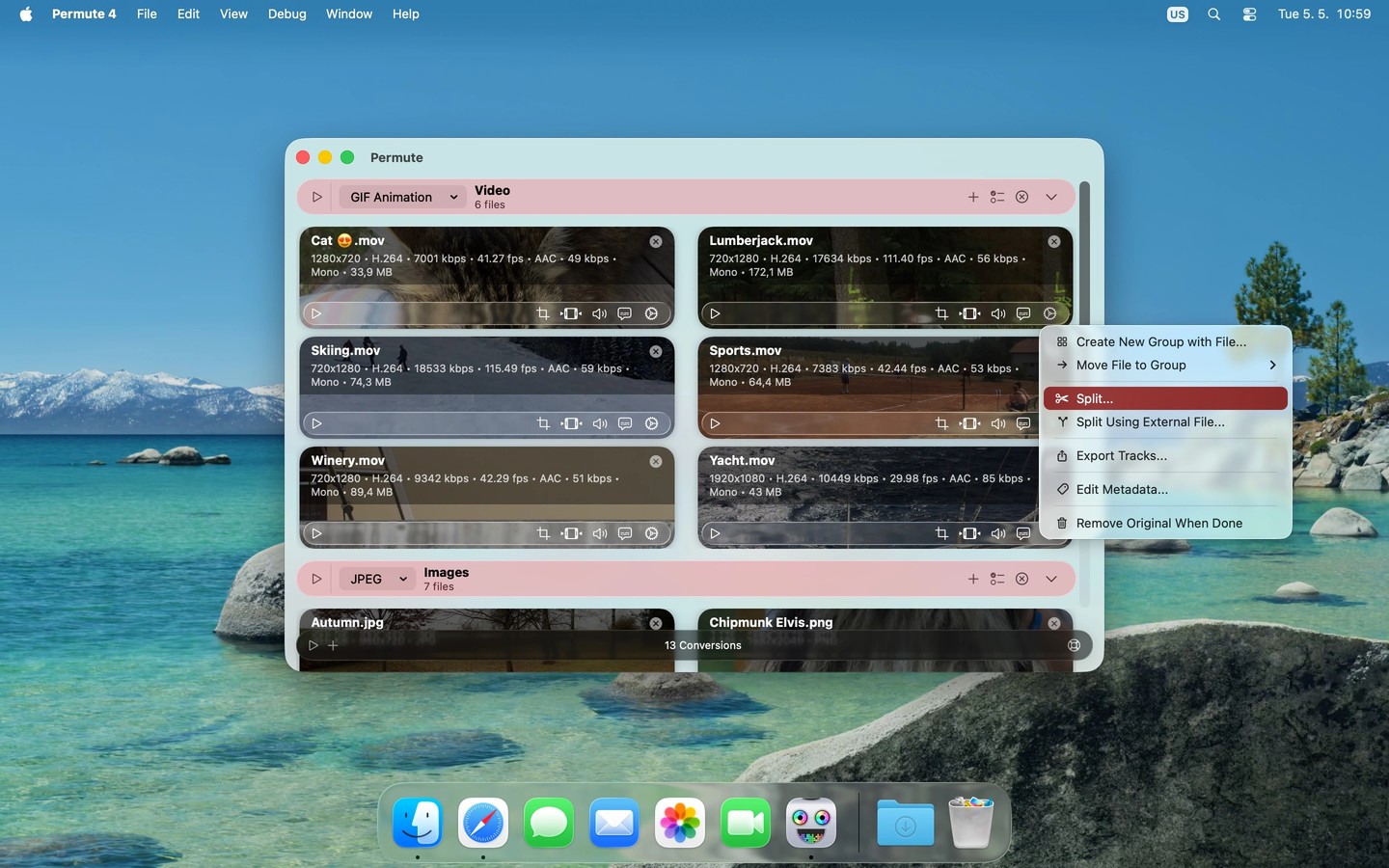
Permute converts video, audio and images between formats using a drag-and-drop queue and built-in presets. Supported formats include MP4, HEVC, ProRes, WebM, AV1, MP3, AAC, FLAC, HEIC, AVIF and WebP. It requires an Apple silicon Mac.
You can trim, crop, resize, rotate and flip files individually or in batches. Video adjustments include adding subtitles, replacing audio tracks, changing playback speed and setting a target output file size. Files can also be combined or split, and individual audio, video or subtitle tracks can be exported without re-encoding.
Beyond conversion, Permute can export PDF pages as images, extract text from images, turn text into spoken audio and create audio-backed video slideshows. Audio transcription runs entirely on your Mac and produces text or SRT subtitle files.
For more specialized workflows, it offers hardware-accelerated ProRes encoding, output metadata editing and an advanced preset for raw FFmpeg commands. The Mac App Store edition omits some capabilities because of sandbox restrictions.
Tags
More in Utilities

Lungo
Utilities
Lingon
Utilities