
Command Reopen
Command Reopen makes the built-in Command-Tab restore a minimized window when an app has no visible windows. If the app has no open windows, it asks the app to open a new one, without requiring Accessibility or Screen Recording permission.
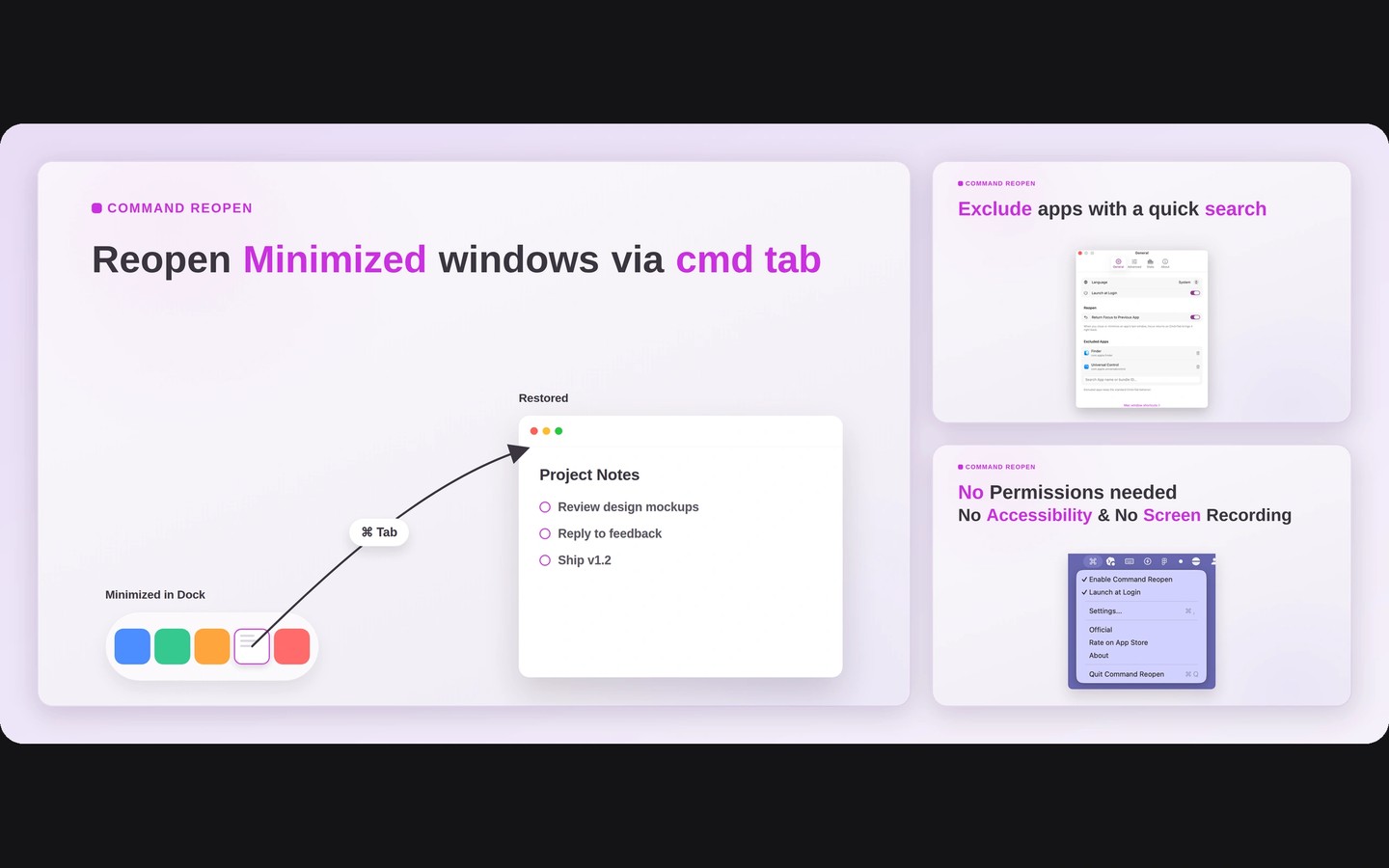
Command Reopen adjusts what happens when you switch apps with the Mac’s built-in Command-Tab. When the selected app has no visible windows, it restores a minimized window or, if the app has no open windows, asks it to open a new one.
Opening a new window works like clicking the app’s Dock icon. It does not restore windows, documents, or tabs you closed. Whether the new window contains a previous session or a blank document depends on the app.
Command Reopen keeps the native app switcher rather than replacing it. It does not add window previews or a grid for selecting individual windows.
The app requires no permissions. The Mac App Store edition runs in a sandbox, and the source code is available on GitHub.
Similar Apps

Speediness
Utilities
Disk Drill
Utilities