Chitroll
Chitroll is a desktop to-do list modeled on a tear-off paper roll. Write tasks, slide a virtual cutter to lock the text, and tear off sheets to keep them in an archive.
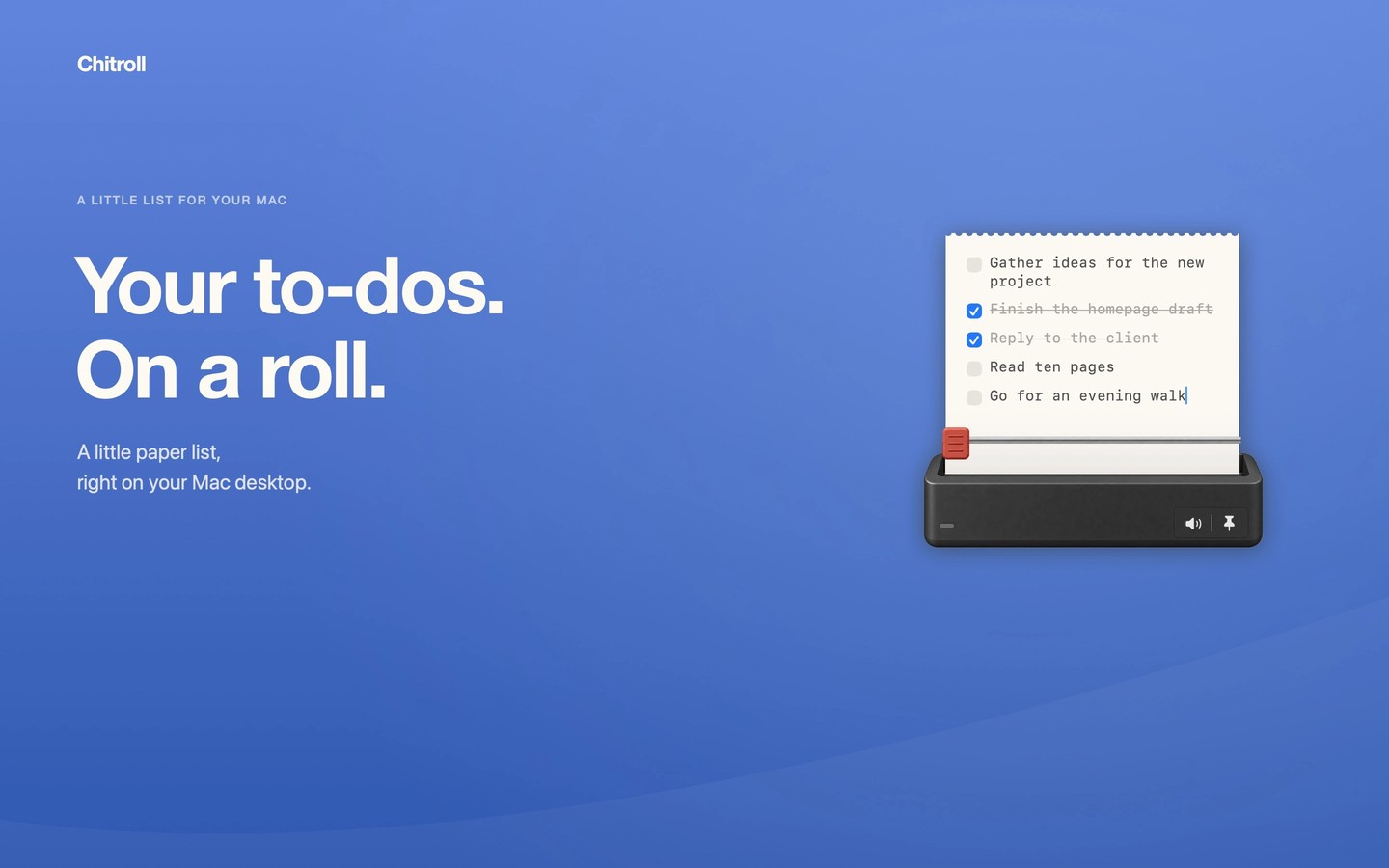
Chitroll keeps a paper-style to-do list on your Mac desktop without a Dock icon. You type directly onto the sheet, one line at a time, using plain text or checkboxes.
When the sheet is ready, slide the virtual cutter across its rail to seal it. This locks the text against further editing. You can then tear off the sheet in any direction, revealing a fresh sheet. Torn sheets are collected in an archive that you can flip through to review past tasks.
Carried-over tasks display how many days they have been delayed, making unfinished work visible alongside your list.
Tasks and archived sheets stay locally on your Mac, with no account or cloud sync. The app has no analytics or network access. It supports Apple Silicon and Intel Macs and is available in English, Simplified Chinese, and Japanese.
Tags
More in Productivity

Bookmarkify
Productivity
Shottr
Productivity