
Notched Up
Notched Up adds a simulated display notch to your Mac to help test app menus or include a notch in screenshots. It offers screen-size templates, notch customization, and support for moving the simulation between displays.
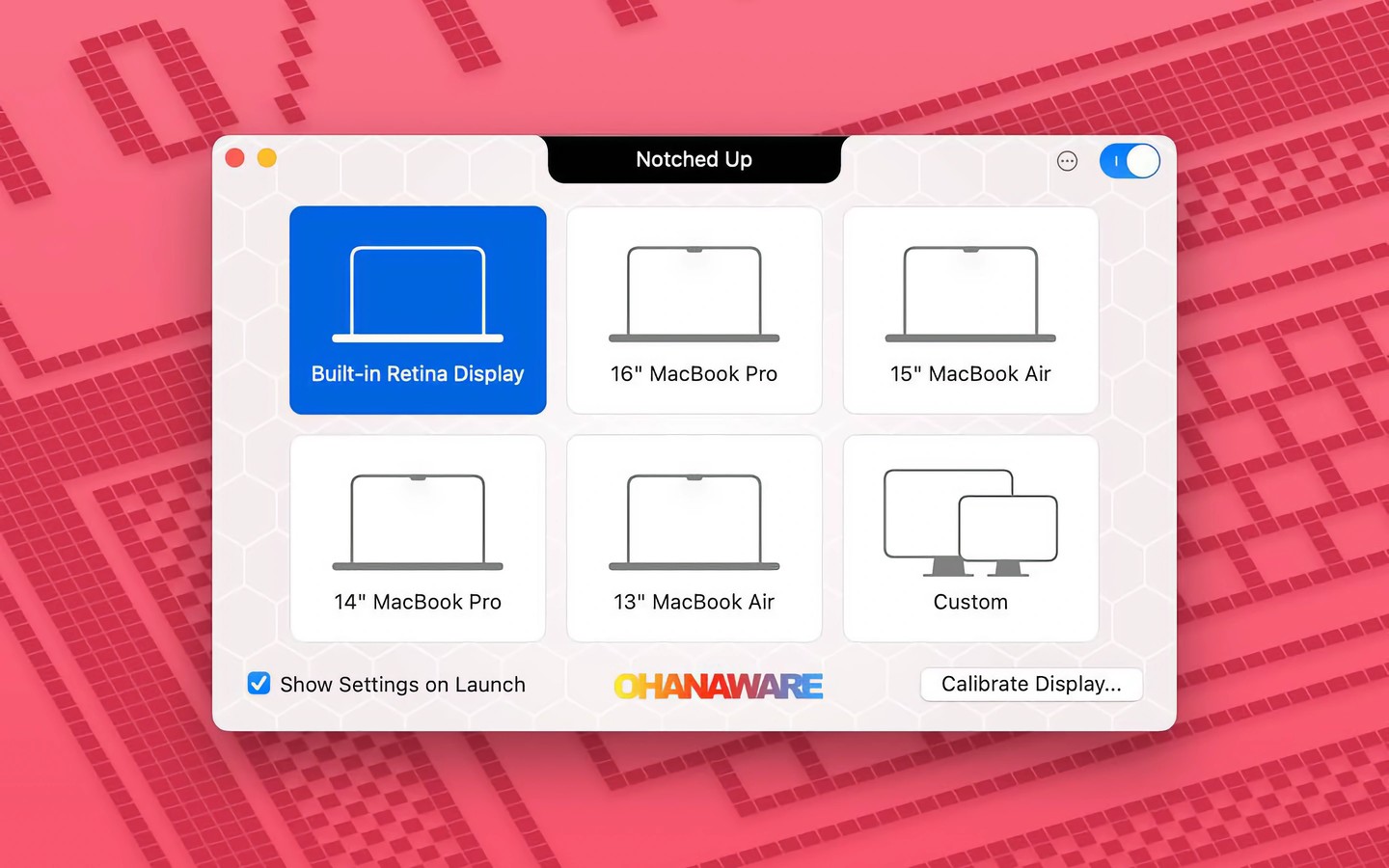
Notched Up adds a simulated display notch to your Mac for checking how app menus fit around it. You can use it to identify menus that may need changes, experiment with removing or renaming menu items, or include a notch in screenshots of your app.
The simulation uses system measurements to draw the notch close to its real size. Templates cover 13-, 14-, 15-, and 16-inch screens, and you can customize the notch, lock it to the menu bar’s height, or use a calibration mode.
You can drag the notch between displays. It floats above the menu bar and remains visible when the app is hidden, with options to show it in Exposé and full-screen apps. Notched Up supports both Intel and Apple Silicon Macs.
Tags
More in Developer Tools

TokenBar
Developer Tools
Perch
Developer Tools