
AI Transcription
Productivity
AI Transcription turns audio and video files into text using Whisper, with all processing on your Mac. It supports batch transcription and exports to text, CSV, SRT, and VTT.
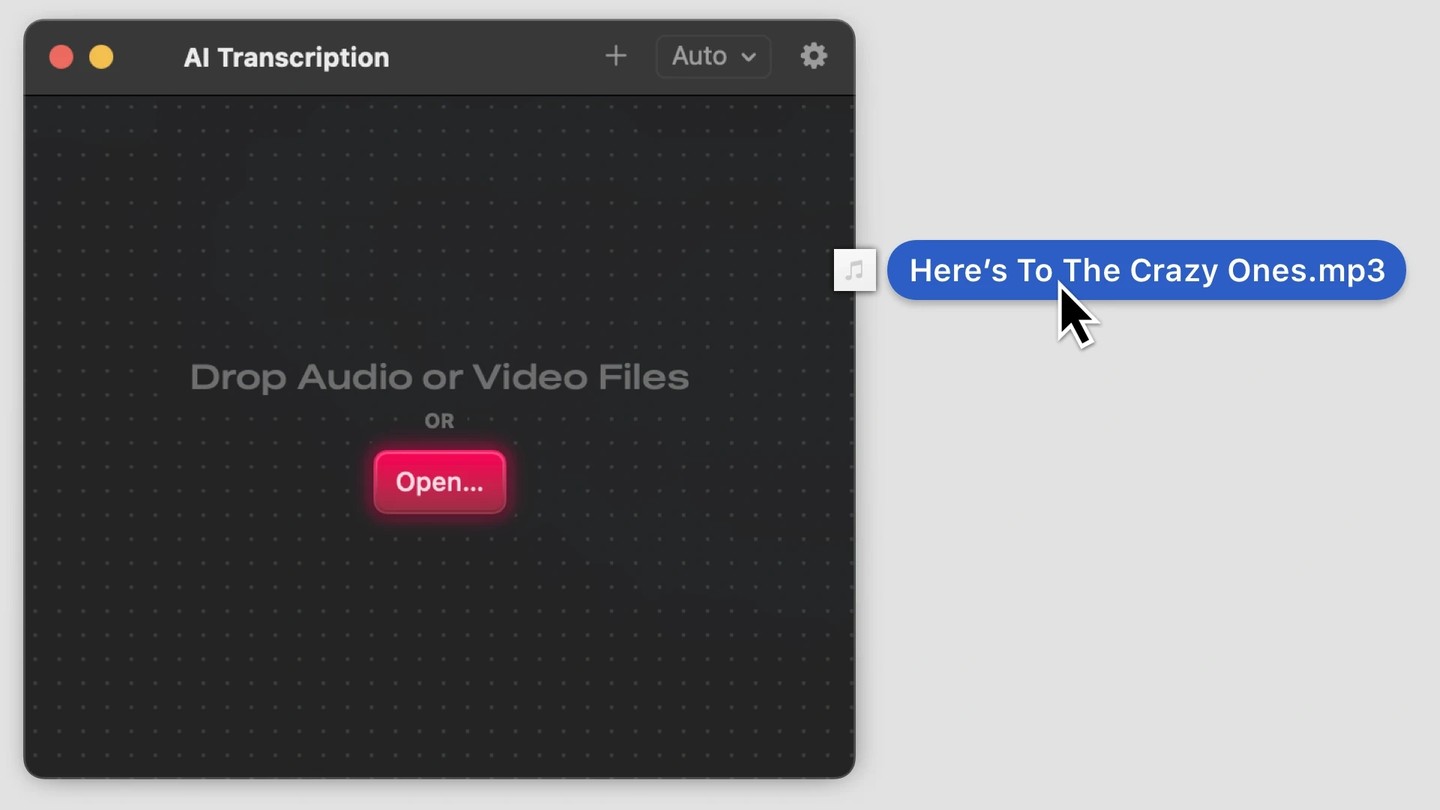
AI Transcription converts speech in audio and video files into written text. It uses OpenAI’s Whisper technology directly on your Mac and works without an internet connection.
Drag and drop files into the app to start transcription. You can add multiple files at once, and the app processes them automatically in order.
Transcripts can be saved as text, CSV, SRT, or VTT files. You can split transcriptions into words, sentences, or segments of a custom duration.
Tags
More in Productivity

Breather
Productivity
Menu bar break reminders for resting your eyes, stretching, and standing up.
Timers and alarms

Keymou
Productivity
Keyboard-based mouse control for moving the pointer, clicking, and scrolling, with multi-display shortcuts.
Keyboard driven
Mouse control

SnapState
Productivity
Menu bar app that saves and restores named workspaces with window layouts, apps, and browser tabs.
Window management