
Keymou
Keymou lets you move the mouse pointer, click, and scroll using keyboard shortcuts. Adjustable movement controls and shortcuts for screen edges, corners, and other displays help you reach a target without using a mouse or trackpad.
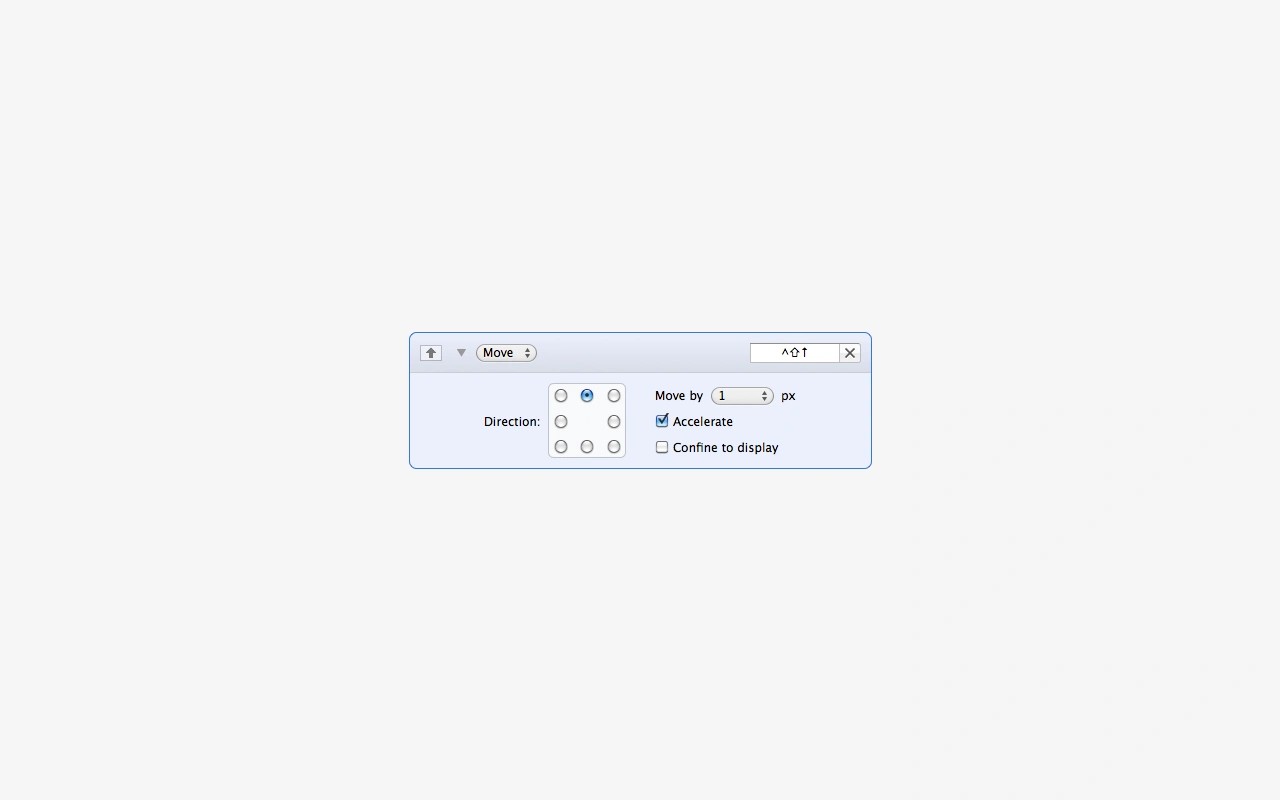
Keymou lets you control your Mac’s mouse pointer with keyboard shortcuts. You can move the pointer, scroll, and perform clicks, double-clicks, and right-clicks without reaching for a mouse or trackpad.
Pointer movement has adjustable step sizes and acceleration, with an option to keep movement within the current display. You can also jump to a screen edge or corner, center the pointer, or move it to another display. A separate movement mode repeatedly subdivides the screen to help you narrow in on a target.
To make the pointer easier to find, Keymou offers three highlight images. Highlights can appear whenever the pointer moves, only when Keymou moves it, or temporarily after a period of inactivity.
Keymou requires macOS 10.13 or newer and is available in English only.
Tags
More in Productivity

Clop
Productivity
Hazel
Productivity