
Time Sink
Time Sink automatically tracks time spent in Mac apps and their windows. You can group related activities into Pools and use separate timers to record time spent away from your Mac.
Time Sink automatically tracks the time you spend in Mac apps and their associated windows. It helps you review where your day went without starting and stopping a timer for each app you use.
Related activities can be grouped into Pools, which are collections of related windows. Drag an app or window from the Apps section into the Pools section to organize its tracked time alongside related work.
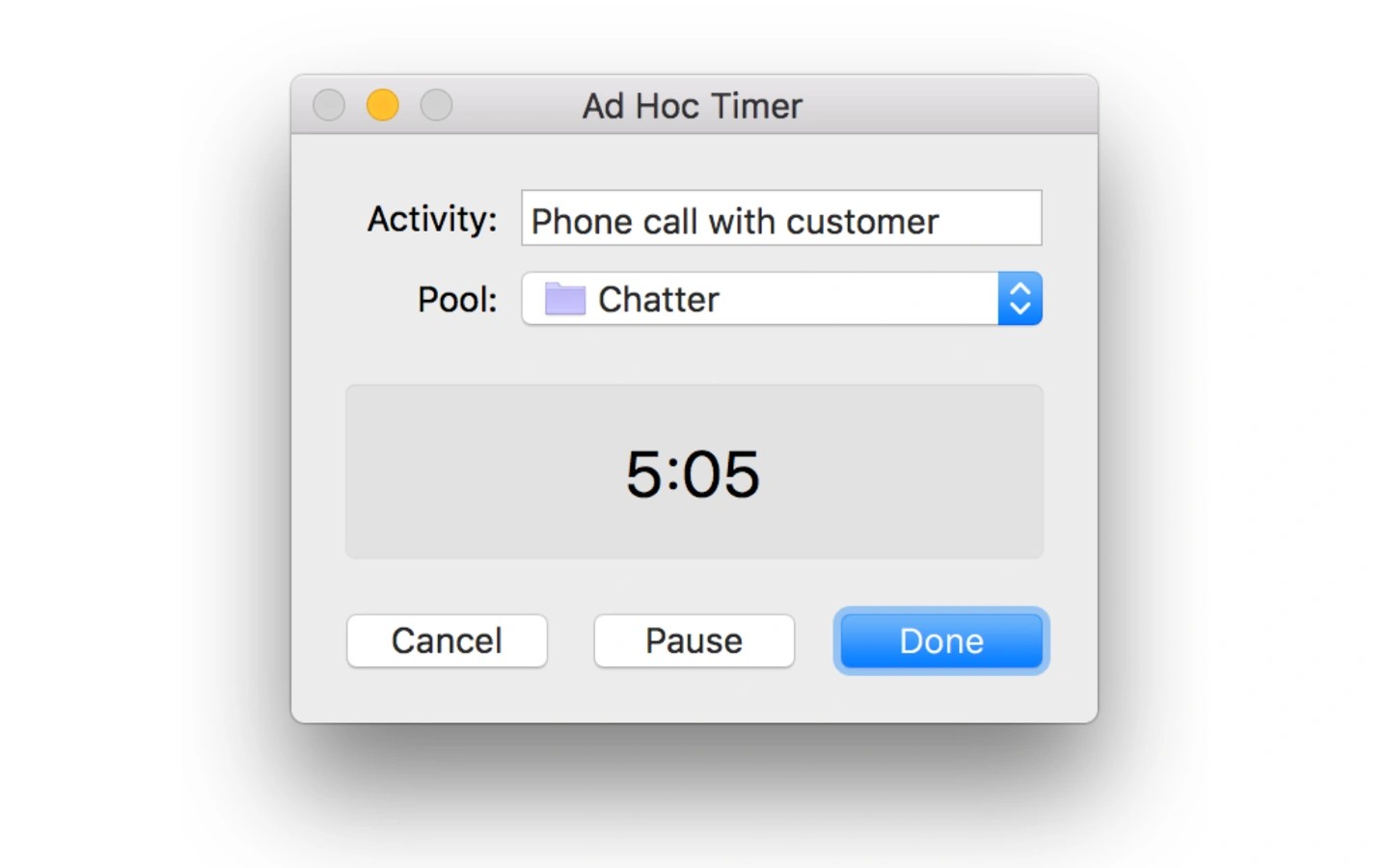
For activities away from your Mac, such as a customer call, you can start a separate timer. When it finishes, Time Sink adds its name and duration to the chosen Pool. It can also create these timers automatically based on when you become idle and start working again.
The Activity Report lets you select a time period to review, and exported reports can be opened directly in Time Sink. A hotkey can pause all timing, with automatic resuming available.
Tags
More in Productivity

Focusey
Productivity
GoodLinks
Productivity