
Desktop Curtain
Desktop Curtain covers desktop clutter with a curtain, image, or solid color. It can hide desktop icons, cover everything behind the active application, or isolate a single window using a global keyboard shortcut.
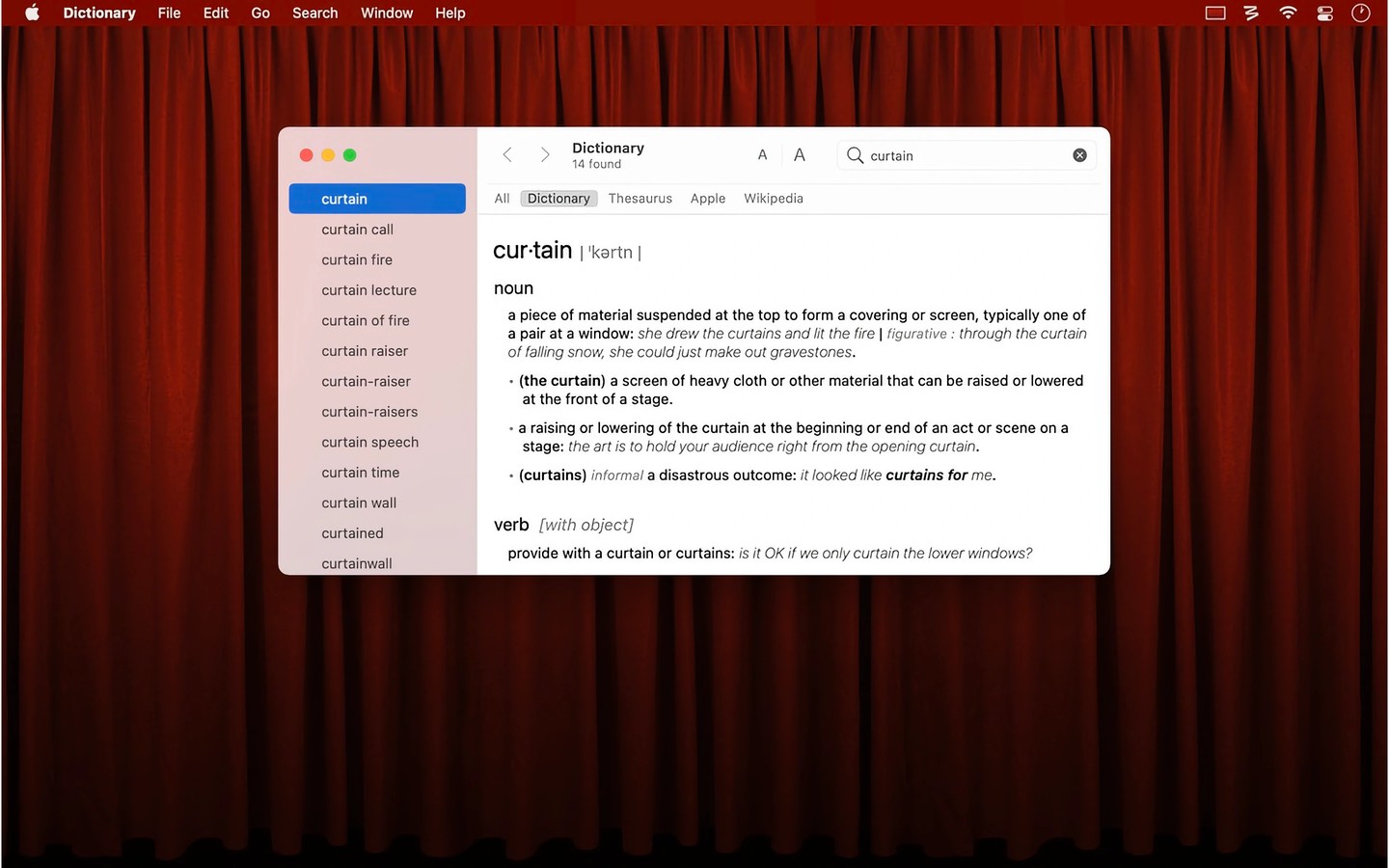
Desktop Curtain covers distracting parts of your screen with a stylized curtain, an image, or a solid color. You can place it over desktop icons to hide clutter, behind the active application to hide other windows, or behind the icons as a desktop background. It can also sit among your open windows like a normal window.
You can isolate the frontmost window through a menu or an assigned global keyboard shortcut. Other shortcuts can toggle the curtain or activate an optional mode that covers everything, including the Dock and Command-Tab switcher. The app can run as a standard application, a menu bar icon, or without a visible app interface.
For the curtain’s appearance, you can use your current macOS desktop picture or choose another image, with options to scale, center, or tile it. On a multi-display setup, the curtain can cover either the display with the menu bar or all connected displays. You can also have it hide when entering Mission Control.
Desktop Curtain cannot draw behind the translucent menu bar on recent macOS releases. Matching your actual desktop background to the curtain image, or choosing a complementary solid color, helps keep the appearance consistent.
Tags
More in Productivity

Time Sink
Productivity
TinyCal
Productivity