
Savvyshot
Savvyshot captures and edits screenshots with annotations, customizable backgrounds, and layout controls. It also stitches scrolling captures into a single image and uses on-device text recognition to hide sensitive information.
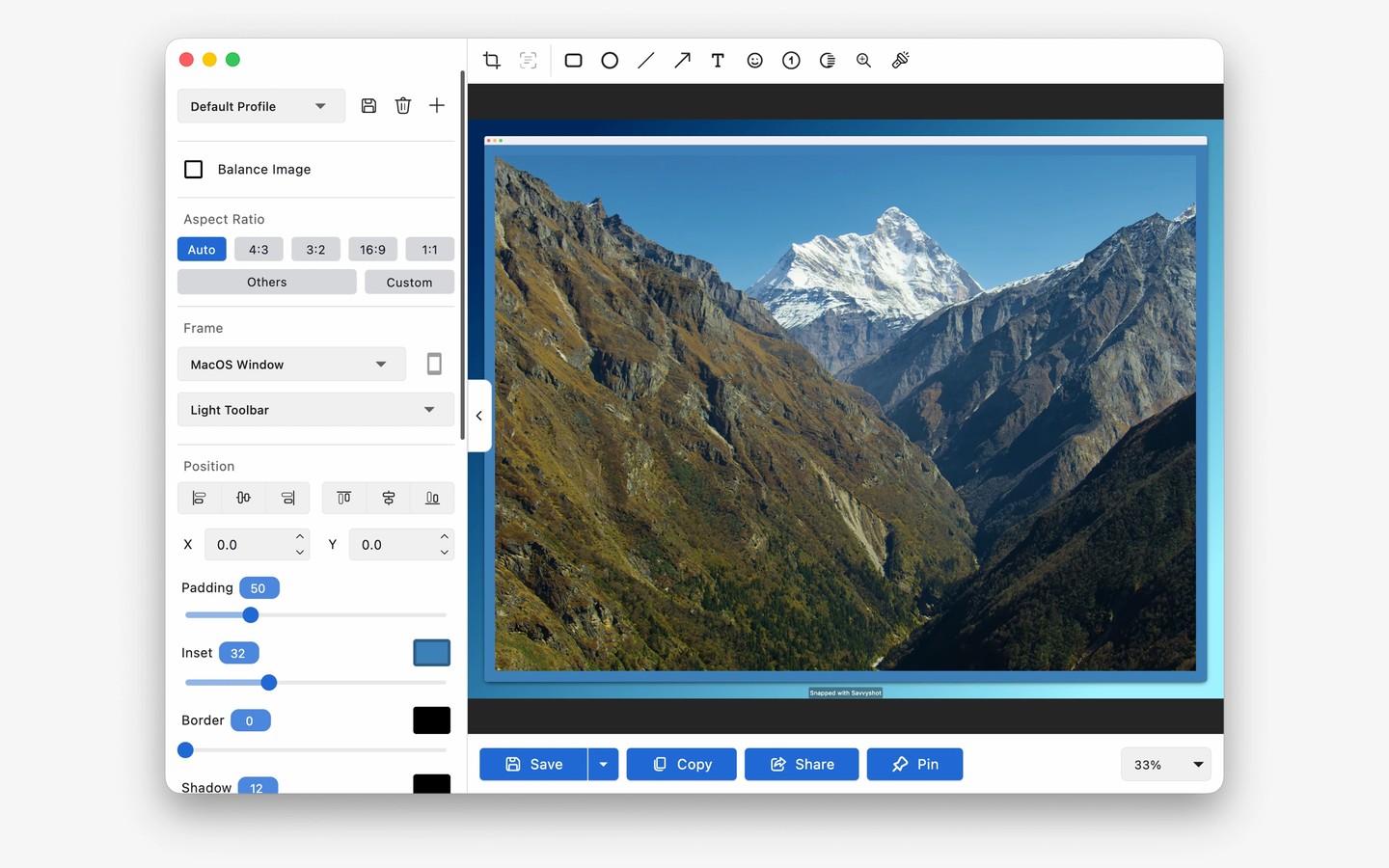
Savvyshot captures a selected region, a window, or an entire display using customizable global keyboard shortcuts. A quick preview lets you check the result before opening the editor. Scroll capture stitches multiple scrolling sections into one image for long web pages, documents, and feeds.
The editor lets you adjust padding, shadows, borders, and aspect ratios, with automatic centering to help position the capture. Background choices include presets, gradients, solid colors, custom images, and images found through an integrated Unsplash search.
You can add shapes, arrows, text, highlights, and numbered steps to explain what is on screen. A magnifier enlarges selected details, while a blur tool obscures chosen areas. Automatic redaction uses on-device text recognition to hide sensitive information such as email addresses, credit card numbers, and API keys.
Screenshots can stay pinned above other windows as reference material. Finished images can be exported as WebP or shared through the system share menu. You can also use a looping video as a background and export the result as a GIF or MP4.
Tags
More in Productivity

Cronometer
Productivity
Hogwasher
Productivity