
Name Mangler
Name Mangler renames batches of files using configurable, multi-step rules. Preview the results before applying changes, build names from file metadata, and save recurring tasks as presets or drag-and-drop droplets.
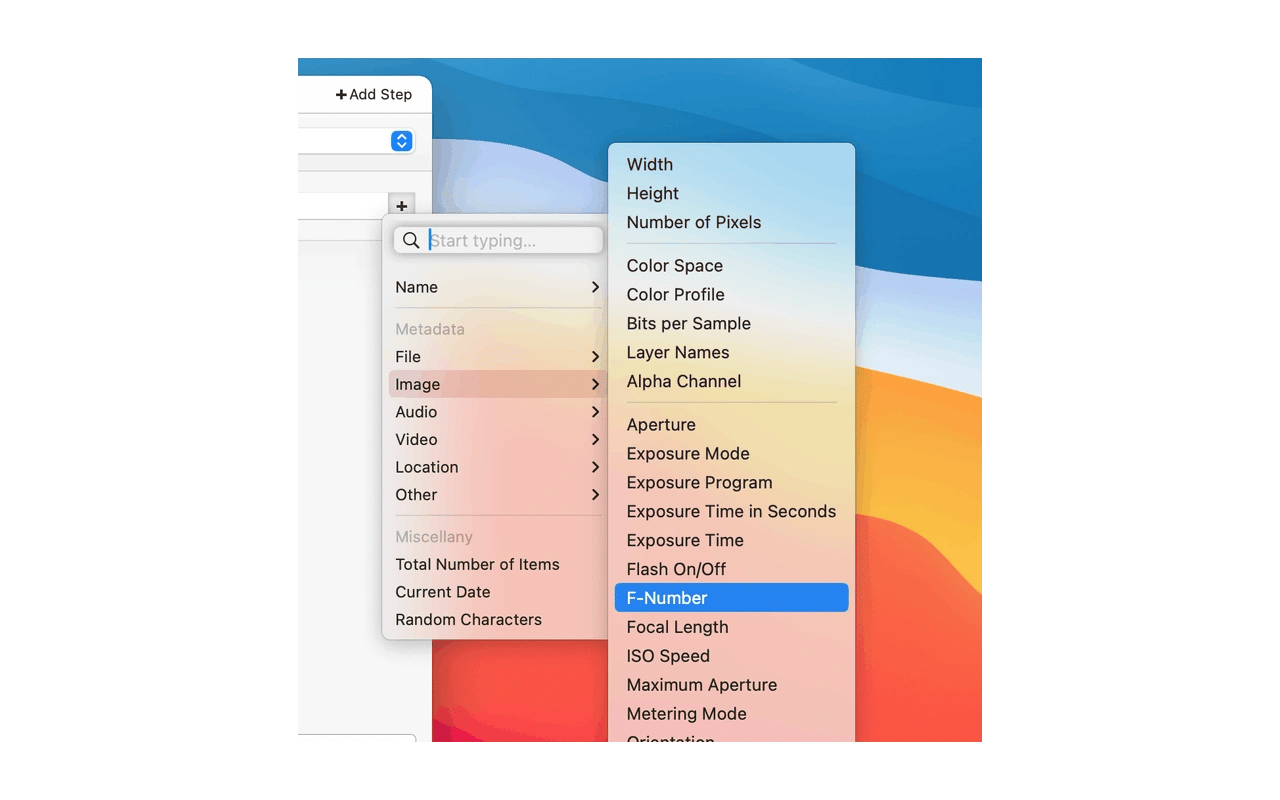
Name Mangler renames batches of files, from a few items to tens of thousands. Choose the files, select an action, and configure its options—for example, changing filenames to lowercase, uppercase, or title case. A preview shows the new names before you apply them.
For more involved tasks, you can combine several actions into one operation and rearrange the steps as needed. Interim results show how filenames change at each step. More than 150 metadata fields are available for building names, with formatting options for certain numeric and date values.
Frequently used actions can be saved as presets, and a history lets you reuse previous renaming actions. You can also create droplets: standalone apps that apply a saved renaming action when you drop files onto them. Renaming configurations can be imported and exported for use on other Macs.
Potential duplicates are flagged before renaming, and you can filter the preview to show only files that will change. After a rename, you can revert the last-performed action. For more complex rules, Advanced mode provides an editor for writing and saving small programs that run within Name Mangler.
Tags
More in Productivity

BoxBox
Productivity
TinyAlarm
Productivity