
Mowji
Mowji is a keyboard-first emoji picker for Mac. Type a colon and a search word to choose an emoji without leaving your typing workflow, with typo-tolerant search, custom aliases, and offline operation.
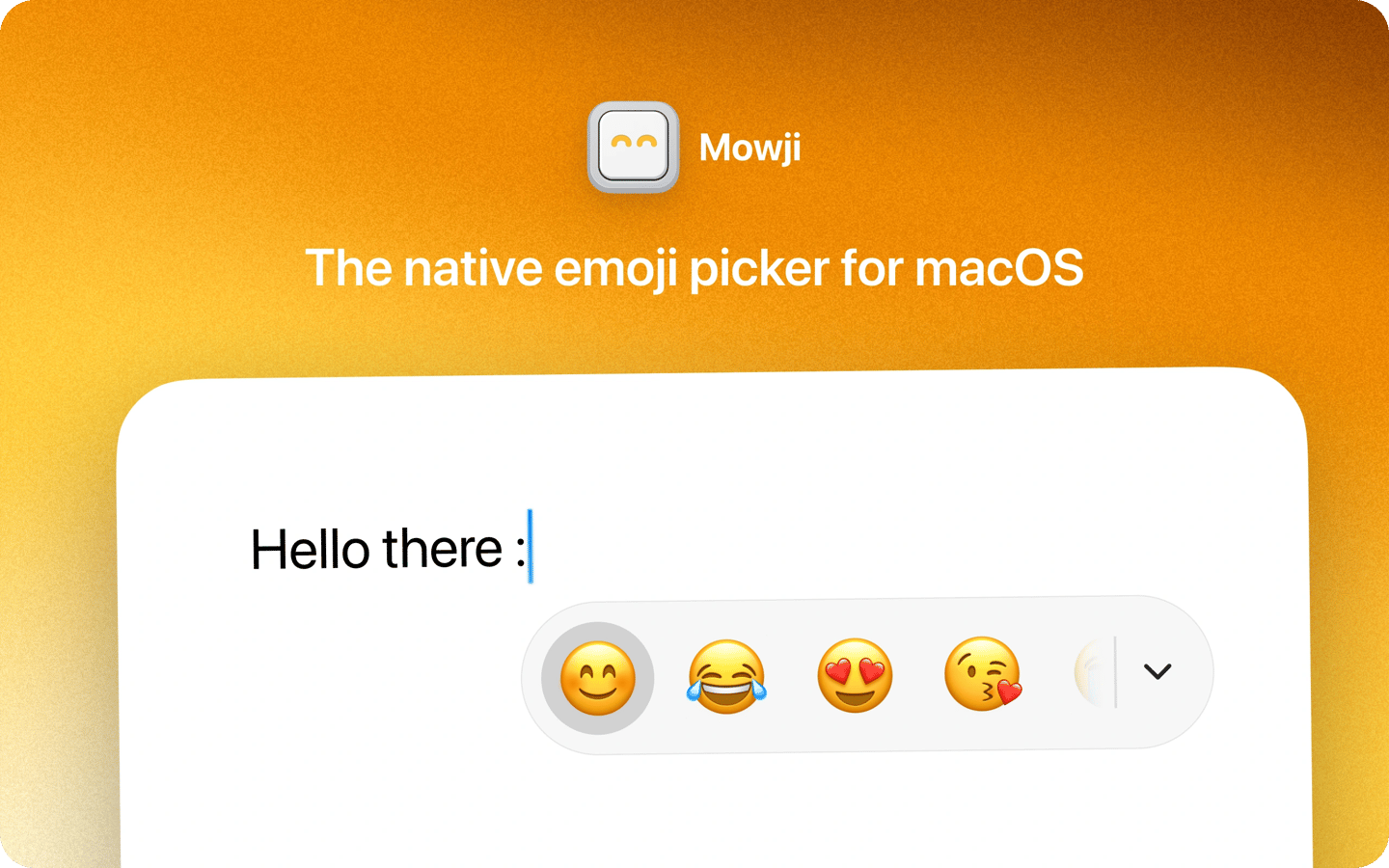
Mowji is a native emoji picker for Mac that lets you insert emoji as you type across apps. Type a colon to open the picker, then use the arrow keys to choose an emoji and Return to insert it. You can change the trigger character if a colon does not suit the way you type.
The picker shows your favorites first, and you can keep typing to search beyond them. Search supports typos, descriptive words, and combinations of words, so you do not need to know an emoji’s exact name. You can also expand the picker into a full emoji browser. Searches are processed on your Mac, and finding and inserting emoji works offline.
Mowji learns from the emoji you use to personalize searches over time. You can save and reorder up to 30 favorites, create custom search aliases, hide unwanted emoji from results, and set a preferred skin tone for supported emoji.
Mowji requires macOS 15 or later.
Tags
More in Utilities

Lunar
Utilities
MacUpdater
Utilities