
DevCleaner
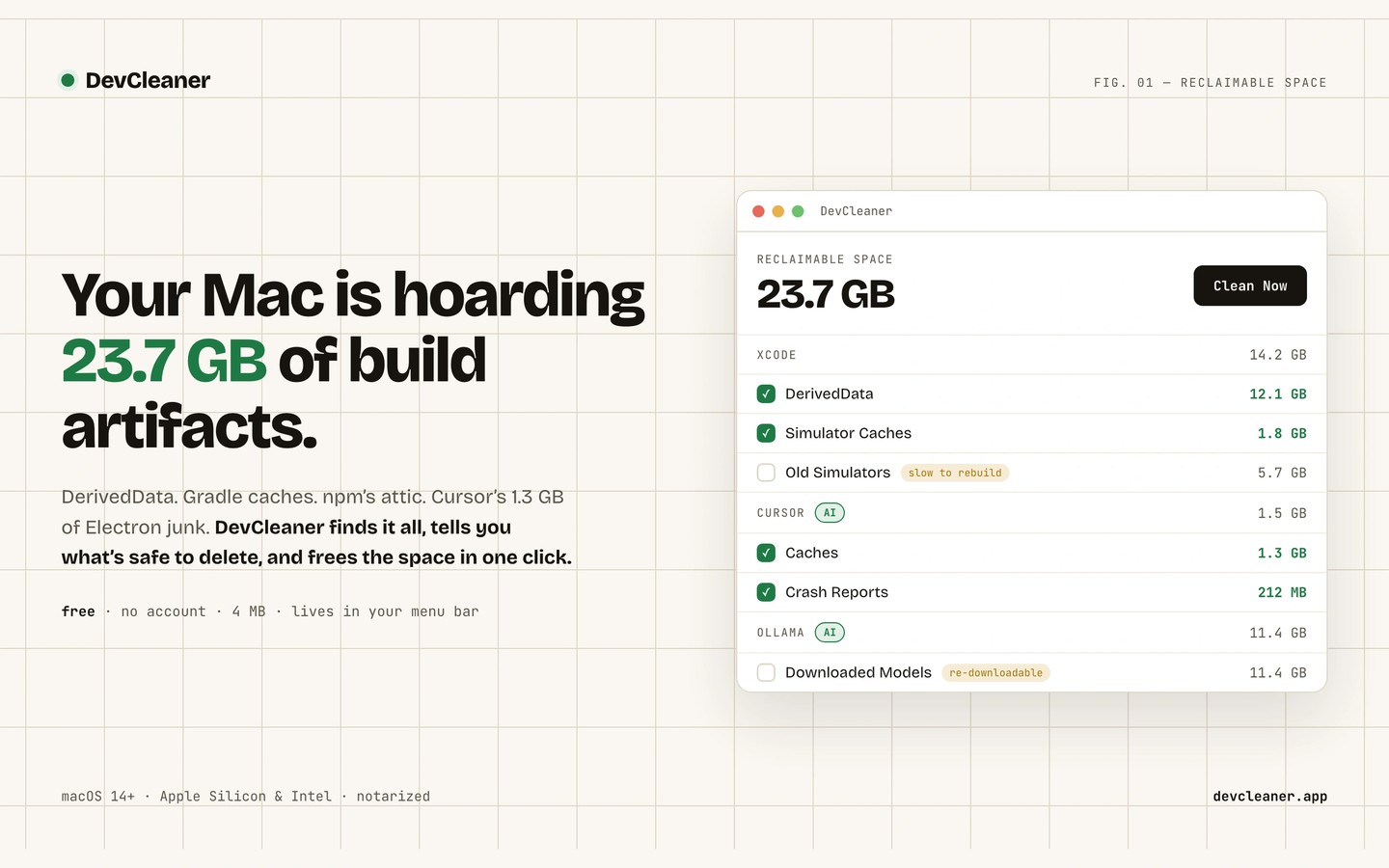
DevCleaner helps developers reclaim disk space by finding caches, build artifacts, and leftover files from development tools. It covers Xcode, Android Studio, Node.js package managers, Docker, Python, and other toolchains, as well as AI coding apps and downloaded local models.
Scan results show file sizes and risk levels so you can choose what to remove. Quick Clean removes items rated Safe, while simulators, archived builds, SDKs, device support files, and model weights require deliberate selection. Credentials and session files are excluded from normal cleaning, and the app warns before cleaning caches belonging to an app that is still running.
Cleanup permanently deletes files by default; an optional Move to Trash setting must be enabled if you prefer that behavior. Removed caches may need to be rebuilt or downloaded again. Higher-risk items remain unchecked by default, and removing SDKs or device symbols can disrupt your development environment.
The menu bar panel shows reclaimable space and opens the full window for reviewing results. DevCleaner also supports custom folders, automatic cleanup, and cleanup triggered when you quit a development app. Project Hibernation archives inactive projects while stripping regenerable build folders and retaining lockfiles. It verifies the archive before deleting the original and can restore the project to its original path and rerun dependency installation.
DevCleaner requires macOS 14 or later and supports Apple Silicon and Intel Macs. It runs as a menu bar app without a Dock icon.
Similar Apps

Key Codes
Developer Tools
Push Hero
Developer Tools