
Aloud
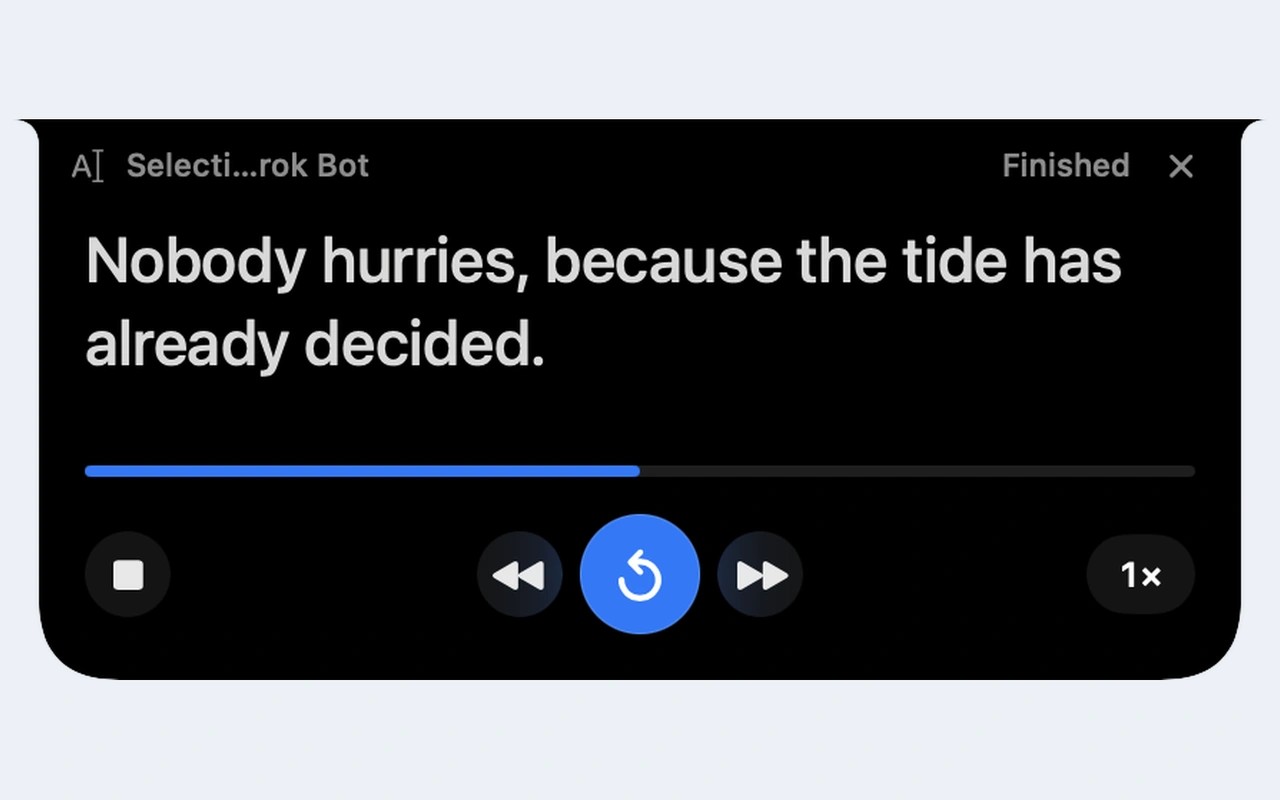
Aloud is a menu bar app that reads selected text, PDFs, web articles and text in screenshots or images aloud. Its floating reader shows the sentence being read and highlights the current word without taking focus from your work. You can hide the reader and keep listening, adjust playback speed, or resume a recent reading where you stopped.
Start reading through customizable keyboard shortcuts, the Services menu, Shortcuts or Siri. Aloud can extract the article from the front tab in Safari or Chrome, leaving out menus, ads and captions. Reading browser articles requires Automation permission; capturing a screen area requires Screen Recording permission. Accessibility permission supports reading selections in other apps, while the right-click service works without it.
For PDFs, Aloud skips running headers, footers and page numbers, rejoins hyphenated line breaks, and connects paragraphs across pages. Text recognition for scanned pages and images runs on your Mac, though multi-column layouts can be read out of order. You can jump to a PDF page, set custom pronunciations, and export a reading as an M4A audio file.
Aloud uses installed Apple voices for on-device reading. On Macs with Apple silicon and macOS 15 or later, an optional 327 MB download adds the on-device Kokoro voice. Both work offline. You can also use ElevenLabs or Cartesia voices with your own account and API key; text is sent to the selected service only when you use its voices. The app has no analytics or telemetry.
Aloud requires macOS 14 or later. Other reading controls include a sleep timer, page themes, and a focus mode that dims everything except the paragraph being read.
Similar Apps

Cronometer
Productivity
Keyboard Maestro
Productivity