
Stay Green
Stay Green keeps Teams, Slack and other chat apps showing Available by resetting your Mac’s idle timer without moving the cursor. Work-hour schedules and manual pauses control when it runs.
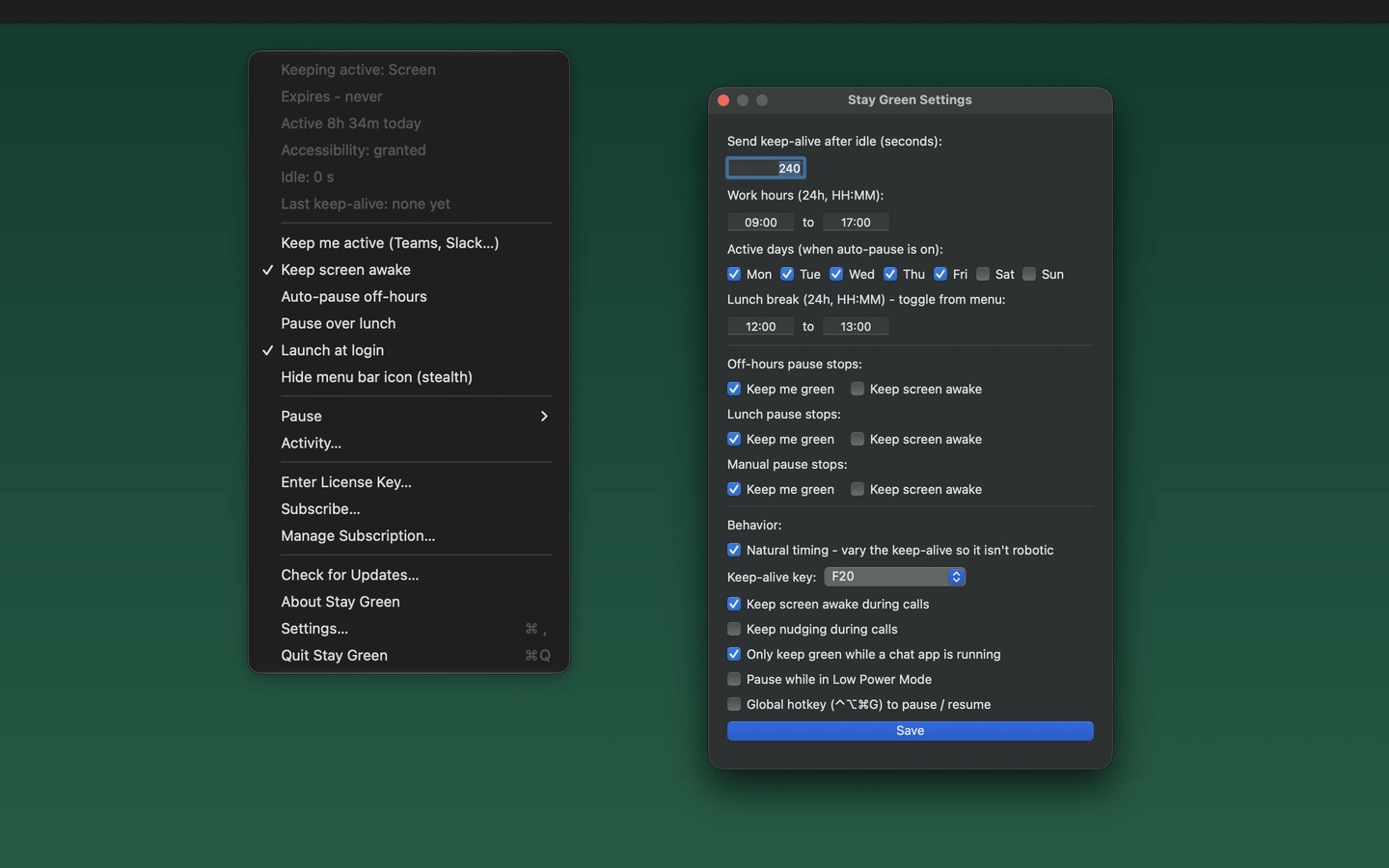
Stay Green is a menu-bar app that keeps Teams, Slack and other chat apps showing Available while you are away from the keyboard. It resets the system idle timer when you go idle, without moving your cursor or installing anything in your chat apps. This lets you read, think or take a phone call without your status switching to Away because of inactivity.
You can choose active hours and days, pause over lunch, and let the app stop working outside your schedule. Manual controls let you pause for an hour or until you resume it. A separate option keeps the display awake and prevents the screensaver from starting.
Stay Green can launch at login and runs without a Dock icon. You can also hide its menu-bar icon entirely. It requires no account and collects no data.
More in Utilities

Simple Mouse Locator
Utilities
MacOSCleaner
Utilities