
SoundBuddy
SoundBuddy manages your Mac’s default microphone from a menu bar app. Optional Input Lock restores your preferred input when macOS changes it, with a chosen fallback if that microphone disconnects.
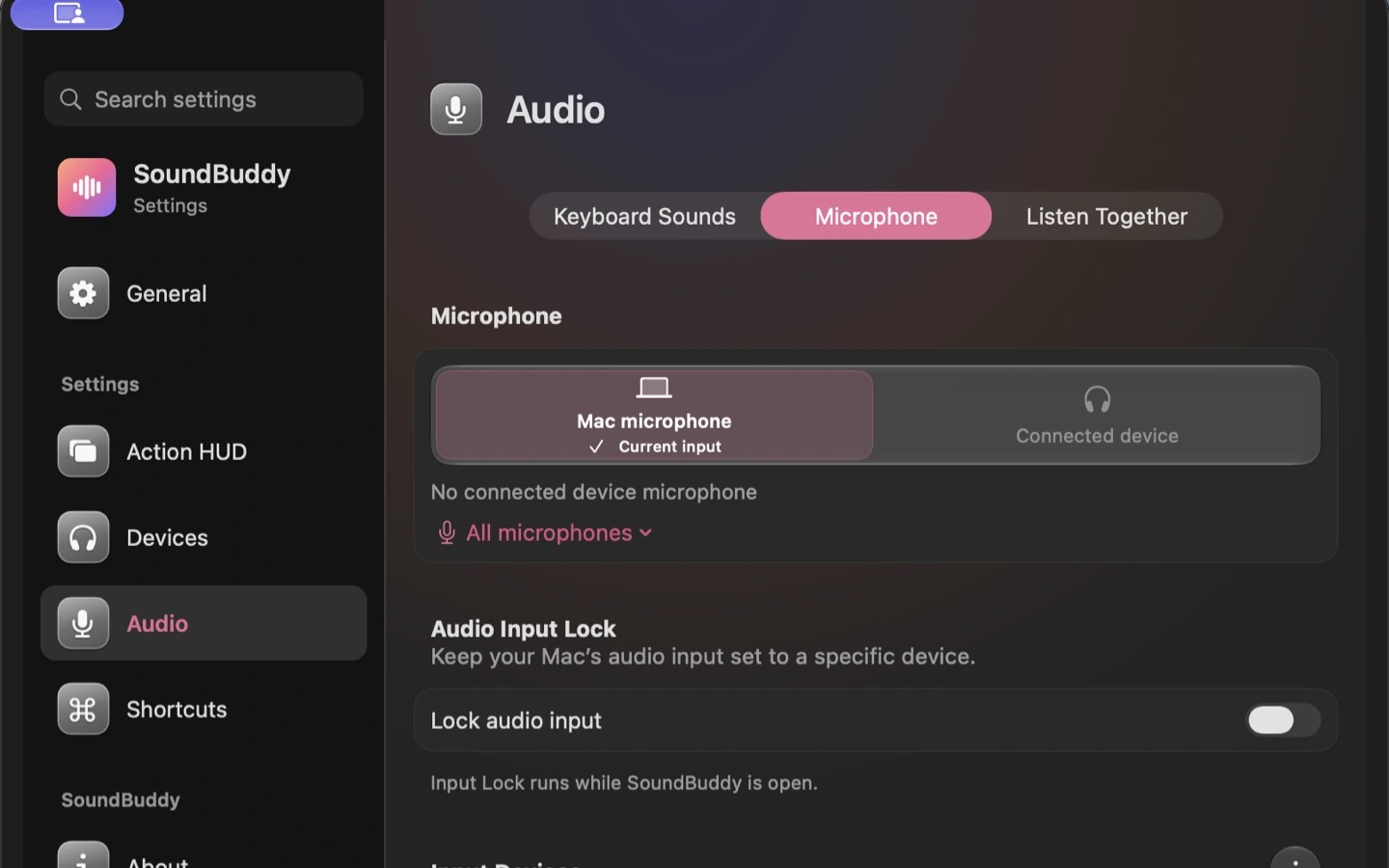
SoundBuddy is a menu bar utility for choosing and maintaining your Mac’s default microphone. In its Audio settings, you select an available input and optionally enable Input Lock. While SoundBuddy is open, it restores your selection if macOS changes the input when headphones connect.
You can choose a fallback microphone to take over if your preferred microphone disconnects. These settings affect the Mac’s default input; call apps may use their own microphone settings, which you should check separately. Choosing a microphone does not record audio.
SoundBuddy also plays optional keyboard sounds from six bundled sound packs and shows a popup when a device connects. Device controls and preferences work locally, and battery information appears only when the connected device exposes it.
Tags
More in Utilities

Sandkorn
Utilities
TopNotch
Utilities