
LiteIcon
Utilities
LiteIcon changes system icons by letting you drag replacement icons onto existing ones and apply the changes. You can restore an original icon by dragging its replacement out.
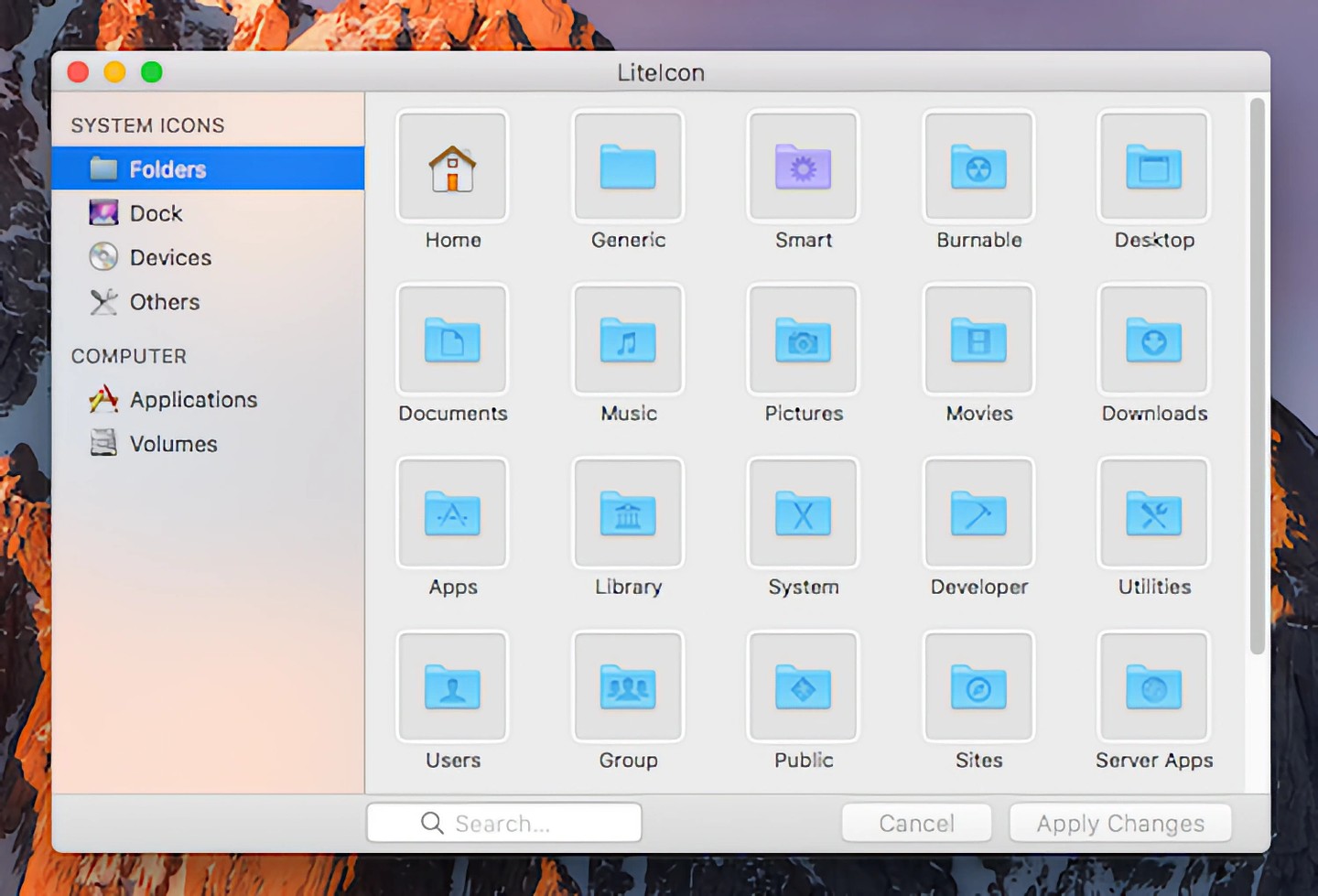
LiteIcon lets you replace system icons to change the appearance of your Mac. Drag a replacement icon onto the icon you want to change, then click Apply Changes.
To restore an original icon, drag its replacement out. System icon replacement is not supported on macOS Big Sur.
Tags
More in Utilities

Tuck
Utilities
A menu bar manager that hides icons and keeps them accessible in a separate panel.
Menu bar
System customization

Shiny
Utilities
A menu bar utility for memory cleanup and managing busy background apps.
Memory cleanup

OpenNavo
Utilities
A Homebrew app manager with local malware scanning before installation.
App installation
App updater