
One Task
One Task keeps a queue of tasks and shows one at a time in a widget. Mark the displayed task complete to reveal the next, with iCloud syncing across supported Apple devices.
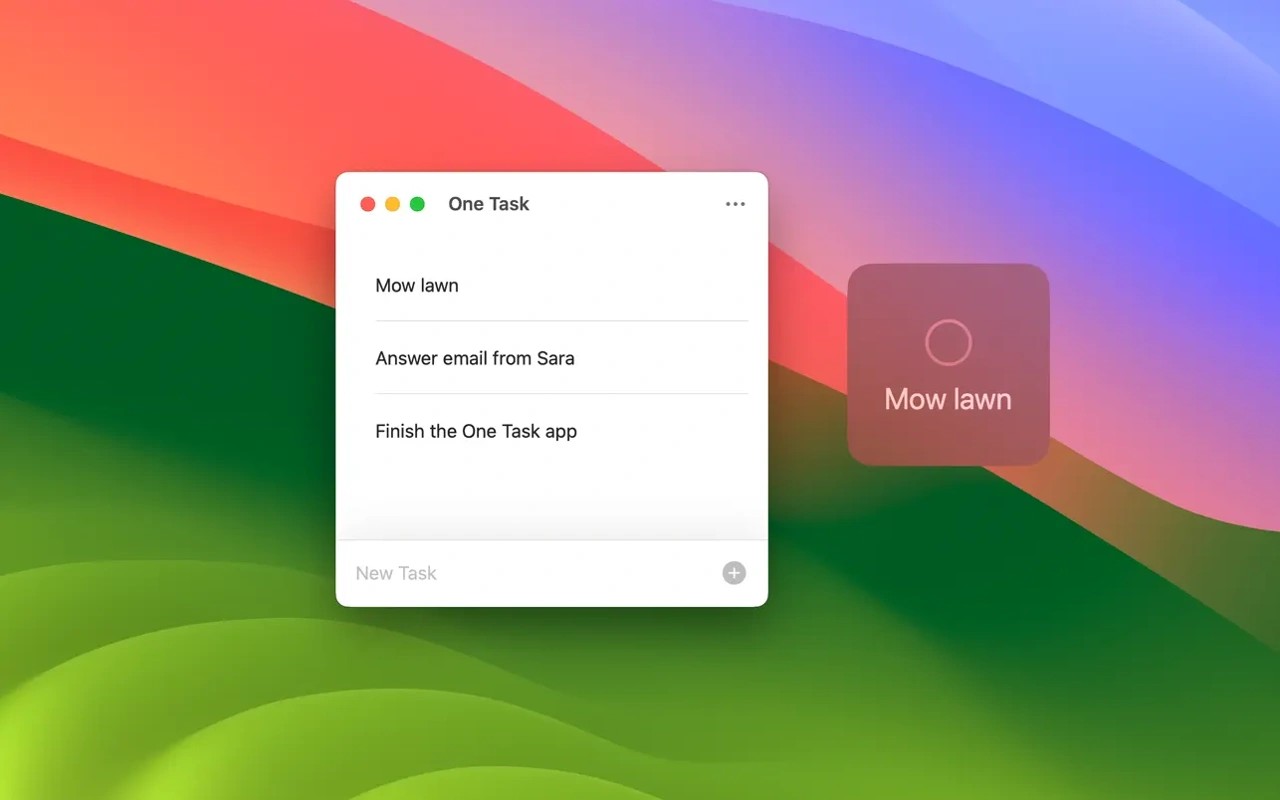
One Task is a task manager built around completing one item at a time. Add tasks to a queue and place its widget on your desktop. Clicking the widget marks the displayed task complete and brings up the next one.
The app is designed for tasks you intend to finish today rather than long-term planning. It leaves out folders, tags, priorities, and notes. There is no built-in support for recurring tasks or task templates, though Shortcuts can be used to add repeated sets of tasks.
On Mac, you can drag text onto the menu bar item or use the “Add to One Task” service on selected text. Each line of dragged text becomes a separate task. You can also copy tasks from apps such as Reminders or Things and import them with the Paste button. This is a manual import, not automatic integration with those apps.
Tasks sync through iCloud across macOS, iOS, watchOS, and visionOS. The Mac app does not sync while it is focused. Turning off iCloud syncing erases existing items, so tasks should be copied out first if you want to keep them.
Tags
More in Productivity

DraftKey
Productivity
Any Text
Productivity