
Elmren Voice
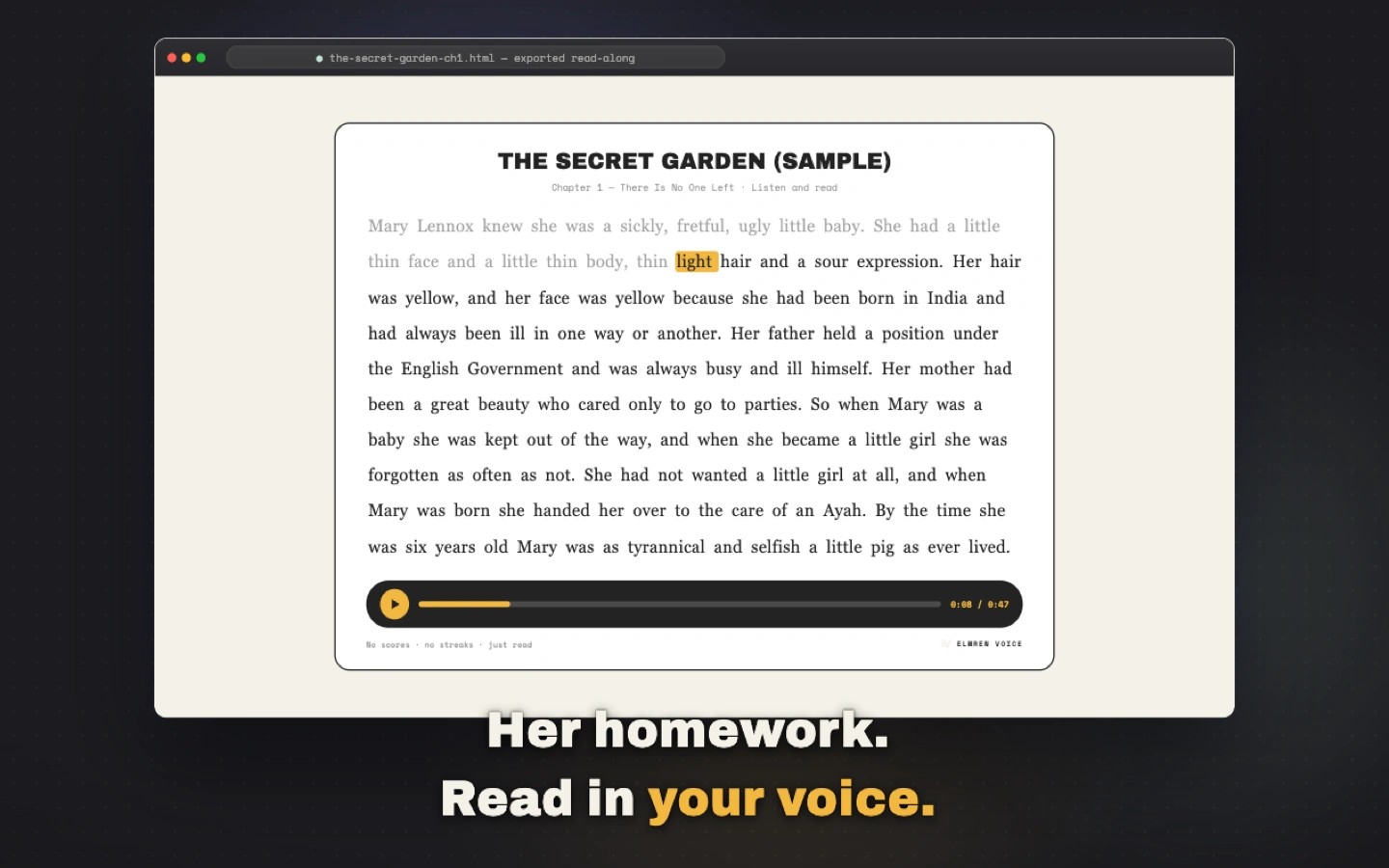
Elmren Voice converts your own reading materials and manuscripts into audio and read-along books. You can paste text or import TXT, Markdown, EPUB, PDF, DOCX, SRT, VTT, and HTML files. Scanned PDFs need a text layer.
Choose a built-in voice or create a reusable voice from a clean, 6–10 second recording you have permission to use. For character-based scripts, Script Mode suggests a voice for each speaker so you can confirm or change the choices before generating the audio in order.
Finished work can be exported as chapter audio, chaptered M4B audiobooks, self-contained read-along HTML pages, or MP4 video. The HTML output highlights words as the voice reads, with a separate page for each chapter. Video exports combine readable text and sound for playback on a TV or tablet.
Text, recordings, cloned voices, and generated audio stay on your Mac, and day-to-day creation works offline. Engine and voice-pack downloads, plus license activation and verification, require network access. Elmren Voice requires an Apple silicon Mac (M1 or later) running macOS 13 or later.