
Coolbar
Coolbar keeps bookmarks for files, folders, links, text, and images in the menu bar. Add items by dragging them in, organize them into collections, and sync your data through iCloud.
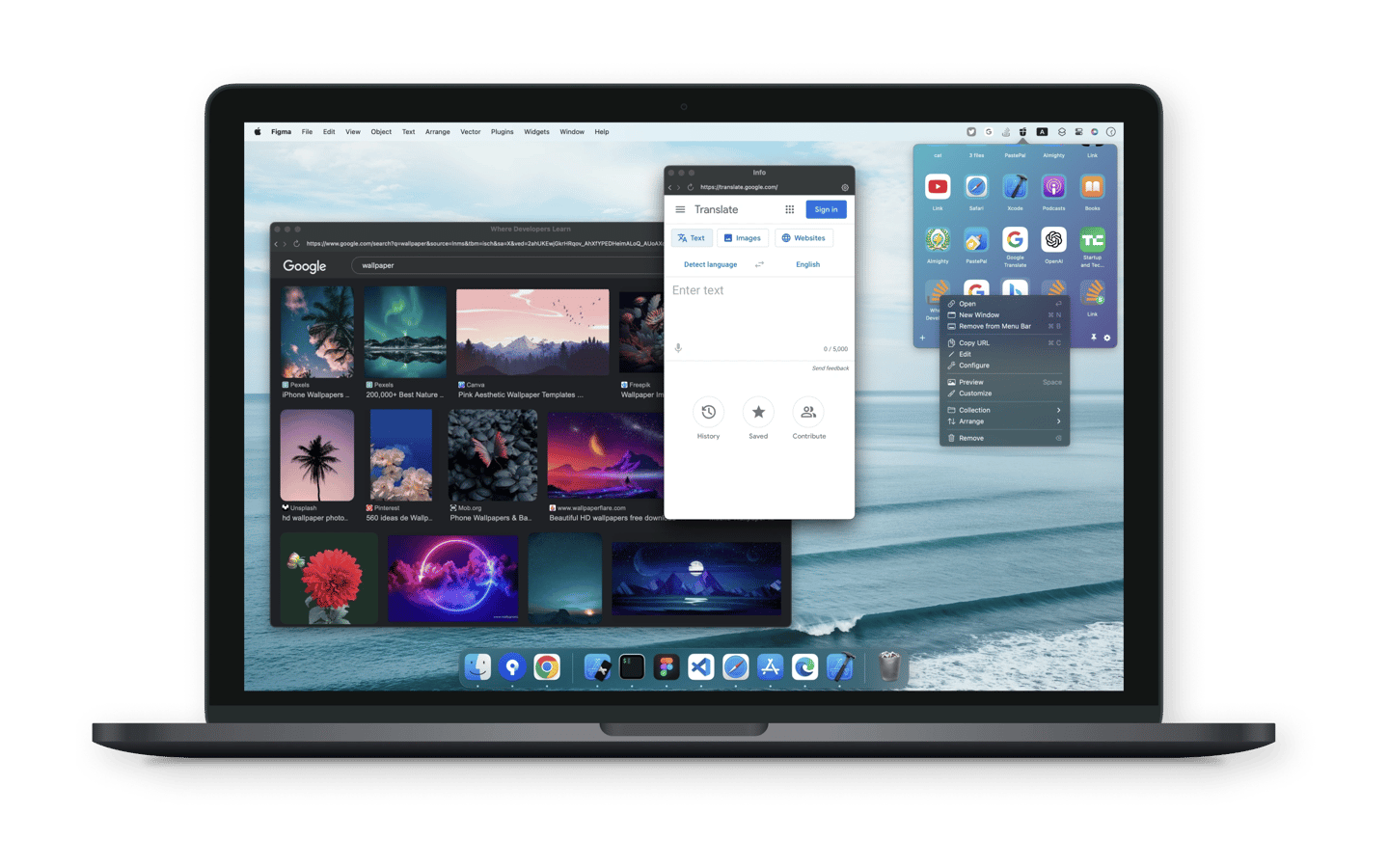
Coolbar is a menu bar bookmark manager for files, folders, links, text, and images. You can add content by drag and drop, from the clipboard, or through manual input. Shaking while dragging files opens Coolbar so you can add them without first opening its menu.
Bookmarks can be grouped into collections, named, and tagged for easier searching. Filters let you view recent, labelled, or uncategorized items and narrow results by content type. Keyboard shortcuts help with navigation, and pressing Space opens a preview where you can open or drag files. Data syncs through iCloud.
Link bookmarks can be pinned directly to the menu bar or opened in a chosen browser. Coolbar also supports video and music playback in resizable floating windows. Browsing profiles keep login sessions separate, allowing links to use different accounts.
Tags
More in Productivity

Command X
Productivity
Actions
Productivity