
Aiko
Aiko turns recordings of meetings, lectures, and voice memos into text using Whisper on your device, without uploading audio. It supports about 100 languages and exports transcripts as text or subtitles.
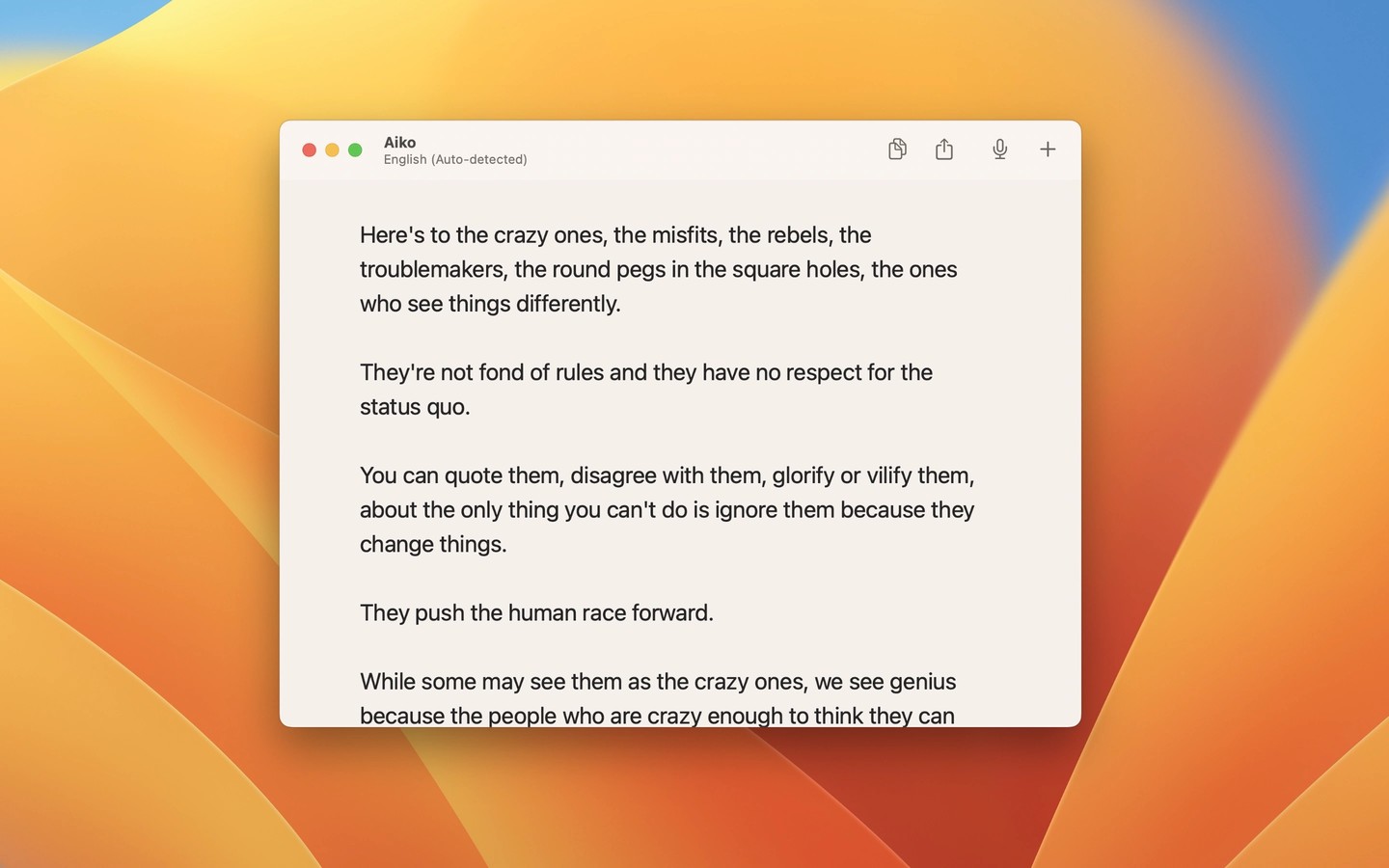
Aiko transcribes recorded audio and video into text using OpenAI’s Whisper model running on your device. Audio is not uploaded for transcription. It works with formats supported by macOS, including M4A, WAV, MP3, MP4, and MOV, but not Ogg.
The app supports about 100 languages, though transcription quality varies by language and recordings that mix languages are not handled reliably. It can also translate speech into English. Getting both the original transcript and an English translation requires running the recording through twice.
You can export plain text, text with timestamps, SRT or WebVTT subtitles, JSON, and CSV. Shortcuts integration allows batch transcription and, after adding the relevant shortcut, transcription from Finder Quick Actions. Batch processing is not built into the app itself.
Aiko processes recordings rather than providing live transcription, and it does not label speakers or let you edit transcripts within the app. It shows one transcript at a time, with each new transcript replacing the previous one, so copy or export anything you want to keep. Results may need checking for missing punctuation, repetition, or text that was not spoken.
Tags
More in Productivity

Readability
Productivity
Focusey
Productivity