
Amazing AI
Amazing AI generates images from text descriptions using Stable Diffusion, with all processing on your device. It requires an Apple silicon Mac and supports negative prompts to specify what to exclude.
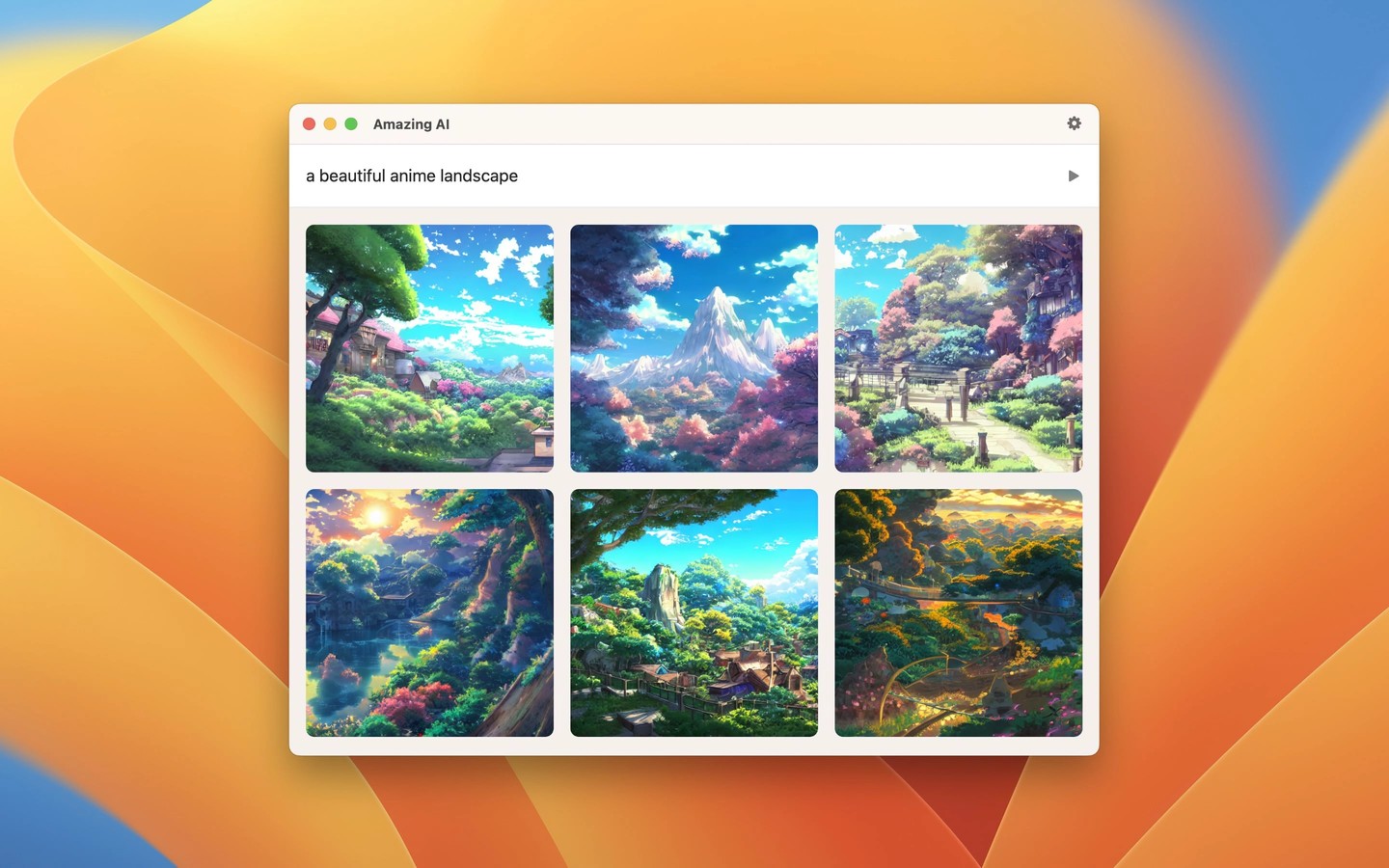
Amazing AI turns text descriptions into images using Stable Diffusion. It runs locally on your device using the Apple Neural Engine. On Mac, it requires Apple silicon and does not support Intel processors.
You describe the image you want and can add a negative prompt after “##” to specify things to exclude. Detailed descriptions are needed for usable results. Generated images are square, and the app does not support custom models or editing images through inpainting or outpainting.
Click a thumbnail to preview an image, then use keyboard shortcuts to browse, save, or copy results. Saved images can include the prompt and generation settings in their metadata, which you can inspect in Finder. File tags also help organize results with smart folders.
Images saved, shared, dragged out, or obtained through Shortcuts include metadata identifying them as AI-generated. This is not a visible or invisible watermark: copied images do not include the mark, and screenshots, format conversion, or websites that strip metadata can remove it.
Generation speed depends on your Mac and its available resources, and the first generation after installation may take longer for model validation. The safety check can sometimes block harmless images. Generated images may be used commercially or non-commercially, subject to the Creative ML OpenRAIL-M license’s usage restrictions.
Tags
More in Graphics & Design

PeerBrush
Graphics & Design
Pixelmator
Graphics & Design