
System Color Picker
System Color Picker turns the macOS color picker into a standalone app for sampling screen colors and copying their values. It supports formats including Hex, RGB, HSL, and OKLCH, with palettes, recent colors, and global keyboard shortcuts.
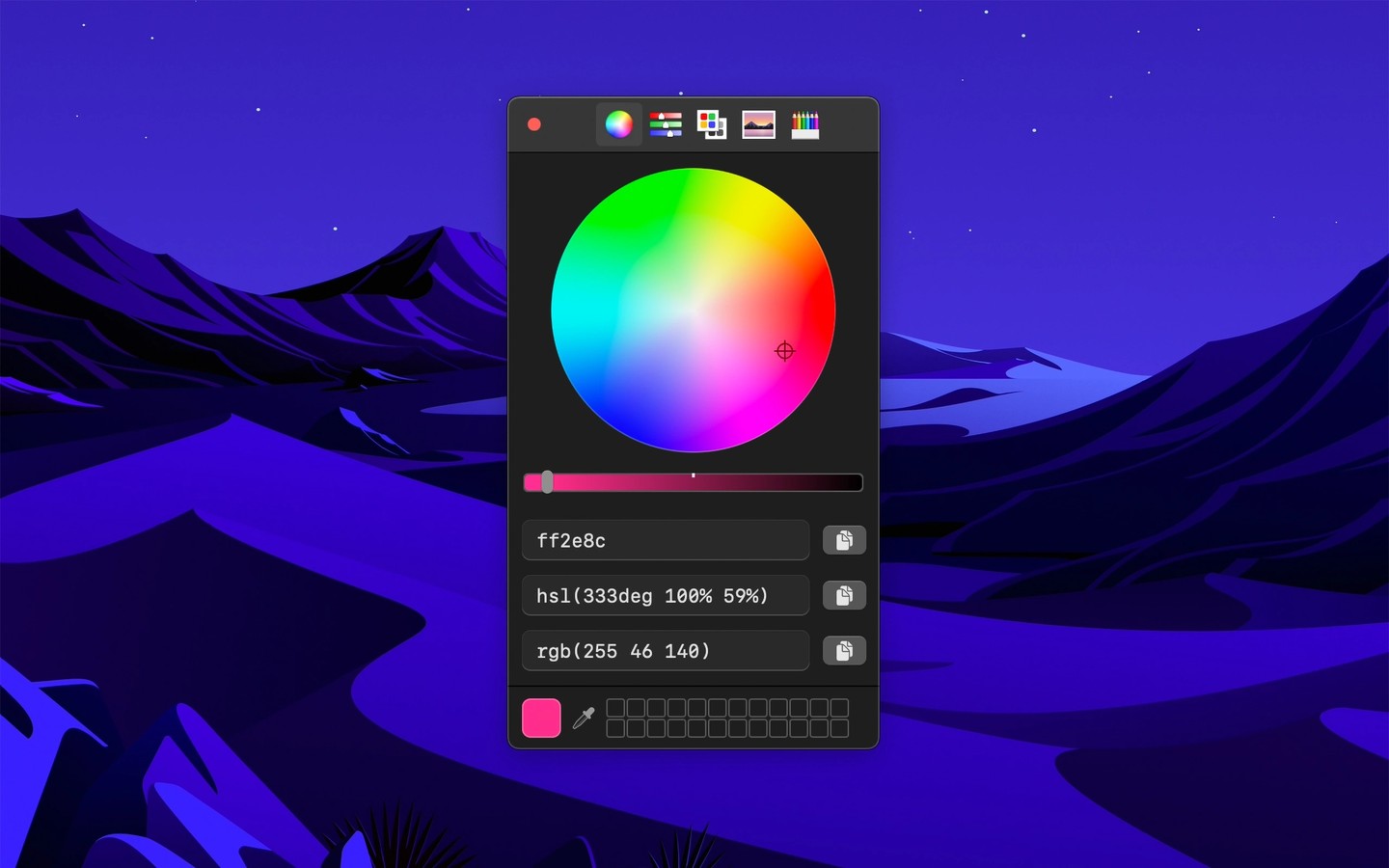
System Color Picker lets you sample colors from anywhere on the screen, adjust them, and copy their values for design or development work. It supports copying, pasting, and converting Hex, HSL, RGB, Unit RGB, OKLCH, LCH, and CMYK values. Unit RGB uses values from 0 to 1 for programming contexts.
You can use it as a normal app or from the menu bar, keep its window above other windows, and assign global keyboard shortcuts to start sampling or toggle the window. Options let you automatically copy a sampled color in your preferred format or quit after picking. Shortcuts actions also support screen sampling and working with palettes.
Palettes and recently picked colors help you reuse selections. You can add colors by dragging them into a palette, import Simple Color Palette and Adobe Swatch Exchange files, and export palettes in Simple Color Palette format. Saved palettes are also available in other apps that use the system color picker.
The screen sampler itself only displays RGB values, shown by pressing Space; other formats are available after selecting a color. Colors outside the sRGB range can change when copied from Display P3 as Hex, HSL, or RGB. OKLCH and LCH preserve those wider-range colors for use in CSS.
Tags
More in Graphics & Design

PixelStick
Graphics & Design
Linger
Graphics & Design