
Piezo
Piezo records audio from Mac apps or connected audio devices. Choose a source and start recording, with quality presets and separate audio channels for calls from apps such as FaceTime and Zoom.
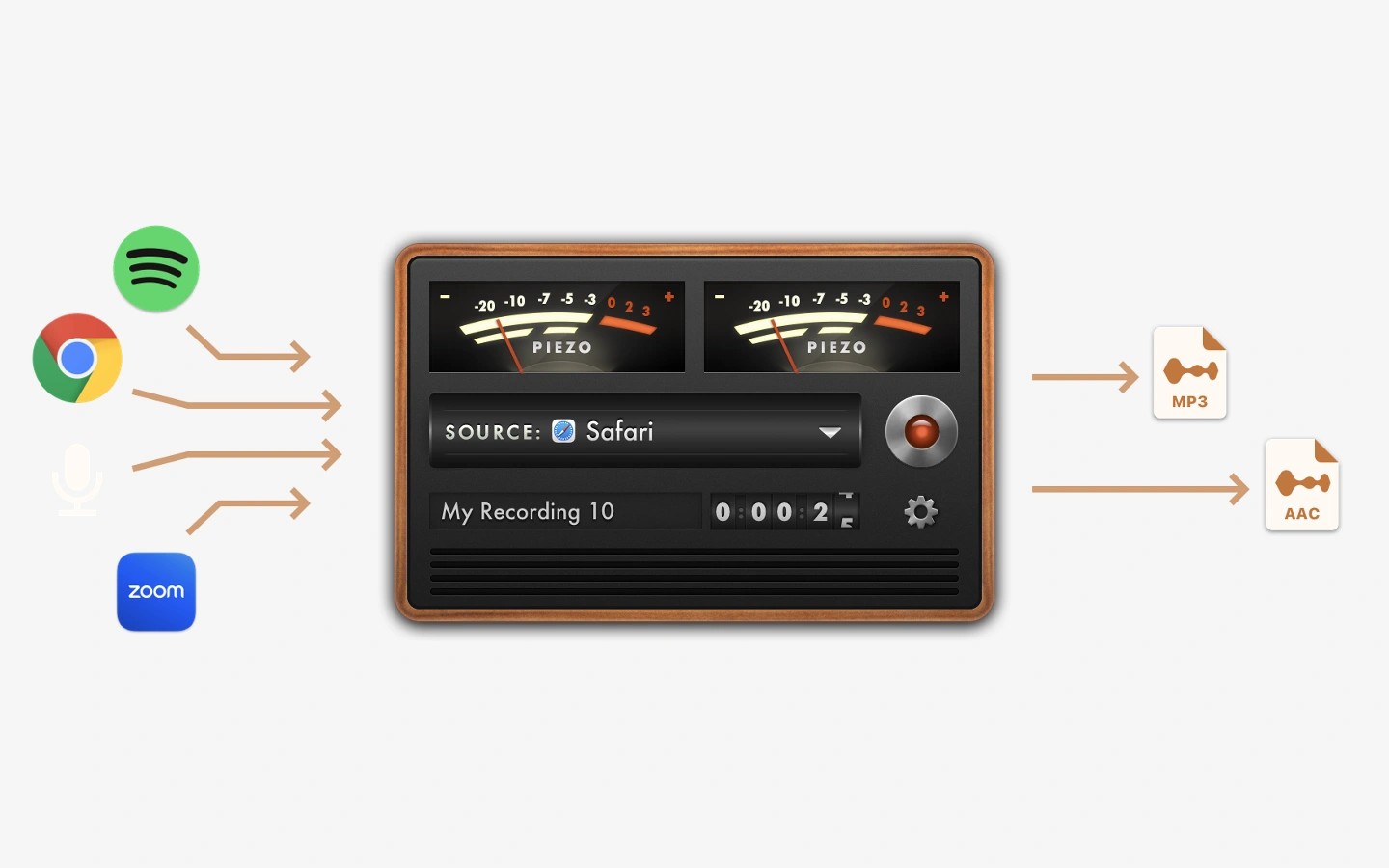
Piezo records audio from Mac applications and audio inputs such as microphones. Select an app or audio device as the source, then press Record to save its audio.
You can capture web audio by selecting Safari or Chrome, record streaming music, or save sound from movies playing in a video player. For calls in FaceTime, Zoom, and other VoIP apps, Piezo saves audio to distinct channels to make later editing easier.
Recording presets let you choose the audio quality without configuring detailed settings. A settings popover also lets you name the recording and add comments.
Tags
More in Productivity

SnapState
Productivity
Any Text
Productivity