
Magnet
Magnet arranges windows into halves, quarters, and thirds so you can work with apps side by side. Snap windows by dragging them to screen edges, using customizable keyboard shortcuts, or choosing commands from the menu bar.
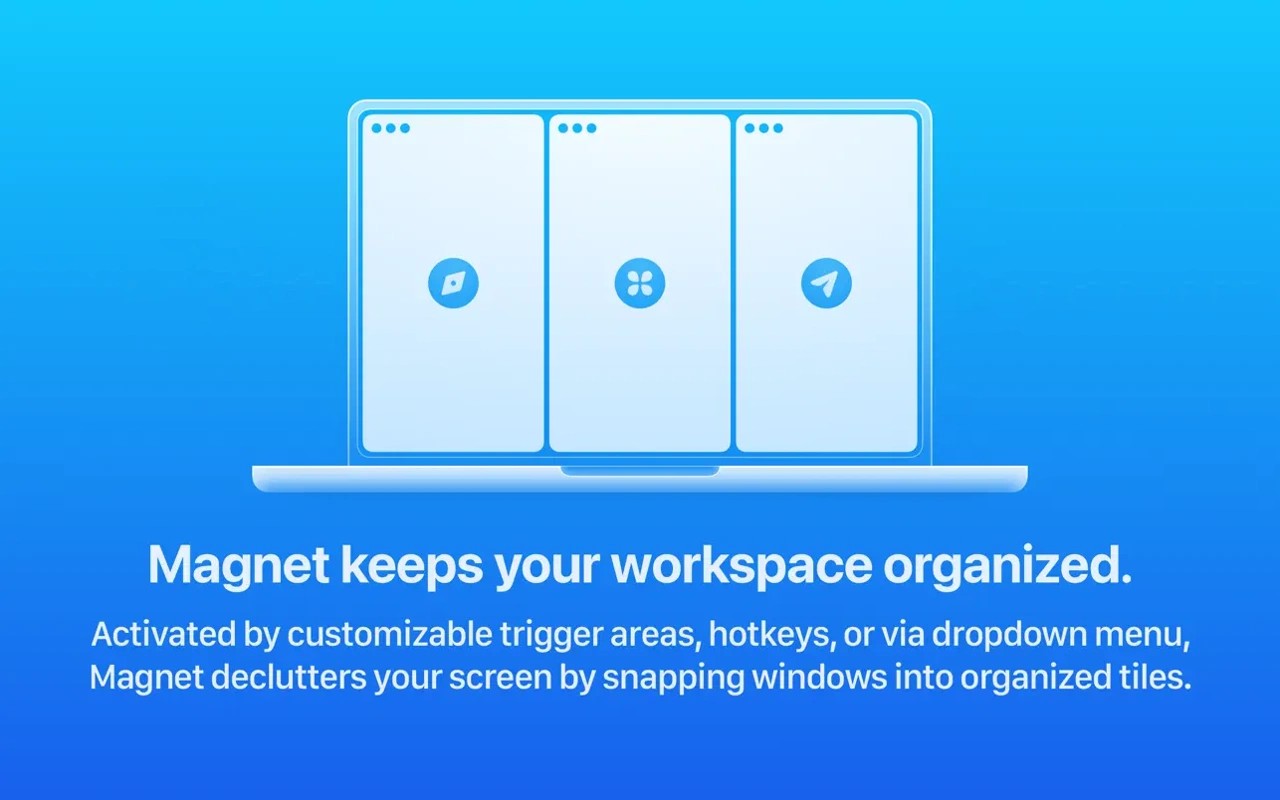
Magnet resizes and positions windows into tiles, making it easier to compare content or work across multiple apps side by side. You can arrange windows by dragging them to screen edges, using customizable keyboard shortcuts, or choosing commands from the menu bar.
Drag a window to a corner to fill a quarter of the screen, or use the side edges to arrange halves. Dragging to the top edge maximizes the window on that display. The bottom edge creates thirds, and sliding along it expands a window to two thirds.
Magnet supports up to six external displays and adapts its snapping layout for vertical screens. On a vertical display, the sides create thirds, while the corners and bottom edge provide quarters and halves.
Tags
More in Productivity

Keep It
Productivity
NameQuick
Productivity