
Shareful
Shareful adds Copy, Save to Downloads, Save As, and Open In actions to the macOS share menu. It works in apps with a share button, including Finder, Safari, Notes, and Photos.
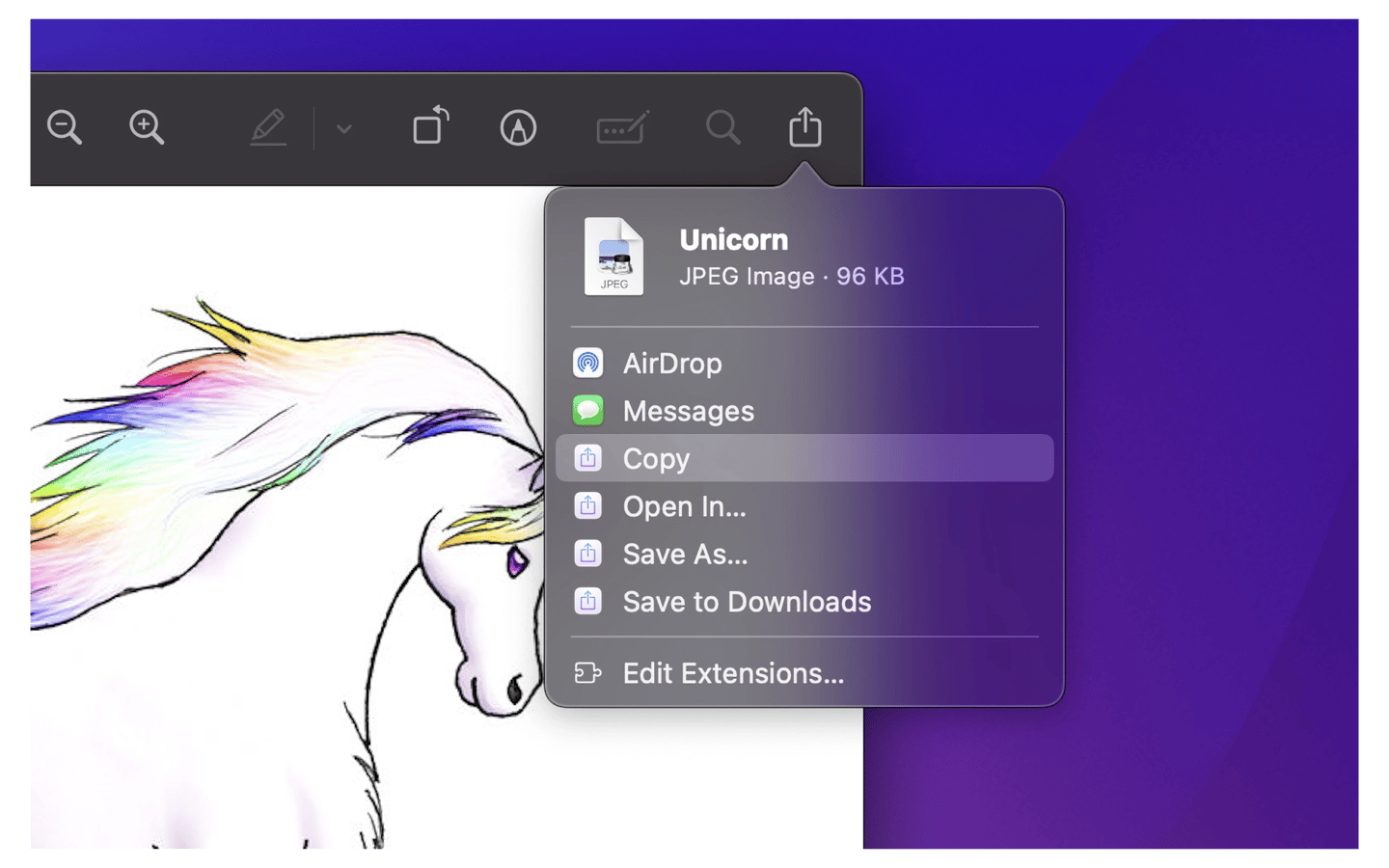
Shareful adds actions to the macOS share menu for copying, saving, and opening shared items. Copy puts an item on the clipboard so you can paste it into another app. Save to Downloads saves it directly to that folder, while Save As lets you choose a destination.
Open In sends the shared item to another app—for example, opening the current Safari page in another browser. The actions work in apps with a share button, including Finder, Safari, Notes, and Photos. You can enable the actions you want through Edit Extensions at the bottom of a share menu or through the Sharing extensions settings in System Settings.
Shareful does not offer Move or Delete actions because share extensions usually receive a copy of a file and do not have guaranteed access to the original. On managed work computers, company restrictions may block third-party share services.
Tags
More in Utilities

Disk Drill
Utilities
Aion
Utilities