
One Thing
One Thing displays a task, goal, or short reminder in your Mac’s menu bar. You can type text directly, send it from another app, or update it through Shortcuts.
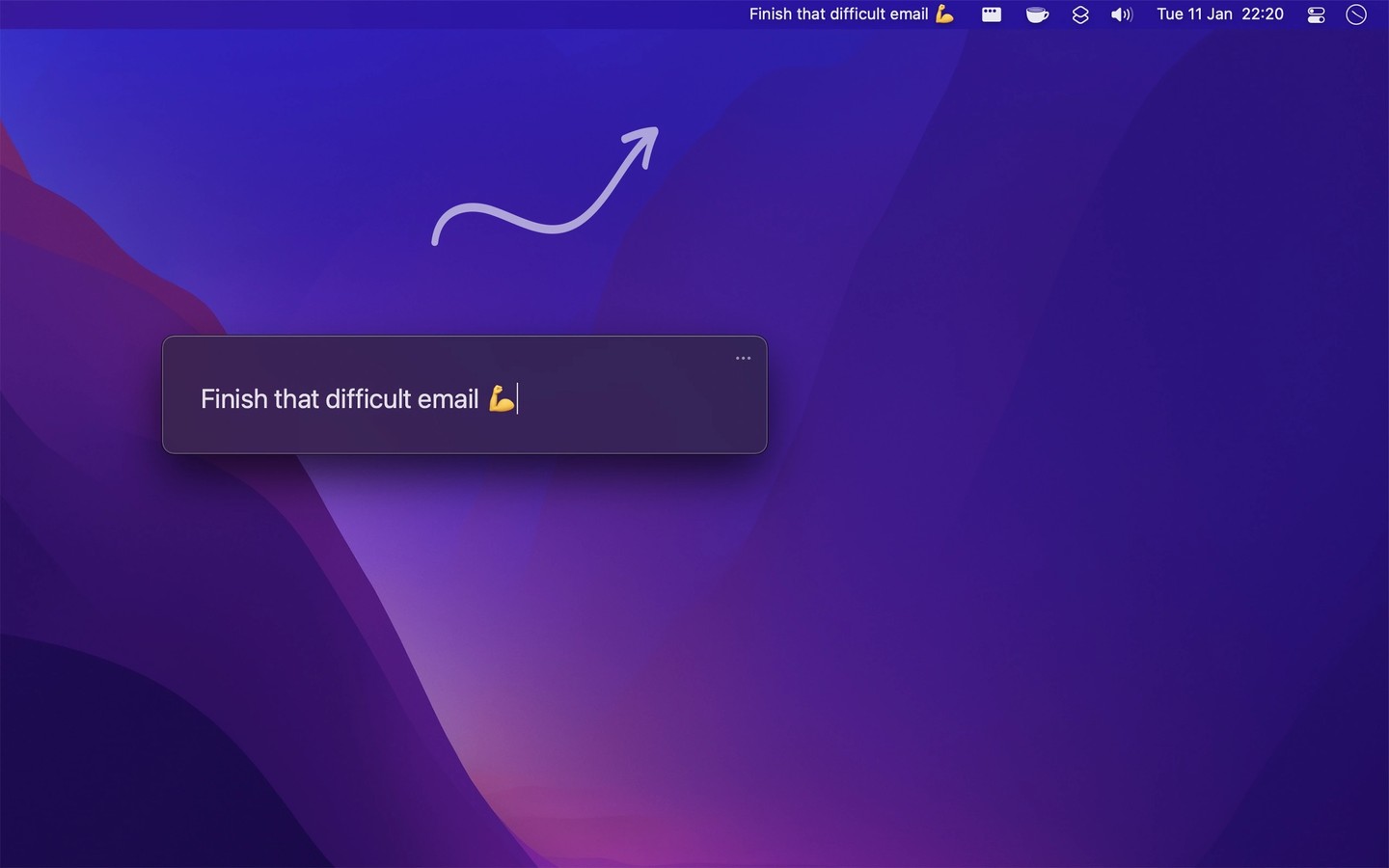
One Thing puts a single task, goal, or reminder in your Mac’s menu bar to help you keep your current priority in view. The text can also be a short note or quote rather than a task.
You can enter text in the edit window, drag text onto the menu bar item, or send selected text through Services or a supported app’s Share menu. Configurable keyboard shortcuts let you open the editor, clear the text, or set it from the clipboard. Markdown supports bold, italic, strikethrough, and links.
An optional history keeps a dated log of your most recent 1,000 entries, which you can view and export. A maximum-width setting limits how much menu bar space the text uses. If text is truncated, hovering over it shows the full entry in a tooltip. Without enough space, macOS can hide the menu bar item.
Shortcuts and a custom URL scheme let other tools update the displayed text. Example shortcuts can show a task from Things or a reminder from Reminders. Keeping that text updated requires running the shortcut manually or setting up automation; it is not automatic syncing built into One Thing.
Tags
More in Productivity

+Clock 2
Productivity
Todoey 2
Productivity